

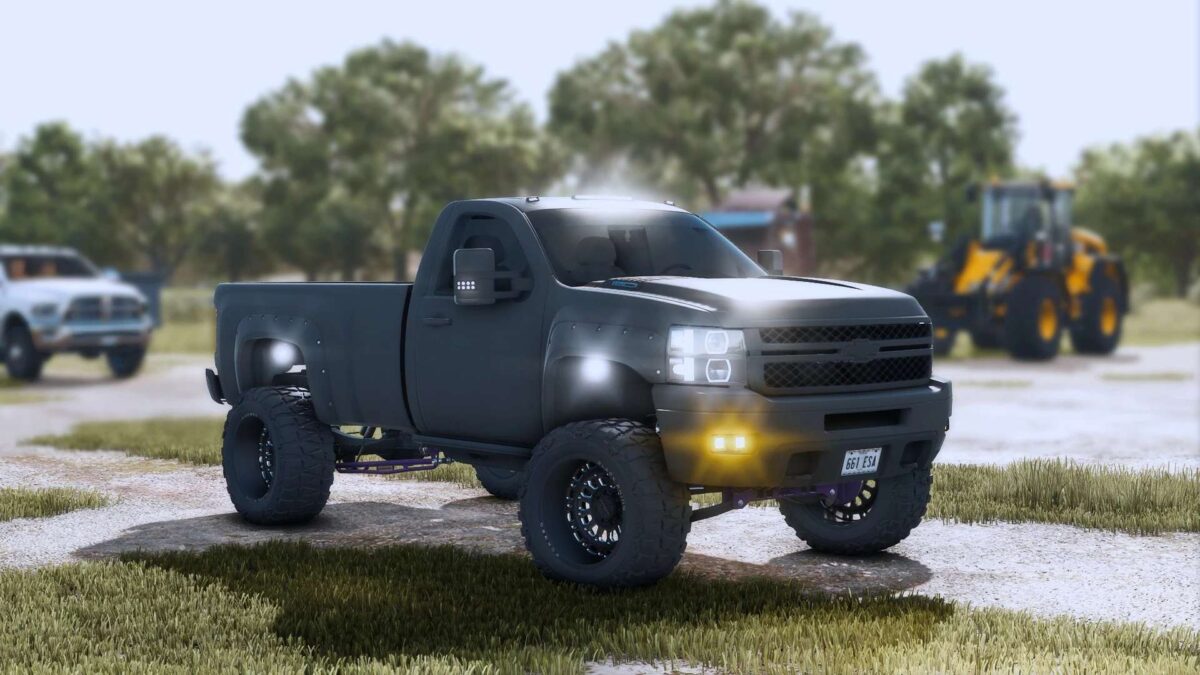
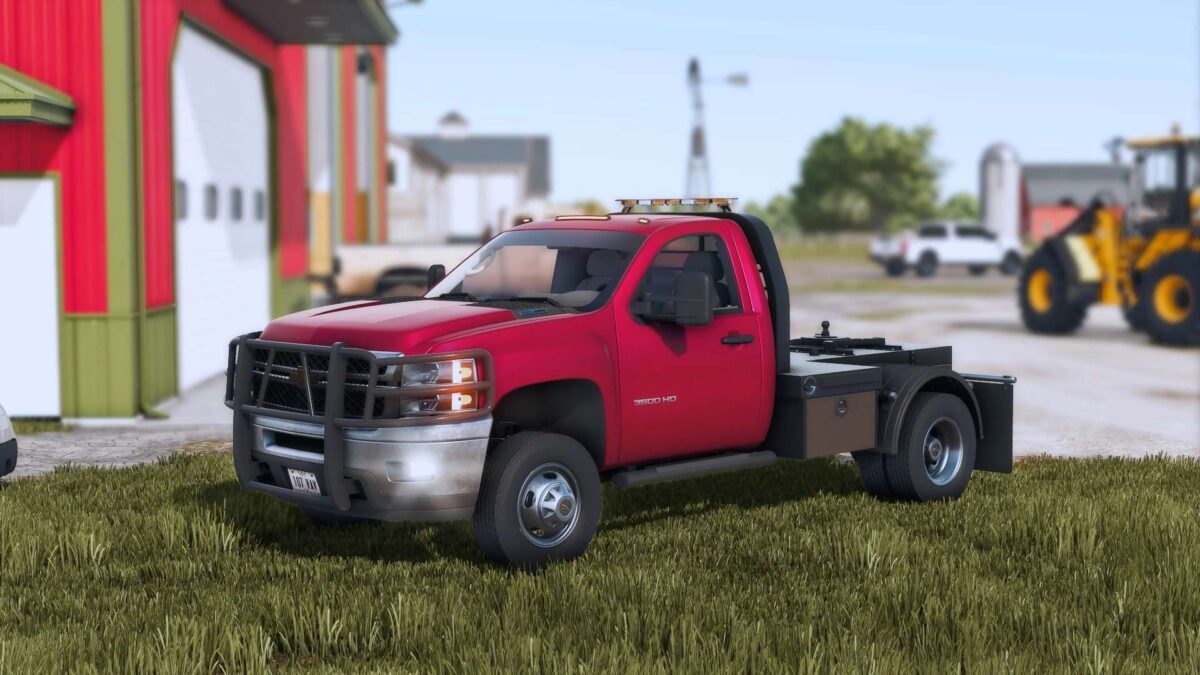
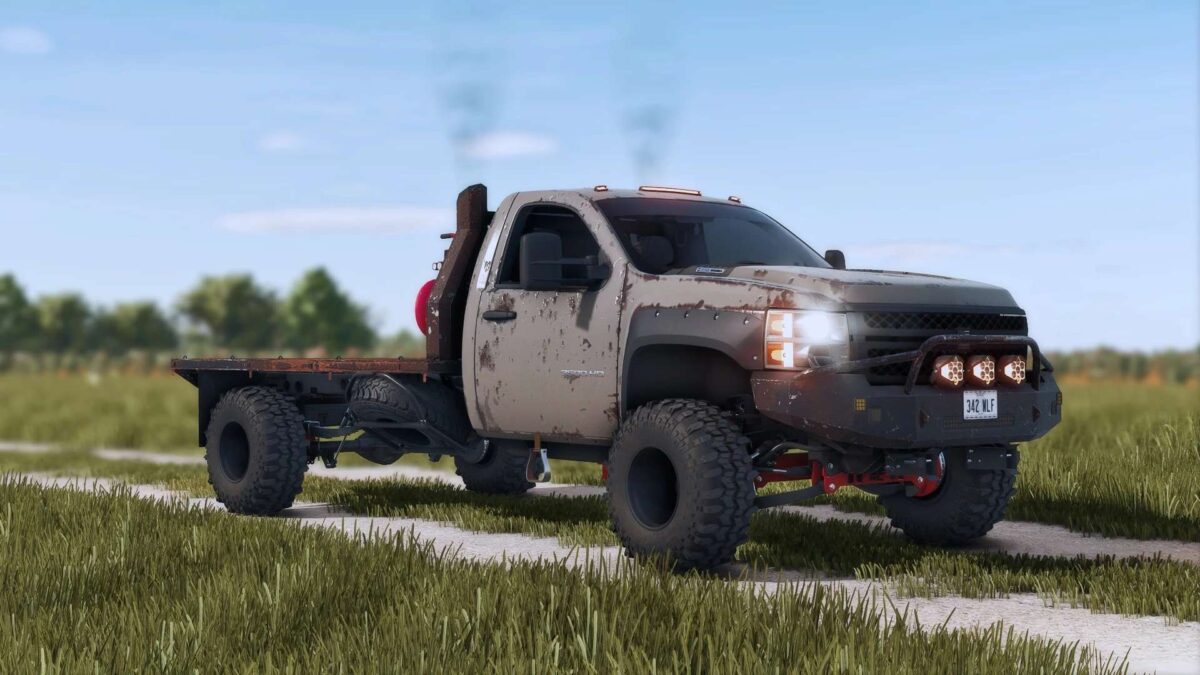
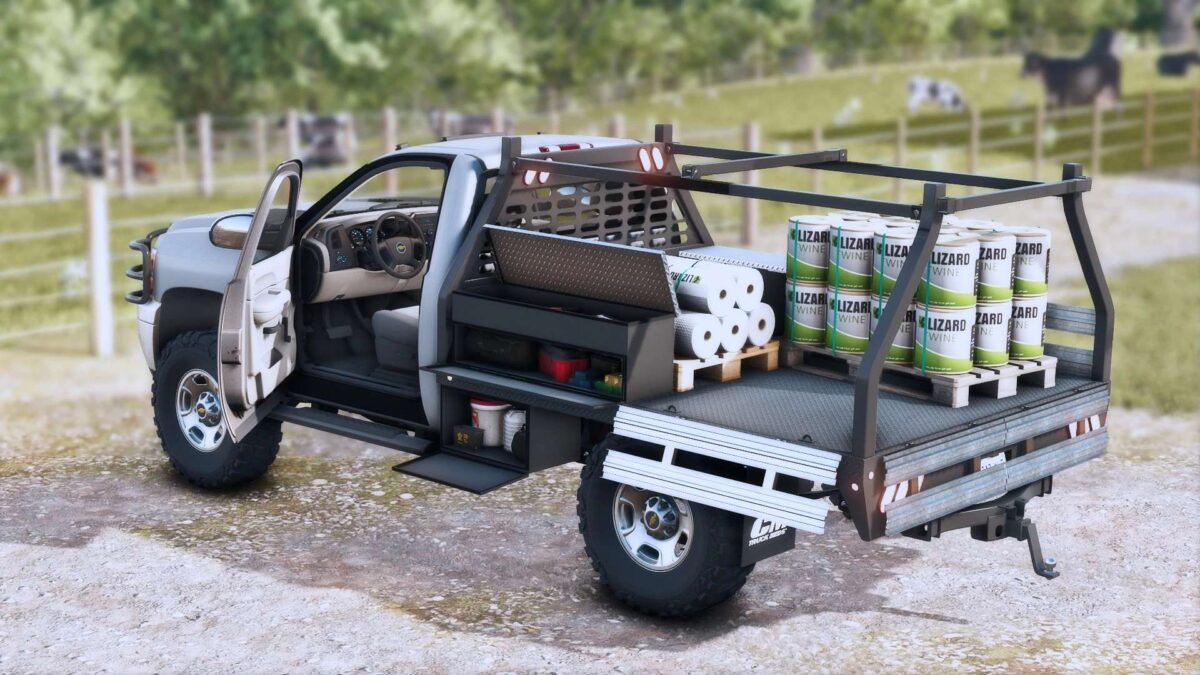
2011 Chevrolet Silverado 3500 v 1.0


Featuring:
Realistic custom textures for dirt, rust and wear for entire body, frame, tires and rims.
SRW, DRW as options along with a new DDC’s exclusive flatbed and CM Contractor Bed + RMC Custom Bed Pack attacher!
Detailed full dynamic frame and suspension with options (trac bars, links, shocks, springs…).
Full animated and realistic interior (lights, gauges, physics).
Tons of skinned meshes features such as suspension, cords, cables and etc.
6.6L Duramax LML realistic sounds, power and torque specs.
Interactive Control supported with over 20 animations/functions available.
Many other options as:
Stock bed addons options (toolboxes, bed cover, back rack and etc…)
Bumpers options
Side steps options.
Head lights, tail lights, running and auxiliary lights options.
Gooseneck and bumper hitch options.
Functional transfer tank.
Plow mount attacher.
Exhausts options.
Interior addons options and much more
Credits:
sun


