

Radial Vehicle Switcher v 1.0.1.0


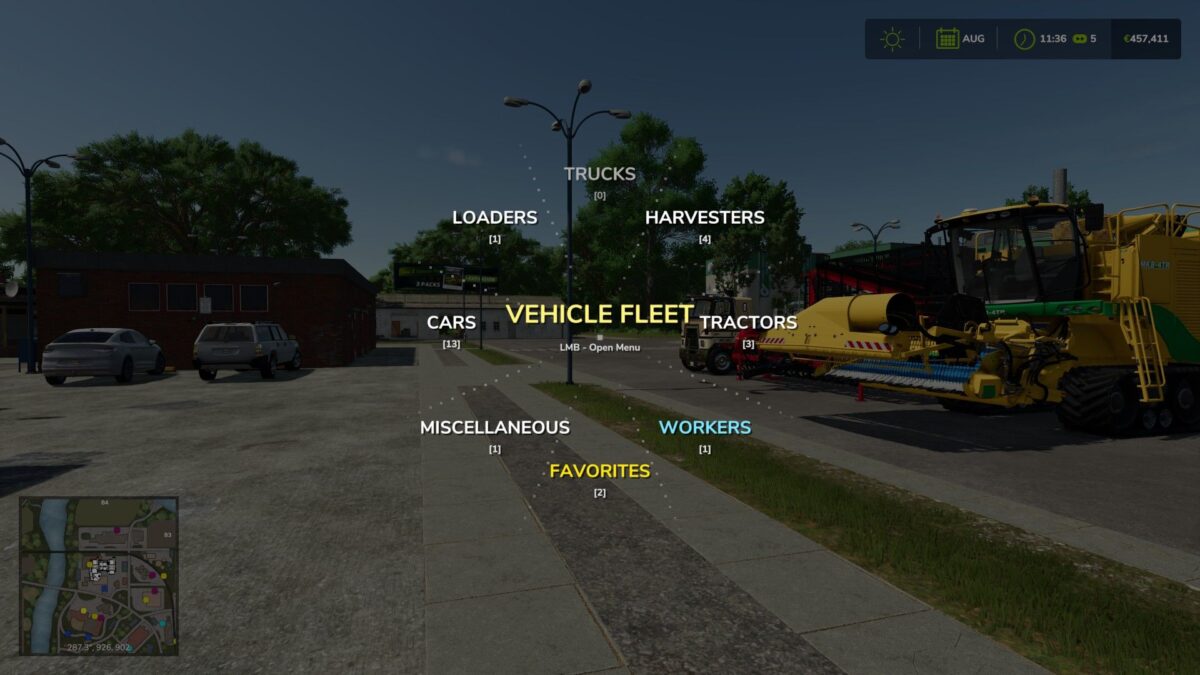
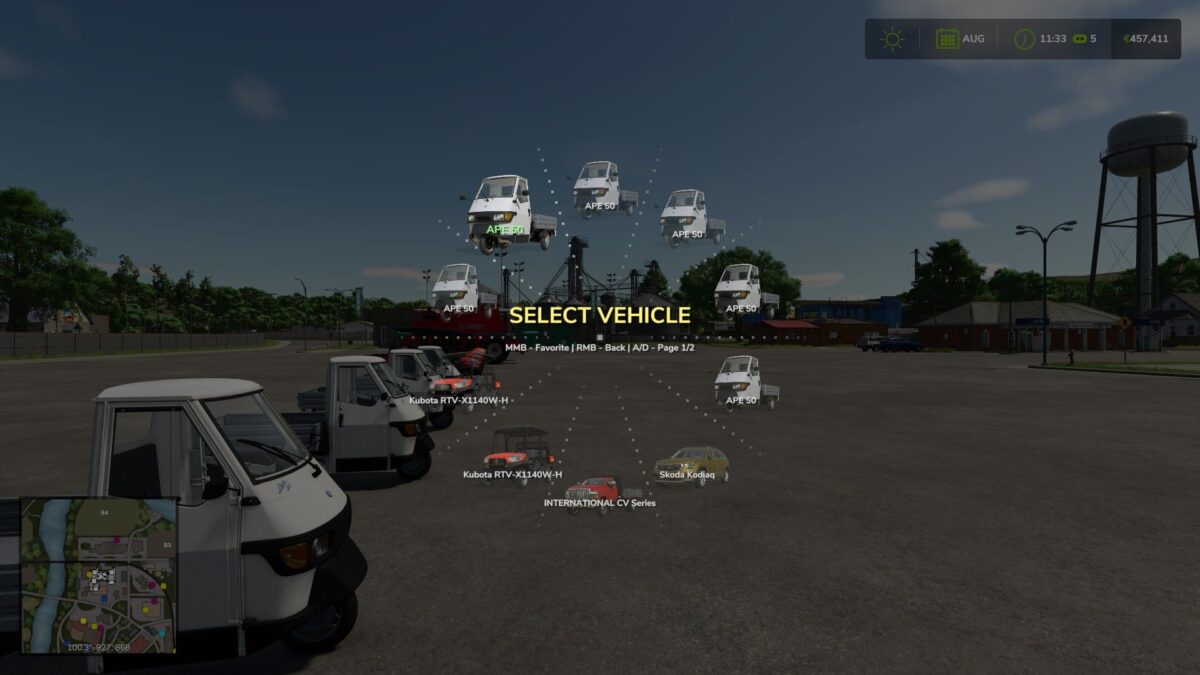
This mod replaces the standard sequential vehicle switching with an animated radial menu. By holding the Tab key, a graphical interface appears where all vehicles are automatically organized into categories: tractors, harvesters, trucks, loaders, and cars.
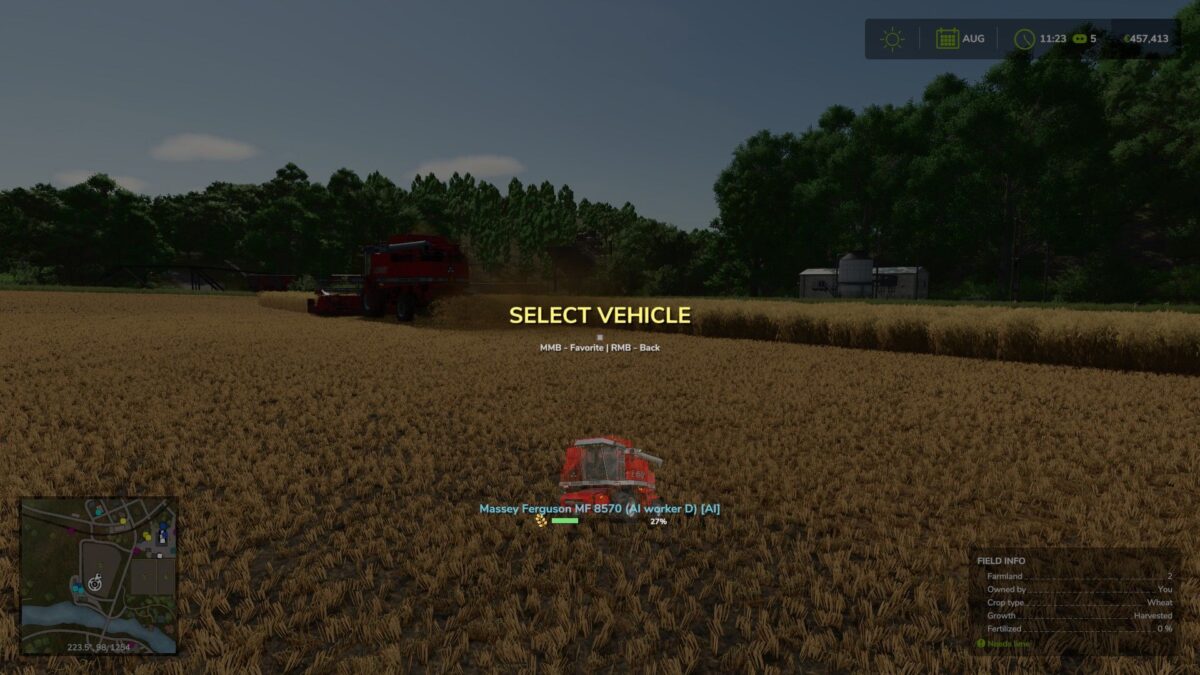
The menu is designed for real-time farm management. Vehicles operated by AI workers are highlighted with a special blue indicator and grouped into a dedicated category. For harvesters and trailers, the menu displays dynamic fill level bars including exact percentages and crop icons, allowing you to instantly monitor fleet status.
Version 1.0.1.0:
* Added a custom fallback icon for third party vehicle mods with missing or broken store images
* Fixed an issue where broken third party vehicles would cause red UI errors in the game log when opening the radial menu
Credits:
DrivePro


