

Zil 130 v 1.0


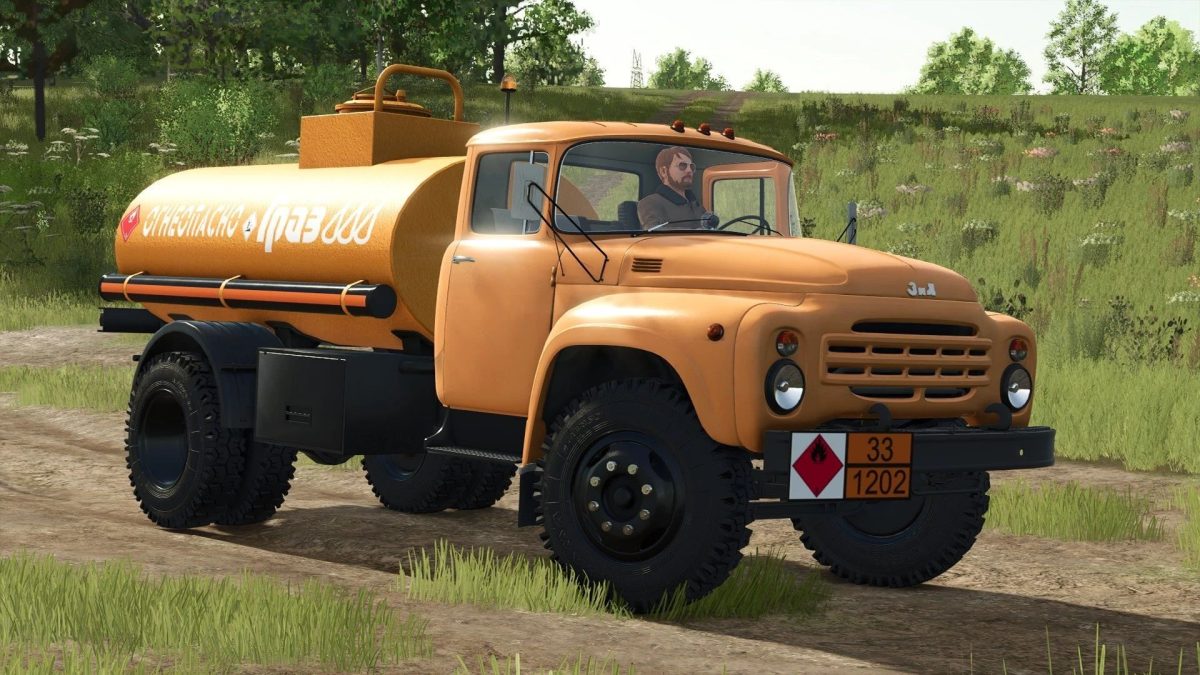
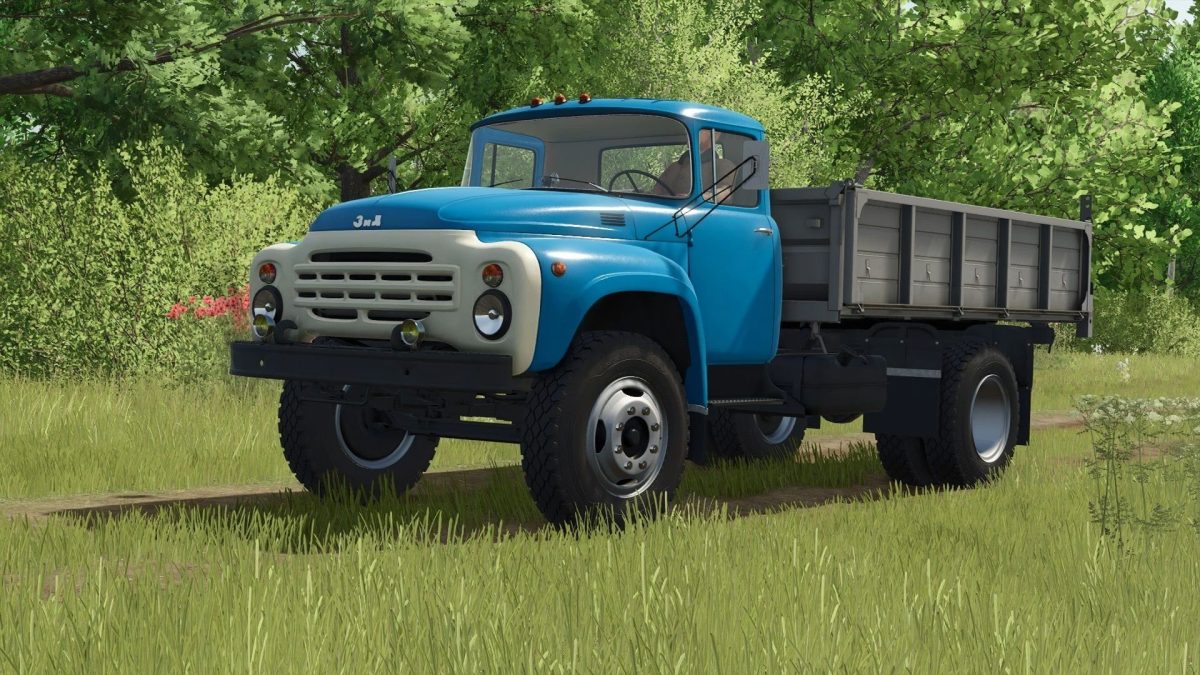
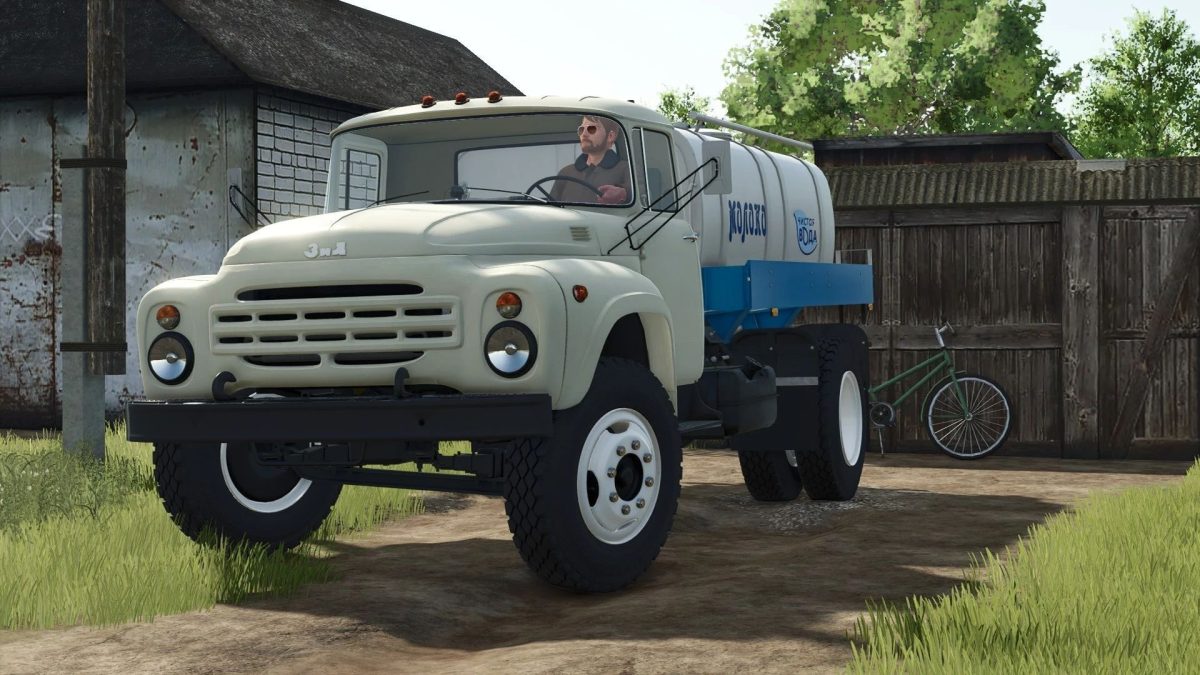
ZiL-130:
– Power: 110 kW / 150 HP;
– Speed: 90km/h;
– Fuel tank capacity: 180, 360 liters;
– Cost: €11,000;
– Choice of cabin color;
– Choice of trim color;
– Choice of body color;
– Choice of rim color;
– body configuration;
– fairing configuration;
– configuration of hatches;
– Configuration of rotary repeaters on the wings;
– fog lamp configuration;
– Sun protection bar configuration;
– Bucket configuration for the trailer unit;
– Wheel configuration;
– License plate configuration;
– Wheel configuration;
– locking straps;
– Dynamic hoses;
– Animated instruments, suspension, gimbals, pedals, shifters, fenders;
– working mirror;
– work lighting devices;
– Leaves traces;
– Gets dirty and washes;
– The impact of aging;
– The effect of getting wet;
– Body volume: 4,000 / 4,500 / 6,200 / 11,100 / 18,500 / 19,100l.
PS-1305:
– Cost: €7,580;
– Primary color selection;
– Choice of rim color;
– body configuration;
– License plate configuration;
– Wheel configuration;
– Dynamic hoses;
– Animated suspension, mudguards;
– work lighting devices;
– Leaves traces;
– Gets dirty and washes;
– The effect of getting wet;
– Volume: 14,000 / 16,000 L.
Credits:
SD Team, Bohdan, FS25: Алексей Сапунов (Alex1985)


