
FS25 Maps

Lindsay, Montana Map v 1.0

Lindsay, Montana Map v 1.0

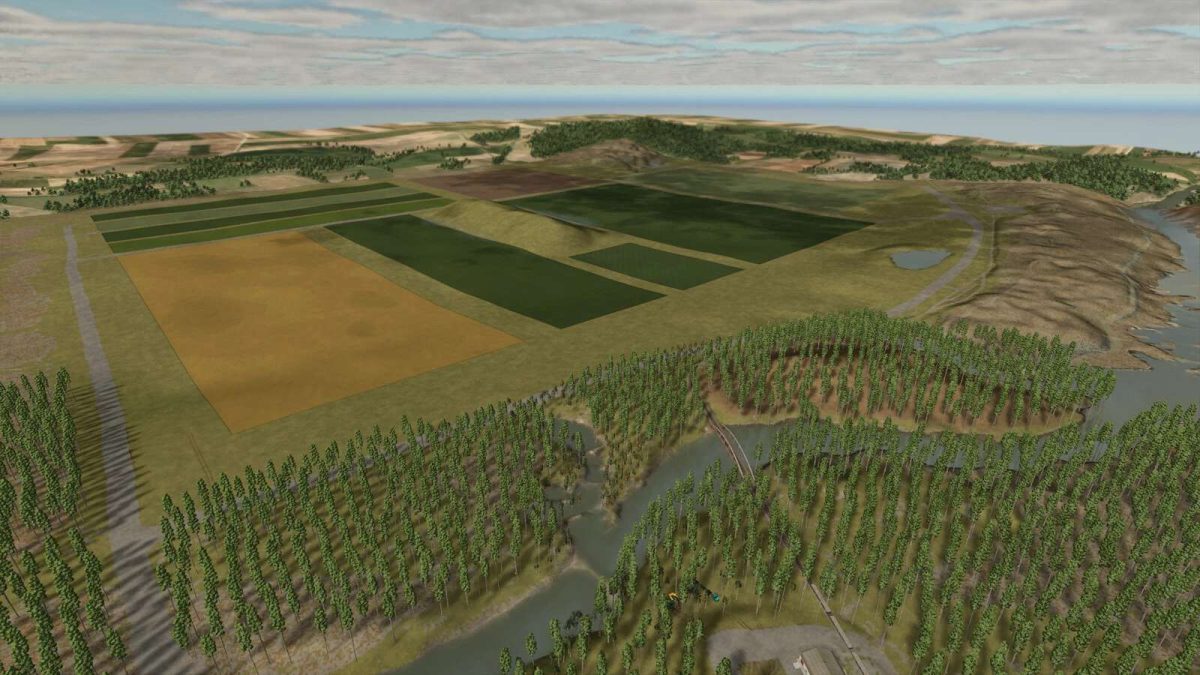
– 10 Large Fields
– 25 Collectibles
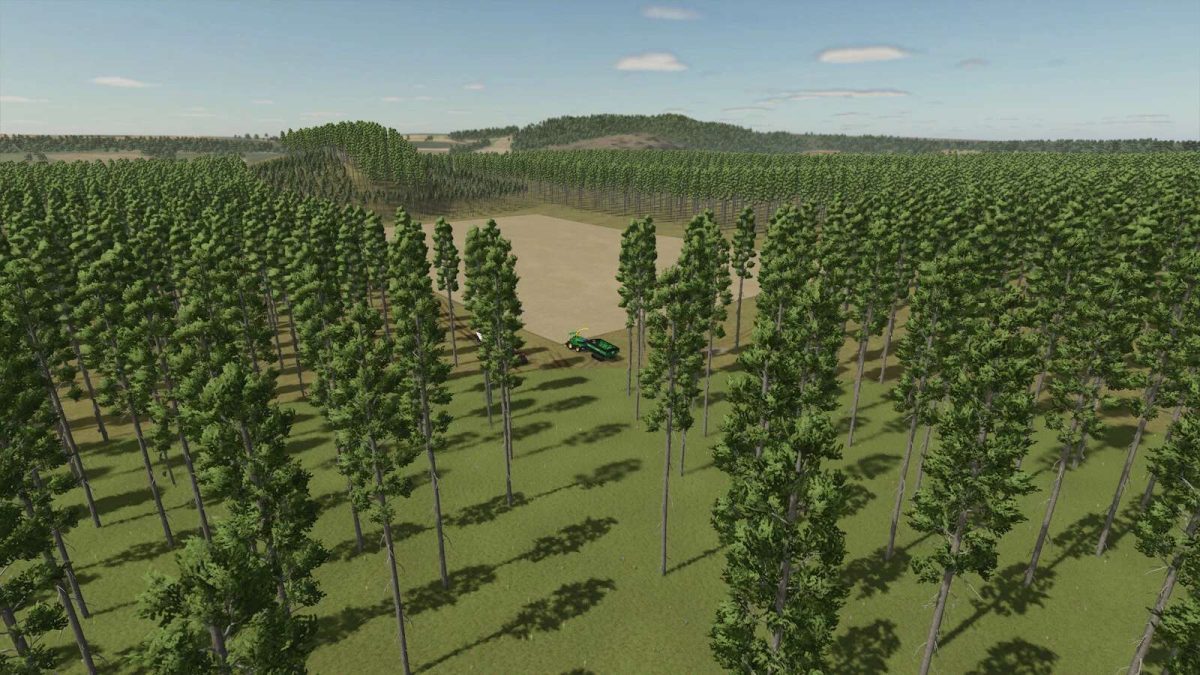
– Lots of Forestry Work
– Sawmill produces planks, boards, lumber beams, and wood chips. All products are produced simultaneously
– Cement plant produces blocks, cement, and shingles. All products are produced simultaneously
– Paper mill produces plywood, cardboard, paper, wood shingles, and prefabricated walls. All products are produced simultaneously
– Sell all points
– Train originates from Bcbuhler’s North American train. Prefabricated
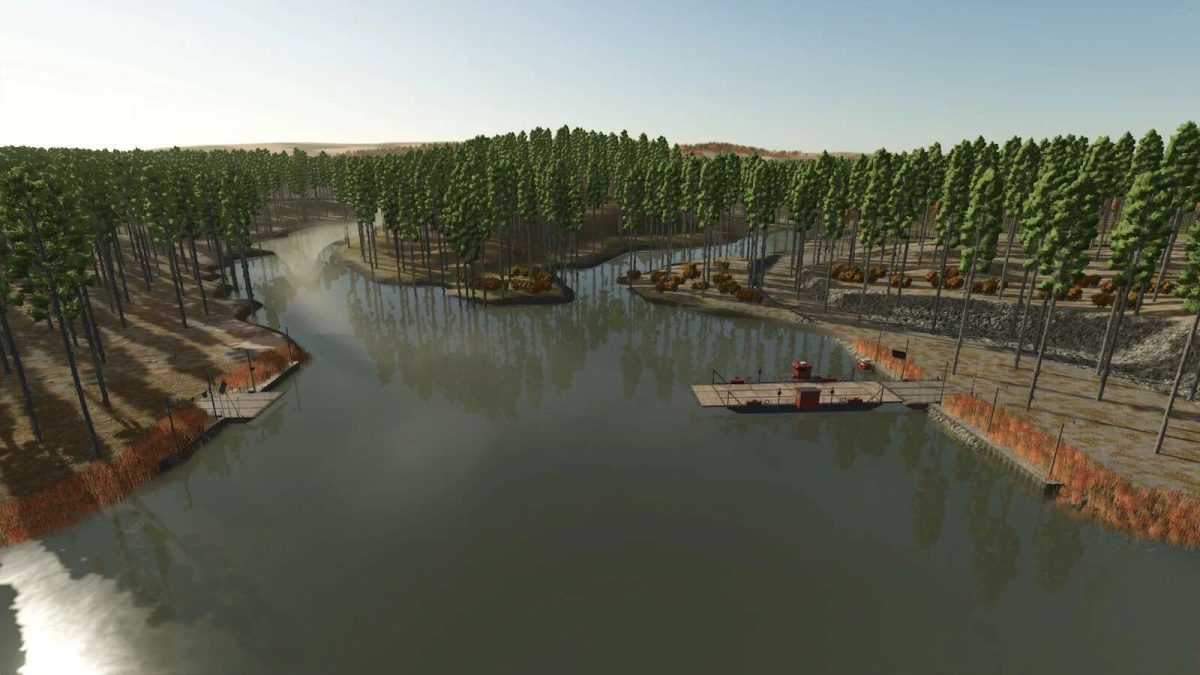
– Water ferry, if you want to use it
– Soybean will make straw
– Long Grain Rice can be planted and harvested without water
– Constructibles Edited to take plywood and other materials from map
– A second logging version also included

Credits:

Poorboy Modding, Bruce's Gaming

How to install FS25 Maps?
Firstly find a mod which you like and want to download. Then download a mod to your PC. Mods are usually in .zip format file. But sometimes it can be in .rar. If a mod file is a .zip format no needed additional actions. If a file is in .rar, then you must unarchive mod with software like WinRar or Zip7. Windows 10 users no need to use software for archives, Win10 itself has a feature to unarchive files.
The next step is to find mods folder in your PC. Usually, it is in Documents/My Games/Farming Simulator 25/2025. Open the "mods" folder and put downloaded .zip archive or unarchived .rar file to this folder.
Last step. Enjoy of FS25 mods!

Leave a Reply

Your email address will not be published. Required fields are marked *