

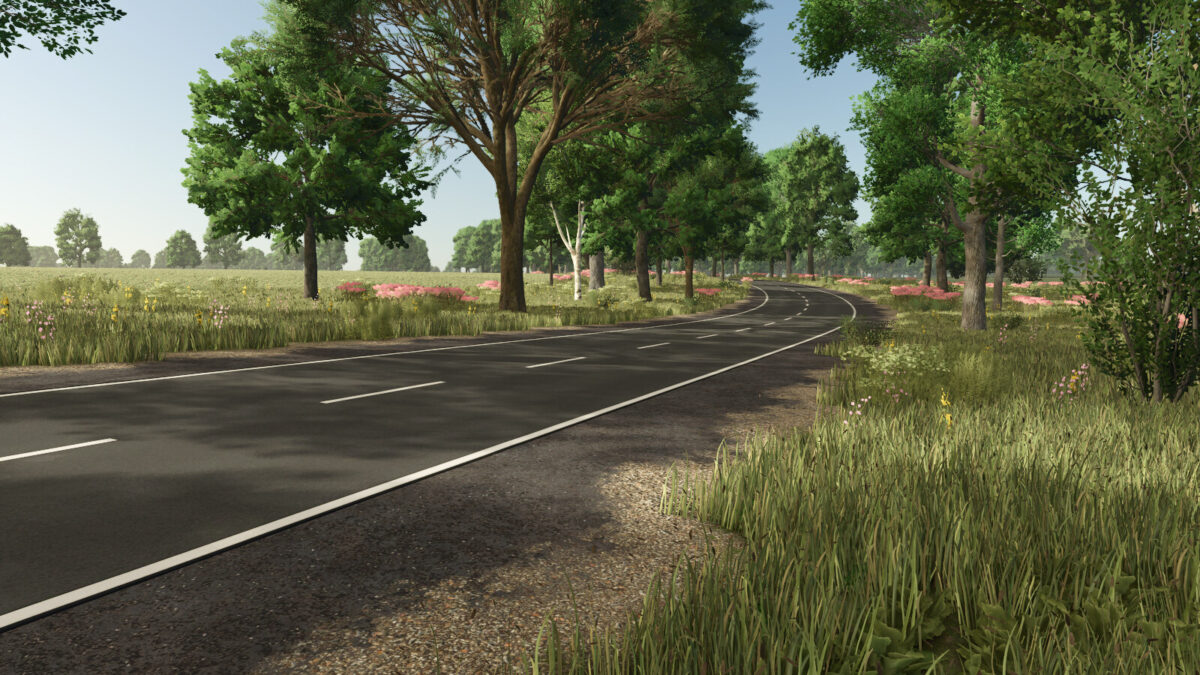
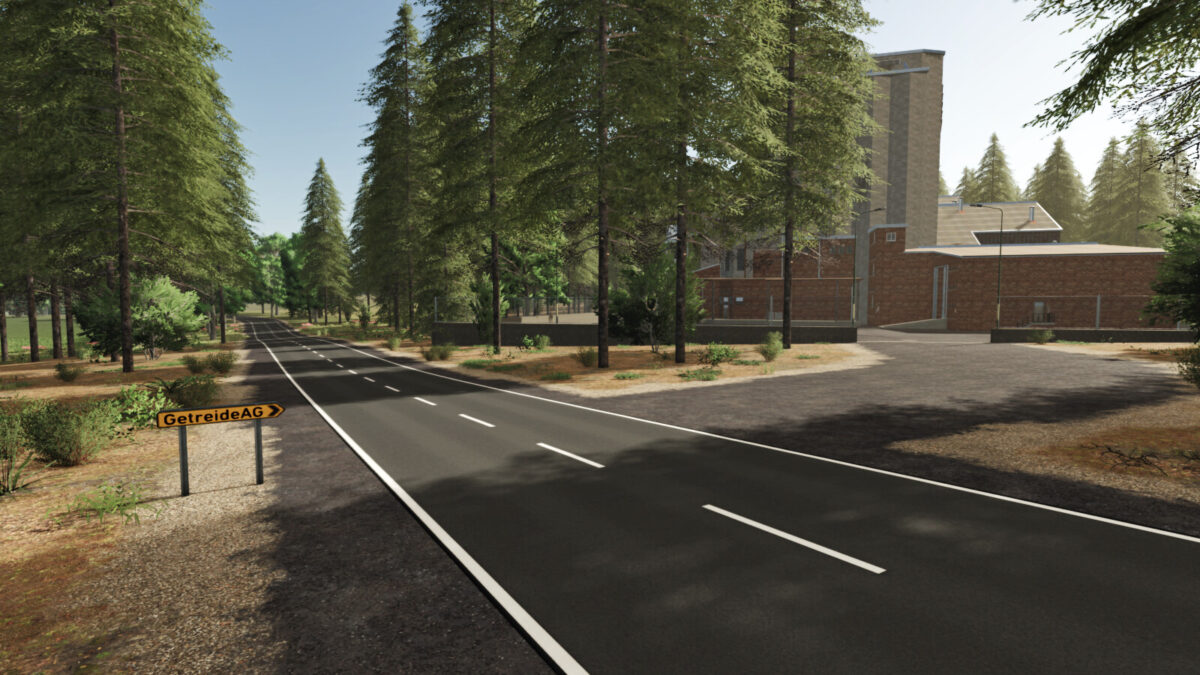
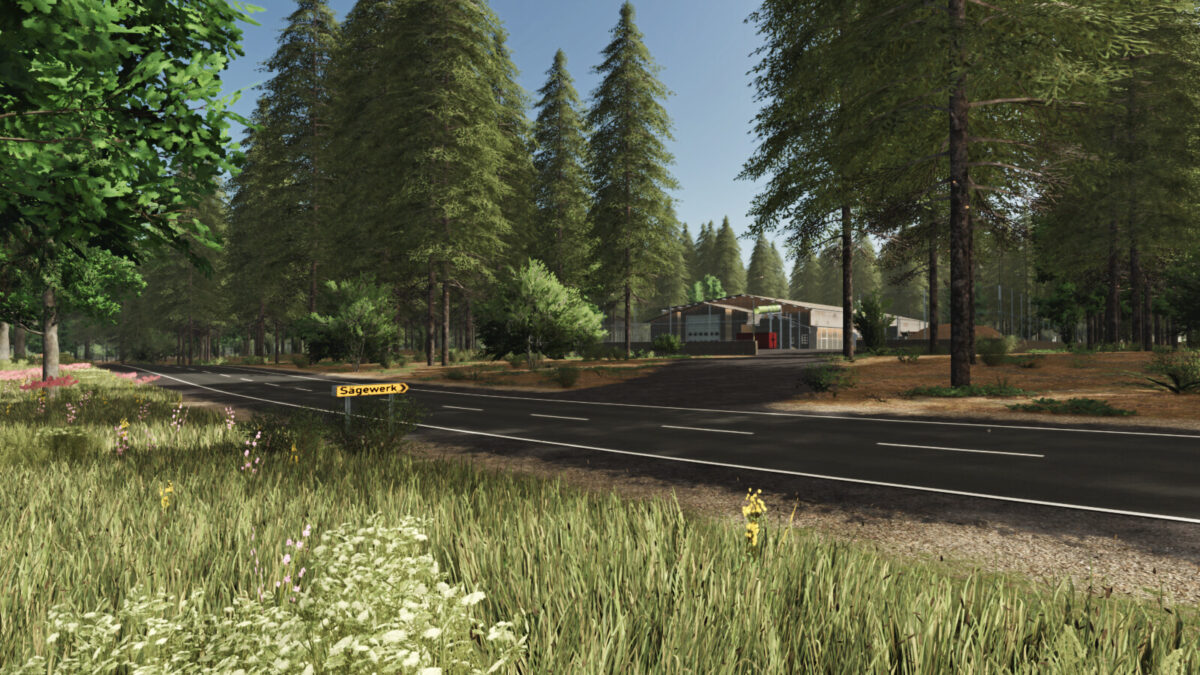
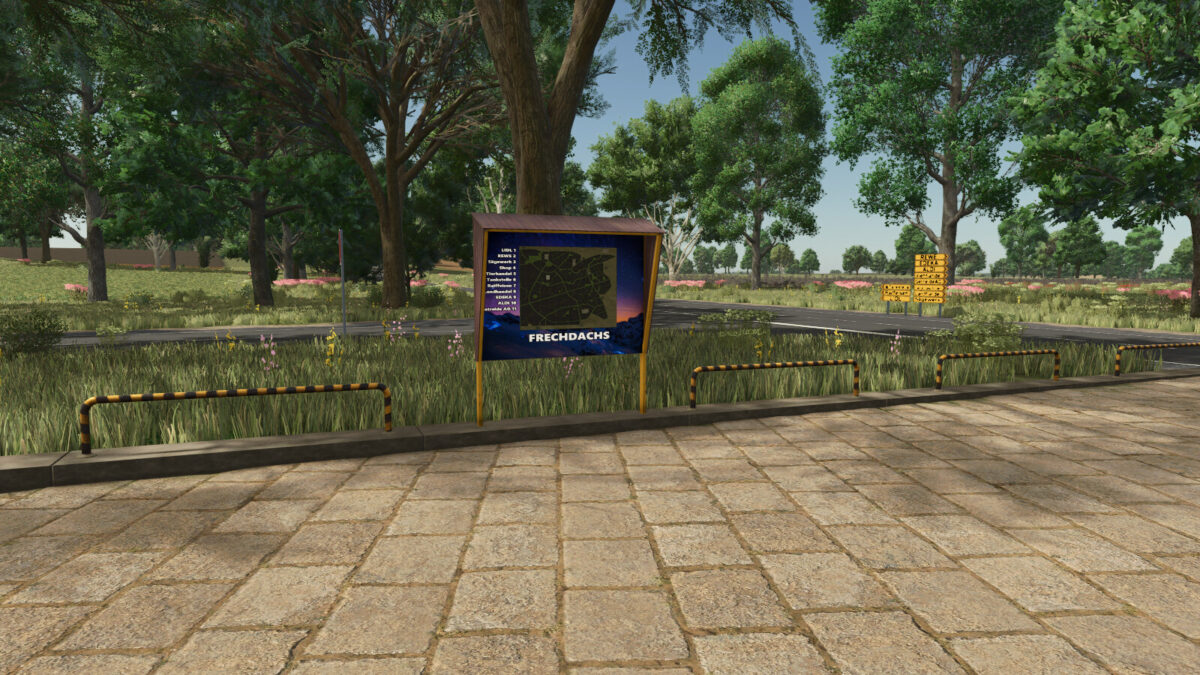
Frech Dachs 4x Map v 1.3


– 200 fields including 18 meadows
– 27 forest areas with approx. 38424 trees
– 5 open spaces for building
– A small starting farm is located on open space 230
– 18 sales outlets
– 7 purchase points
– Free water at Raiffeisen, Landhandel and at the animal trade
– 22x paintable ground texture added
– The 5 open spaces invite you to build on them
– A little earthwork is necessary here
– No purchasable production is installed on the map
– However, productions can be placed freely by anyone
– Meadow was used for the decoration
– This can be painted in the building menu itself and displayed on the map (PDA)
Version 1.3:
* Grass and field grass can now be harvested with the forage harvester mower
* Adjusted LOD distance for the grain trade
* Adjusted realistic ground deformation
* Added translations for the following languages: BG, CZ, DK, ES, FI, HR, HU, IT, JP, KO, NL, NO, PL, PT, RO, RU, SE, SK, TR, ZH
* Adjusted clip distance of several objects
* Fixed standard warning: Foliage LOD 1 mesh Meadow, Grass, and FieldGrass
* Adjusted animal feeding
* Added in-game help
* Added 32 ground angles
* Adjusted animal barns
* Adjusted bale sale at Grain AG
* Added Giants Patch 1.11 changes
* Added custom productions: fertilizer, seed, lime, feed production, water disposal, separator, and composter
* Adjusted production cycles for large and small grain mills and bakeries
* Added gameplay tips to the start menu
* Adjusted mission vehicles
* Stone mission has been added
* Greenhouses adapted
Credits:
FrechDachs93


