

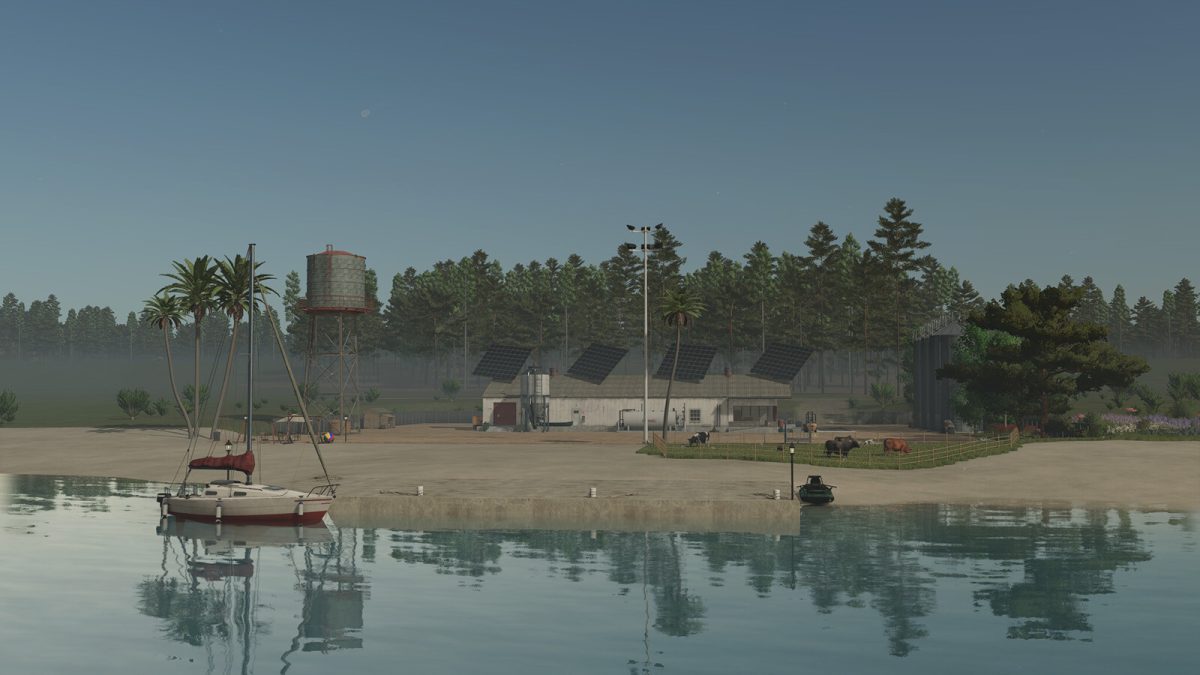
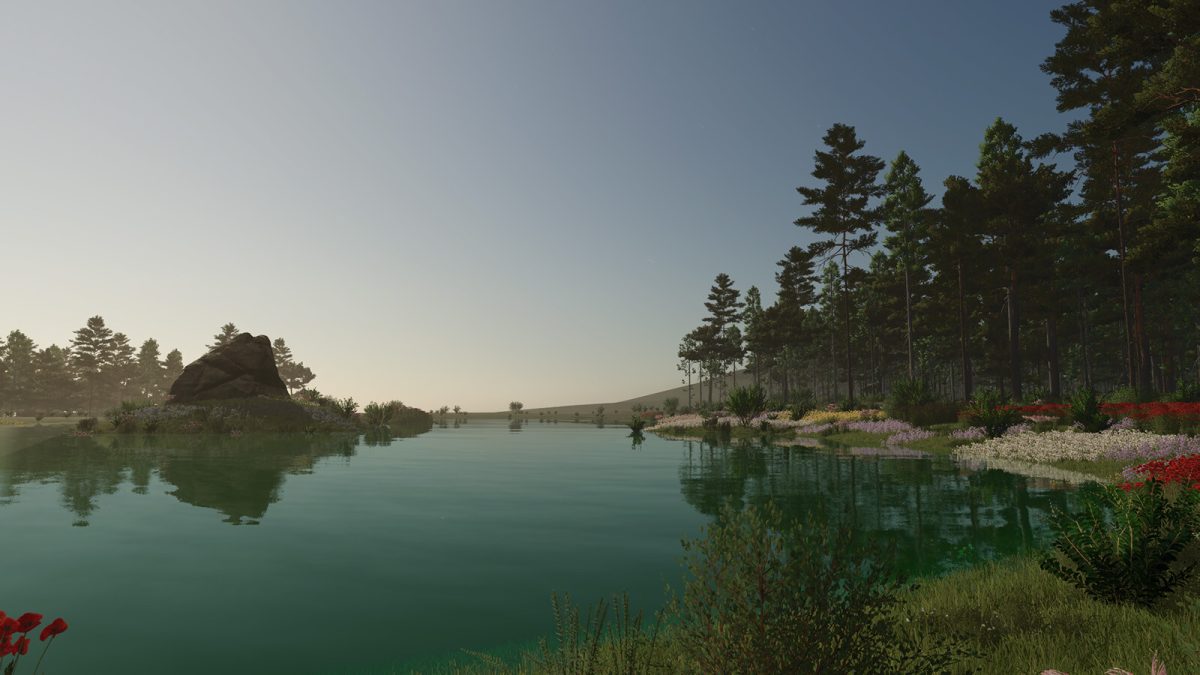
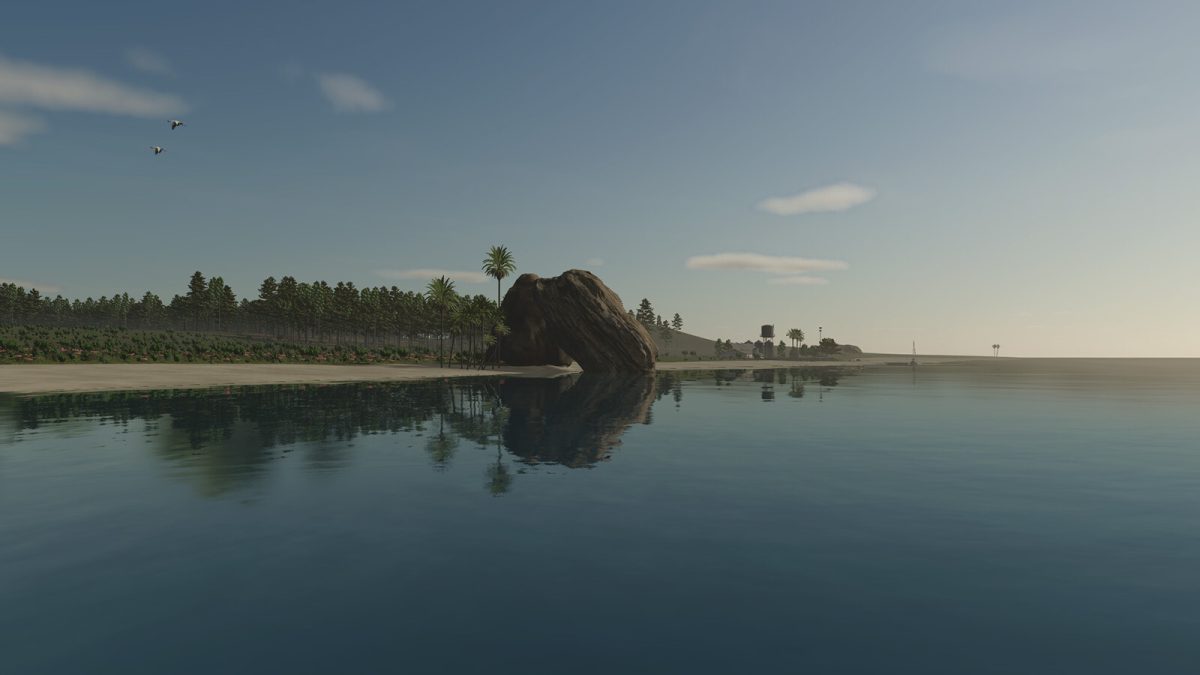
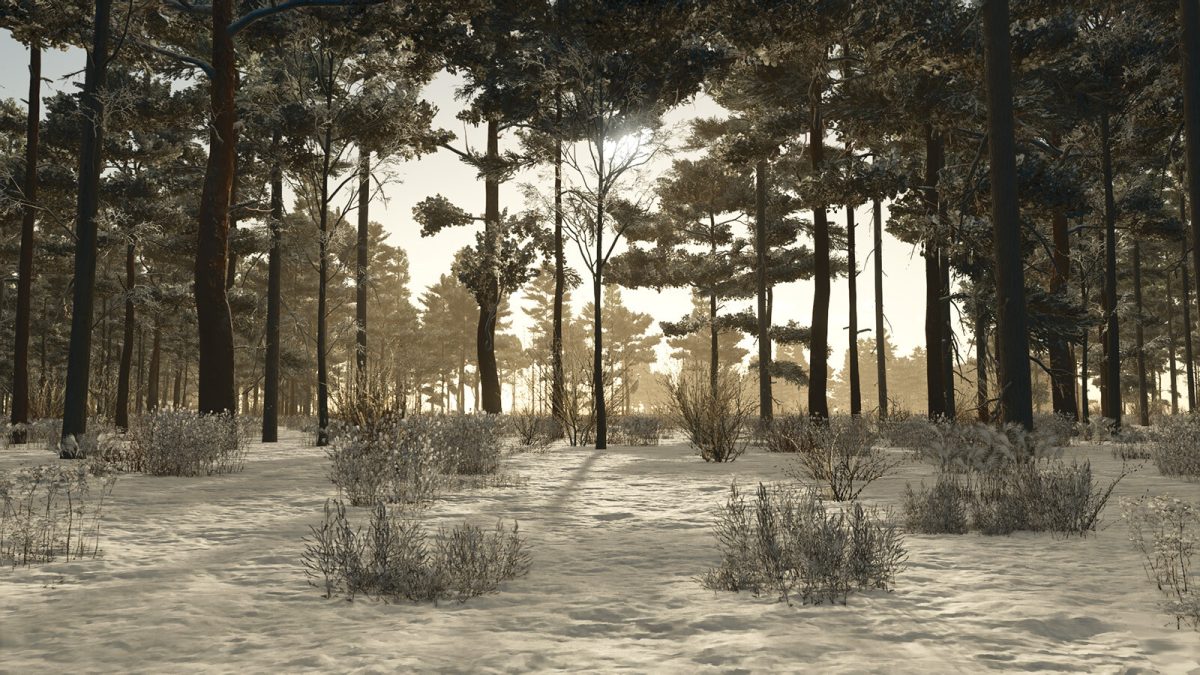
Ronida Island 4x Map v 1.1


Your friend can:
– Sell you equipment
– Buy your equipment
– Trade Animals
– Repair and repaint your equipment
– Buy everything you can harvest and produce
– Sell lime and solid fertilizer from the silo
– Sell fuel and charge your electric vehicles
The Island includes:
– 198 buyable plots of land
– 1 field located near the shop area
– A variety of ground textures to use
– Palm trees available for decoration
– 21 golden stones to collect, the last one hides as a final challenge for those who seek them all
Version 1.1:
* Added a new independent map (Ronîda Island – Farmer Edition) and it includes:
* 42 fields including 5 meadows
* Sandy road connecting the shop area to all the fields
* Fixed snow mask in some areas where the snow shouldn’t fall for both maps
* Added a sandy road ground texture for painting named (Sandy_Road) to both maps
Credits:
CapAro


