

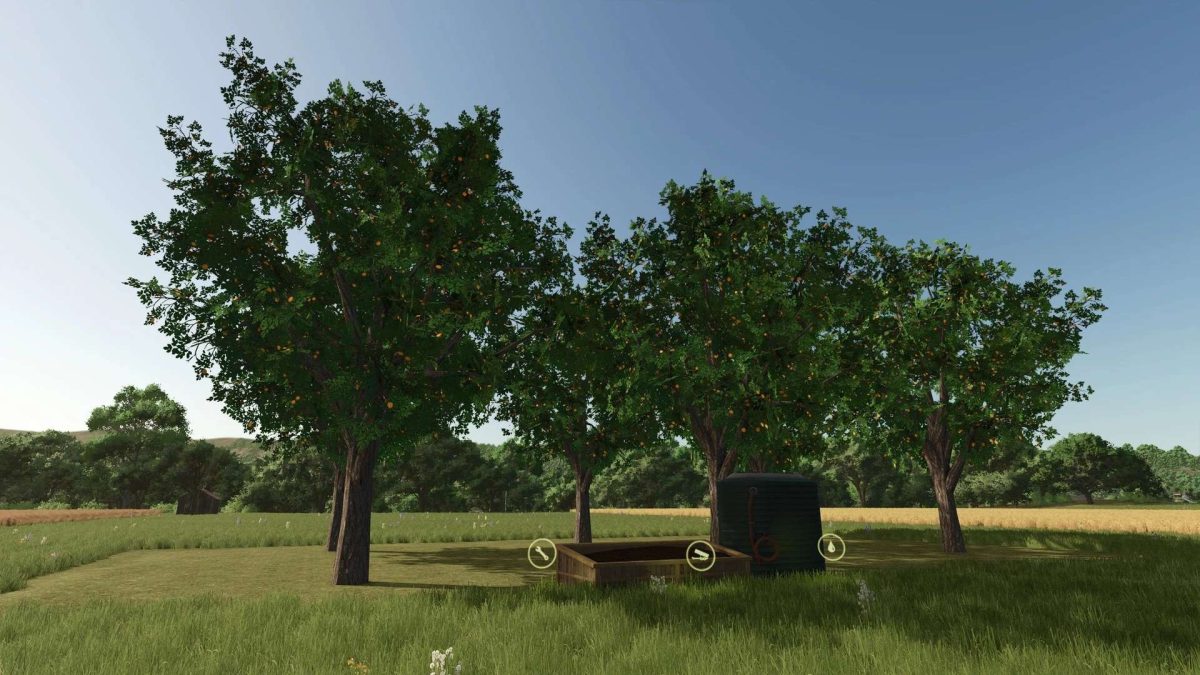
Plantations and Fruit Trees v 1.2


Three different orchards and 6 fruit trees
Fruit Processing – Small Pallets (Handcrafted & Autoload)
This mod introduces artisanal fruit processing into the game, placing particular emphasis on micromanagement. Production uses small pallets that are deliberately kept compact so they can be carried by hand. This maintains the character of a farm-based, realistic production – without the need for large industrial pallets.
Features:
Small, manageable pallets – no standard or Euro pallets
Easy handling: Pallets can be moved manually or placed precisely
Compatible with Universal Autoload – automatic loading possible
Deliberately small quantities per pallet for greater authenticity
Suitable for players who prefer realistic, small-scale production and enjoy handling goods manually.
Processed fruits:
Fruit trees: Apple, pear, cherry, plum, apricot, peach
Shrubs: Sea buckthorn, currant, blueberry
Version 1.2:
* Revised fruit textures
* Five new fruit trees: Apple, Cherry, Plum, Peach, and Pear
* Test runner clean
* Composter completely rebuild
Credits:
Tamara_von_Graf


