

Material Processor v 1.3.2


Vehicle Specializations
Material Processor
Specialization that adds functionality for processing input fill types into output fill types.
Vehicles can also unload from multiple fill units simultaneously using custom unload nodes.
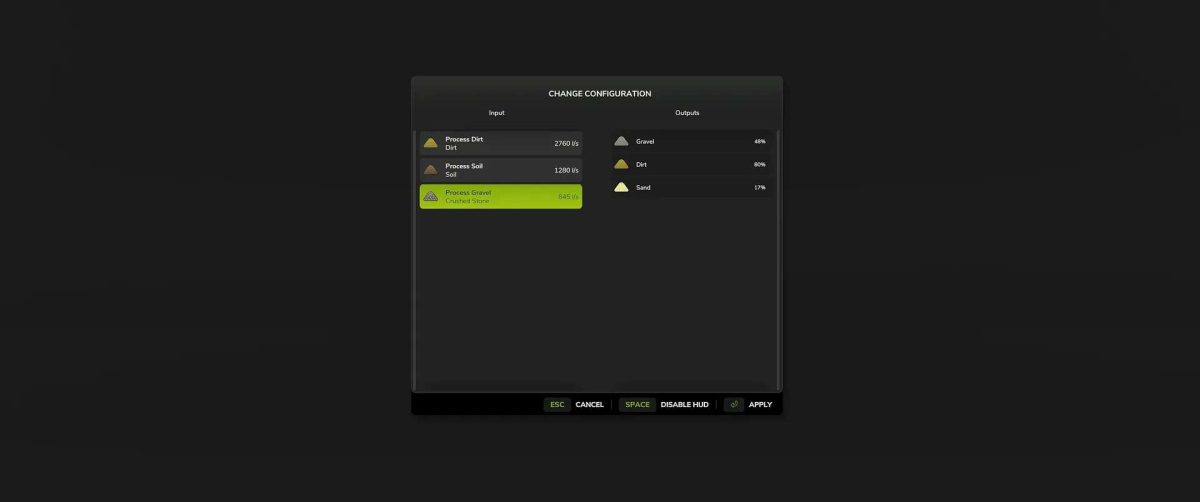
Multiple configurations can be set up in XML and modified via the in-game GUI.
Implementation details and examples: docs/INDEX.md
FillUnitExtension
Use additional functionality for the base game’s FillUnit specialization to play sound effects and toggle object changes based on fill levels.
Implementation details and examples: docs/FILLUNIT_EXTENSION.md
Download and Installation
Download the latest FS25_0_MaterialProcessor.zip file and copy/move it to your FS25 mods folder.
Multiplayer
Multiplayer is fully supported.
Version 1.3.2:
* Fixed an issue where unloading into the ground generated too much material
* Vehicle specialization for processing material inputs and outputs. This mod enables other modders to use new features
* When distributing this mod, please always include this information
Credits:
scfmod


