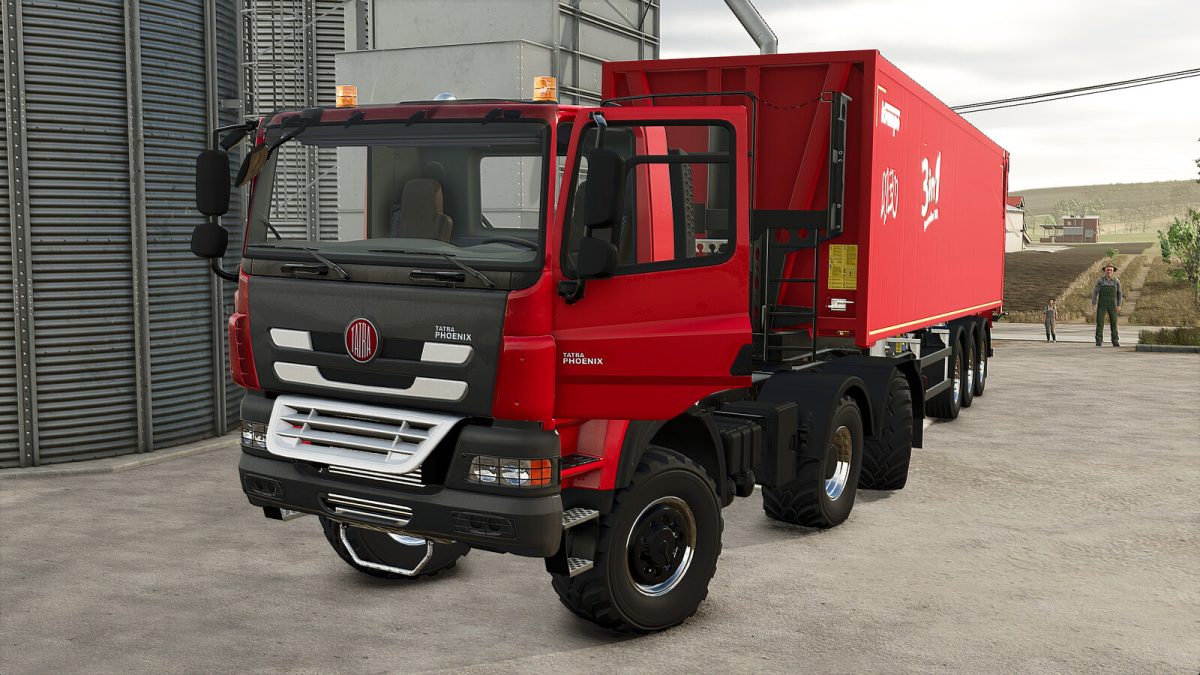
Tatra Phoenix 6×6 Agro Plus v 1.0.0.1


This truck has been designed to provide a gameplay experience that is not only more authentic but also more realistic.
– It features an optimized turning radius thanks to its four-wheel steering, making maneuvering significantly easier.
– The vehicle is equipped with several dynamic animations, such as door opening and steering wheel adjustment, ensuring optimal comfort.
All animations are controlled via the mouse:
– Doors
– Mirrors
– Steering wheel
– Engine grille
+ Configurations:
– Additional headlights
– Trailer hitch
– Main color, cab, and grille
– Category: Trucks
– Price: 101 000 $
– Power: 460 HP
– Max Speed: 80 km/h
Version 1.0.0.1:
* Added Player Skin animation when opening or closing the driver’s door
* Added Interactive Control
Credits:
Just Farming