Rudolph/Welger DK 280 RP v 1.2


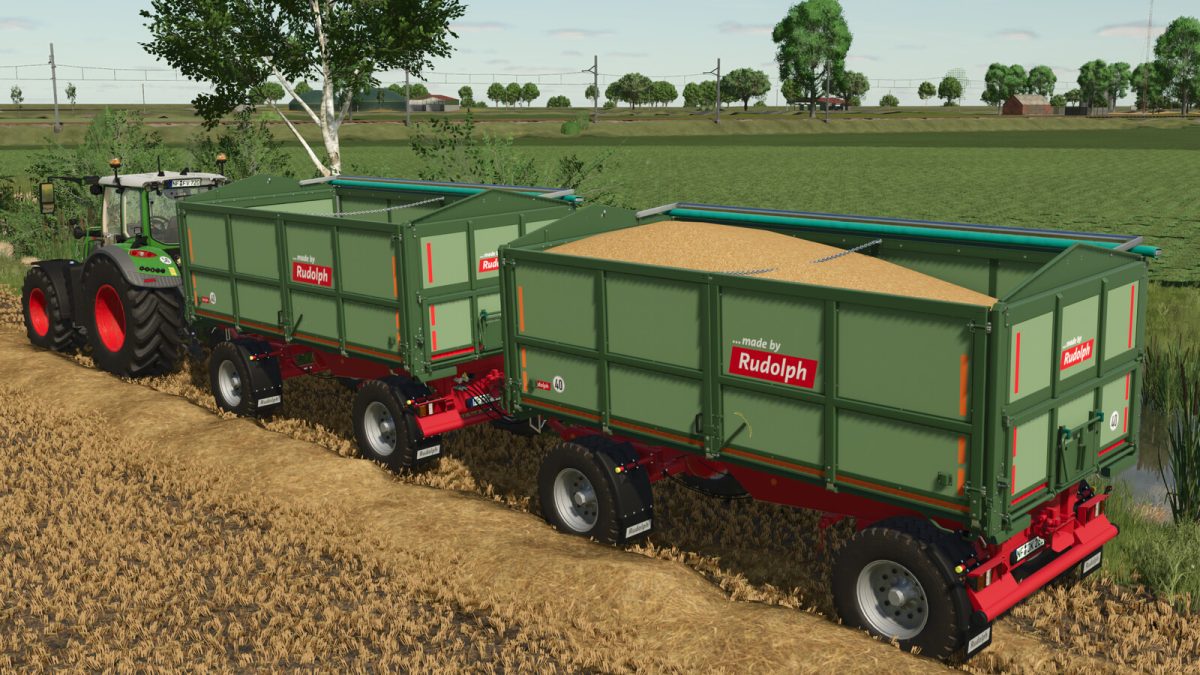
The first and only three way discharge dumper for agriculture with a stake free portal function and 5 meter lenght
This brings many advantages for you.
The DK 280 RP represents an optimal solution, especially if you plant vegetables and you want to transport your products on pallets.
In addition to the oscillating function, the left side wall can be opened completely as a portal door.
Capacity: 18500 L
Price: 32500 $
What was all done:
– Added: Old and New Chassisdesign
– Added: Brand selection
– Added: Several color configurations for the body
– Added: Reflector configuration
– Added: Left side to open or remove
– Added: Tensionbelts
– Added: Design decals
– Changed/extended: Tipping animation
– Extended: Wheel configuration
– Extended: Cover color configurations
Version 1.2:
* Fixed: Reopening the cover after restarting the savegame
* Added: ‘interactive control’ support (Requires ‘FS25_interactiveControl’)
* Added: Configuration with 3 grain doors
* Added: Corn Chutes
* Added: Manuel tipping with manuel discharge (Requires ‘FS25_interactiveControl’)
* Added: Guide plates
* Extended: Body material
* Changed: Tipping animation
* Other: Small fixes
Credits:
Niki Agrar