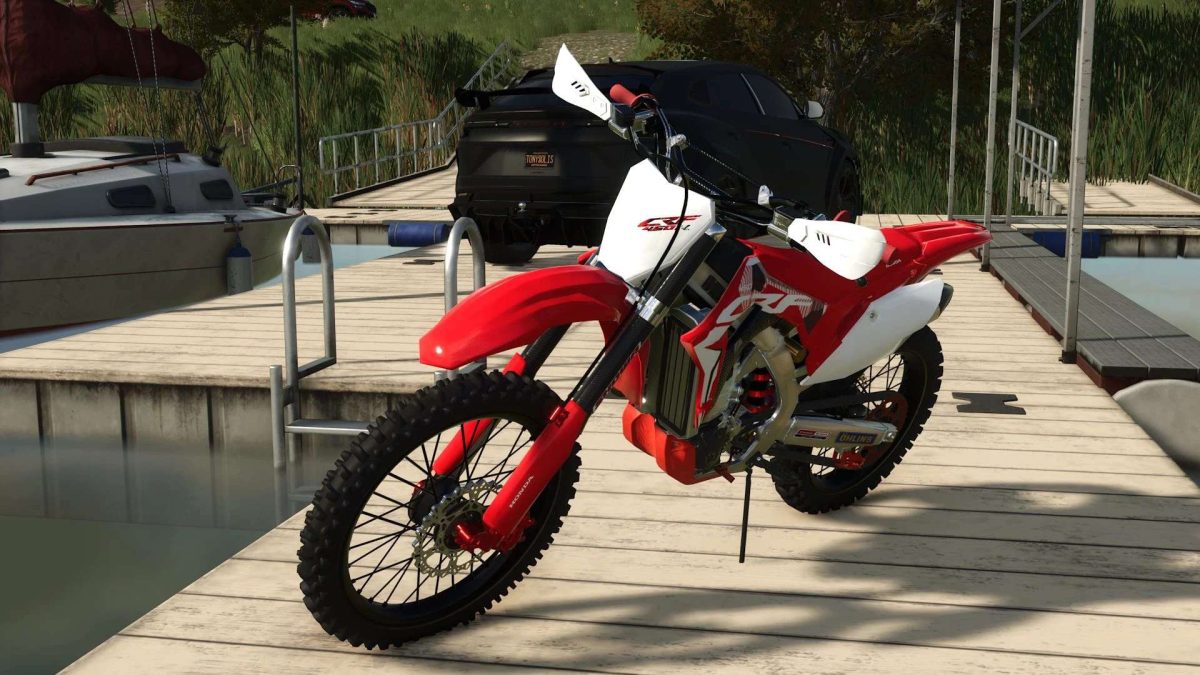
Honda CRF450R v 1.0.1.0


– Category: Motocross motorcycle
– Price: € 17500
– Motor: 449 cc monocylindrical with 64 hp of power
– Maximum speed: 160 km/h
– Acceleration 0-100 km/h: 4.2 seconds
– Technology: Adjustable traction control, programmable injection maps and hydraulic clutch
Other key features of the Honda CRF450R:
– Aggressive design with stylized plastics and official Honda Racing graphics
– Double beam aluminum chassis for maximum rigidity and lightness
– Totally adjustable showa suspension for optimal performance in jumps and curves
– Electric start system and front/rear disc brakes for an immediate response
– Ergonomics optimized to maintain control even on the most technical land
Version 1.0.1.0:
* Replacement and textures
* Better engine displacement speed and acceleration to reality
* Improved damping system
* Fixed Main texture gives tear error
* Fixed i3d something is not loaded
Credits:
TonySolis