
FS25 Misc

Trade Vehicles v 1.0

Trade Vehicles v 1.0

The Trade Vehicles mod gives you more control over managing your vehicles in Farming Simulator.
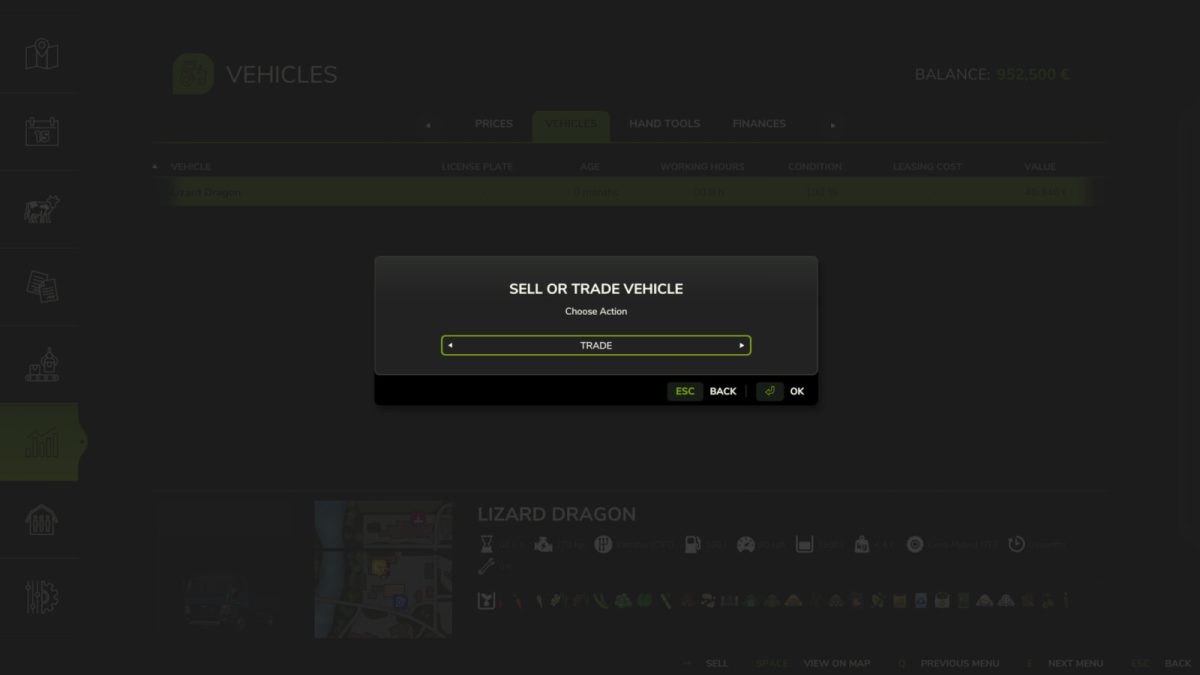
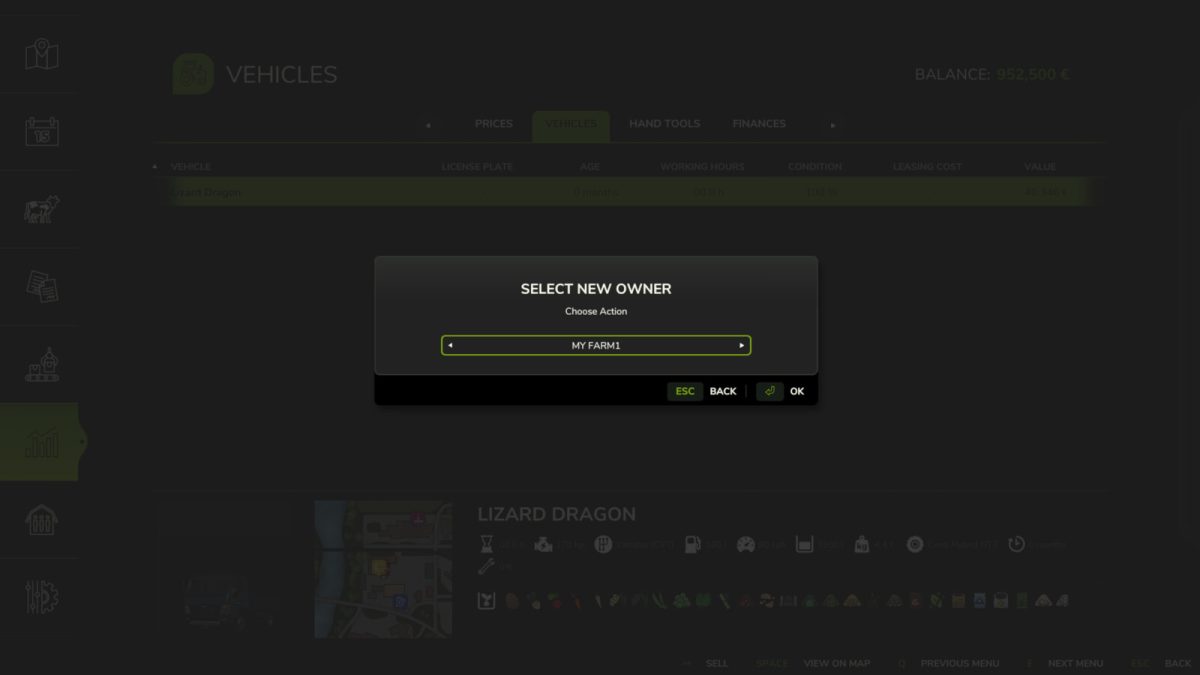
Instead of only selling them, you can now transfer them to another farm.
Simply open the vehicle menu, select a vehicle, press sell, and choose whether to sell it normally or transfer it.
Perfect for multiplayer sessions where you want to share vehicles without losing them permanently.
Keep in mind that this mod does not handle payments, so you’ll need to arrange that yourself.
A must have for more flexible farm management.

Credits:

MechMoxer

How to install FS25 Misc?
Firstly find a mod which you like and want to download. Then download a mod to your PC. Mods are usually in .zip format file. But sometimes it can be in .rar. If a mod file is a .zip format no needed additional actions. If a file is in .rar, then you must unarchive mod with software like WinRar or Zip7. Windows 10 users no need to use software for archives, Win10 itself has a feature to unarchive files.
The next step is to find mods folder in your PC. Usually, it is in Documents/My Games/Farming Simulator 25/2025. Open the "mods" folder and put downloaded .zip archive or unarchived .rar file to this folder.
Last step. Enjoy of FS25 mods!

Leave a Reply

Your email address will not be published. Required fields are marked *