

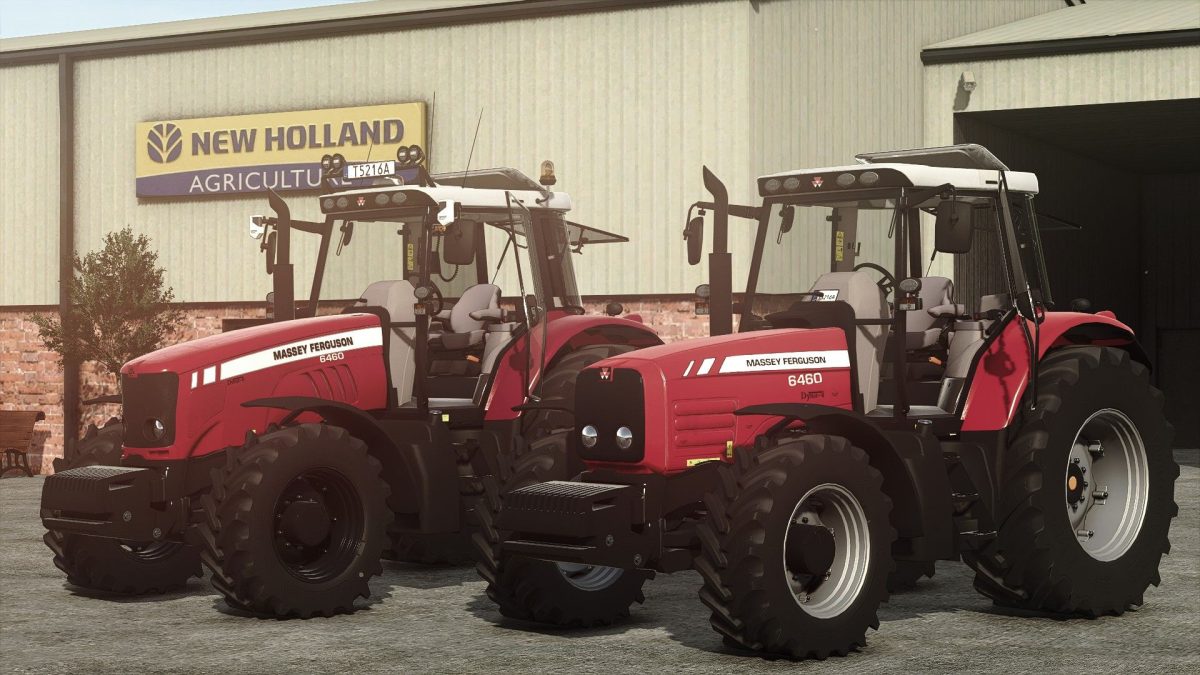
Massey Ferguson 6480 v 1.7


Motor configurations: 6460, 6475, 6480
Wheels configurations
Front fenders configurations
BeaconLights configurations
Modefication configurations (Tier 2 or Tier 3)
LightBar Configurations
Antennas configurations
RearWindows tint configuration
Front loader configurations
Front attacher configurations
Rims color configurations
Passenger support
Version 1.7:
* Reworked color configuration and added all base game MF colors to it
* Reworked color options for Rims color configuration
* Adjusted most of design configurations
* Rest of the model adapted to rust shader
* Fixed precision farming crop sensors spots
* RealGPS dashboard changed
* Fixed CB Radio configuration
* Added back twin wheel options
* Adjusted sound modifiers for IC
* New IC icons added
* New texture from base game for “windows tint” configuration
Credits:
Starlexs, Spoiler-MaN, AMG Gaming


