

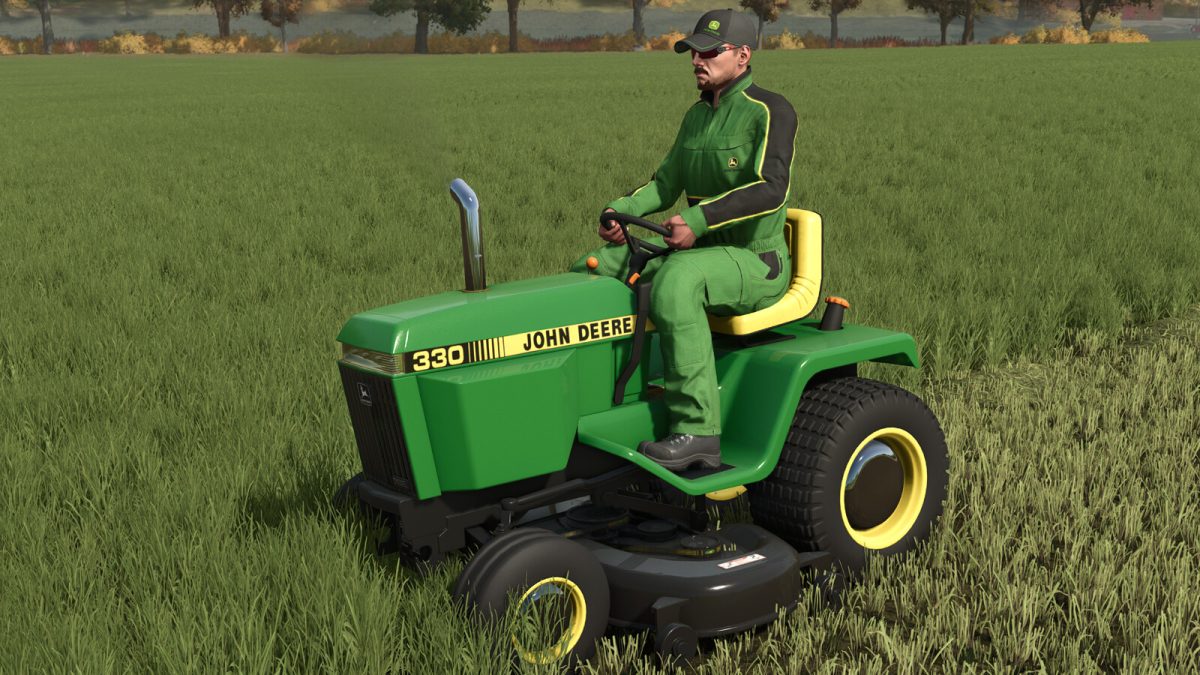
John Deere 330 Lawn Tractor v 1.0


The John Deere 330 is an icon in the world of small lawn tractors and also for farm work. Its strength makes it possible to work with small plows and also cultivators.
John Deere 330 has the following configurations:
– Original grass tires
– Dual tires for heavy work
– Tires with claws
– Modified exhausts
– Sticker design
– Front weight
– Front logo
– Color option on the tractor
– Color option on the front grille
– Colors on the wheels
– Third point hitch
Price: 2500 $
Speed: 20 km/h
Power: 23 hp
Fuel capacity: 24 liters
The model also has a special cutting base for it, a base that allows cutting with the side grass drop, chopping the grass and bagging the grass.
The John Deere Deck has the following configurations:
– Color Option
– Cut the grass
– Mowing the grass
– Bag the grass
Price: 500 $
Working speed: 20 km/h
Working width: 1.8 m
The John Deere bagger also comes to work with the John Deere 330.
– Standard capacity
– Fictitious capacity
Price: 400 $
Credits:
SleutjesModding


