

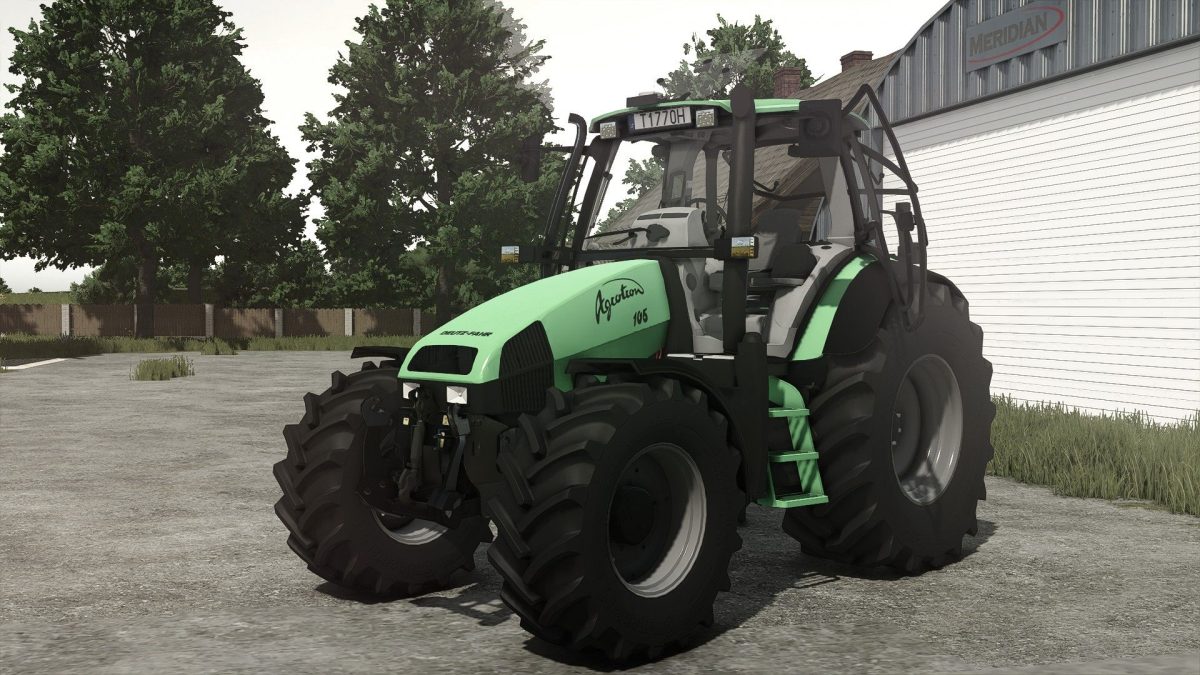
Deutz Fahr Agrotron MK3 v 1.0


Converted from FS22
Price: 51000
Power: 117
Max speed: 50
Interactive control
realGPS
Configurations:
Wheels brand
Wheels setup
Engine configuration
Beacon lights configuration
Frontloaders
Front attacher/weights
Main color configuration
Roof color configuration
Rims color configuration
Changes for FS25 version:
Fixed issue where in shop you not been able to buy it
Added color configurations with few different Deutz Fahr green color shades
Lights been replaced by base game lights
Interactive control corrected for FS25 version
All tires been set up to be loaded from base game
Fixed few wear/dirt textures
Removed ~100mb of unused i3d models/textures
Added realGPS mod support for GPS dashboard
Fixed design configurations
Fixed front loader attachment
Credits:
Starlexs, RedCat3D, BrendGeluk, JesseKaal, ZJIDUS


