

Ladyhill Map v 1.1


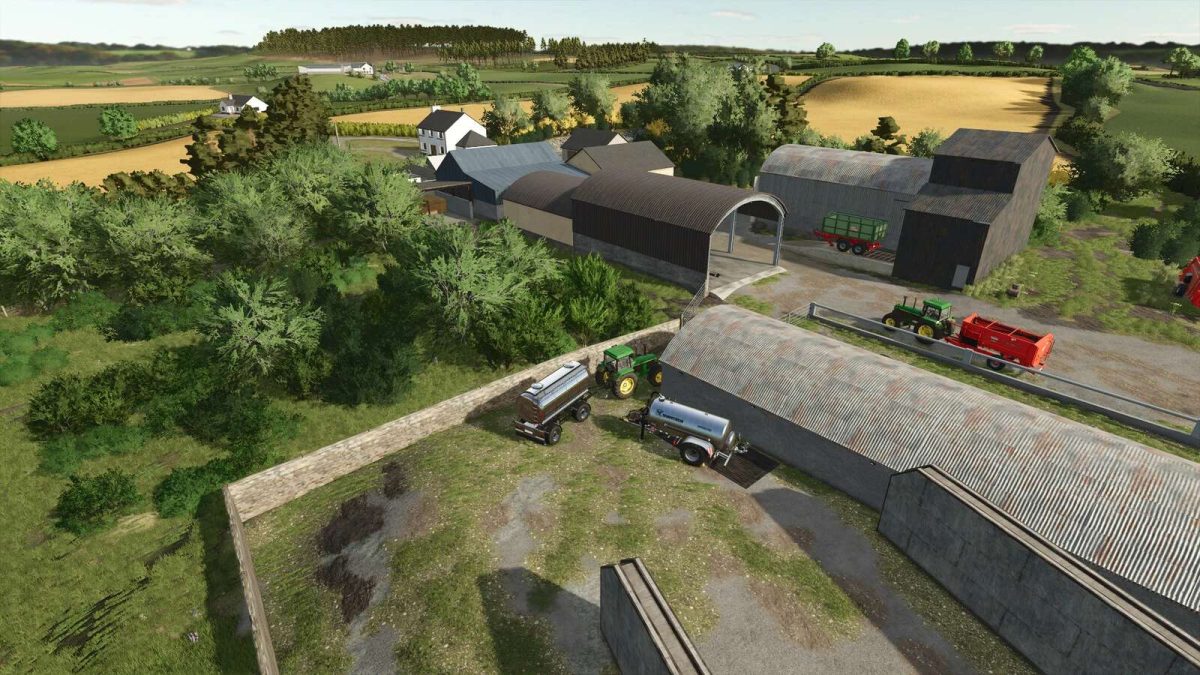
– It haas 8 small farms and 4 small farm areas which all can be bought, sold and bought again without the need to sell any placeables, the ownership of the placeables will change accordinly
– New starting farm for FS25
– Mud added to all field entrance’s
– Custom Northern Irish number plates
– New reworked forests
– Grass fed cows produce milk
– 158 fields
– 4 cattlesheds
– 8 small farms
– 4 small farm areas
– 2 large buildable areas
– 29 different custom built house models
– 30 different custom built shed models
– Custom grass and meadow textures
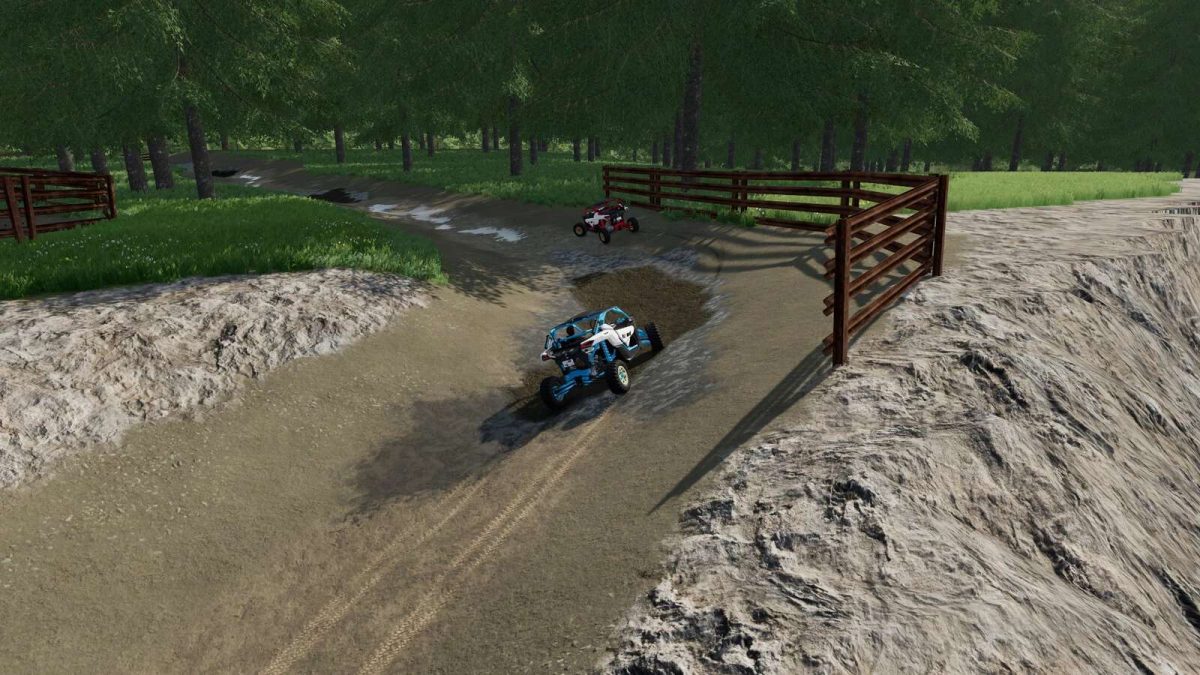
– Dirtbike racing track
– Field numbers matching farmland numbers
– The ability to buy, sell and buy again the same farm with working placeables
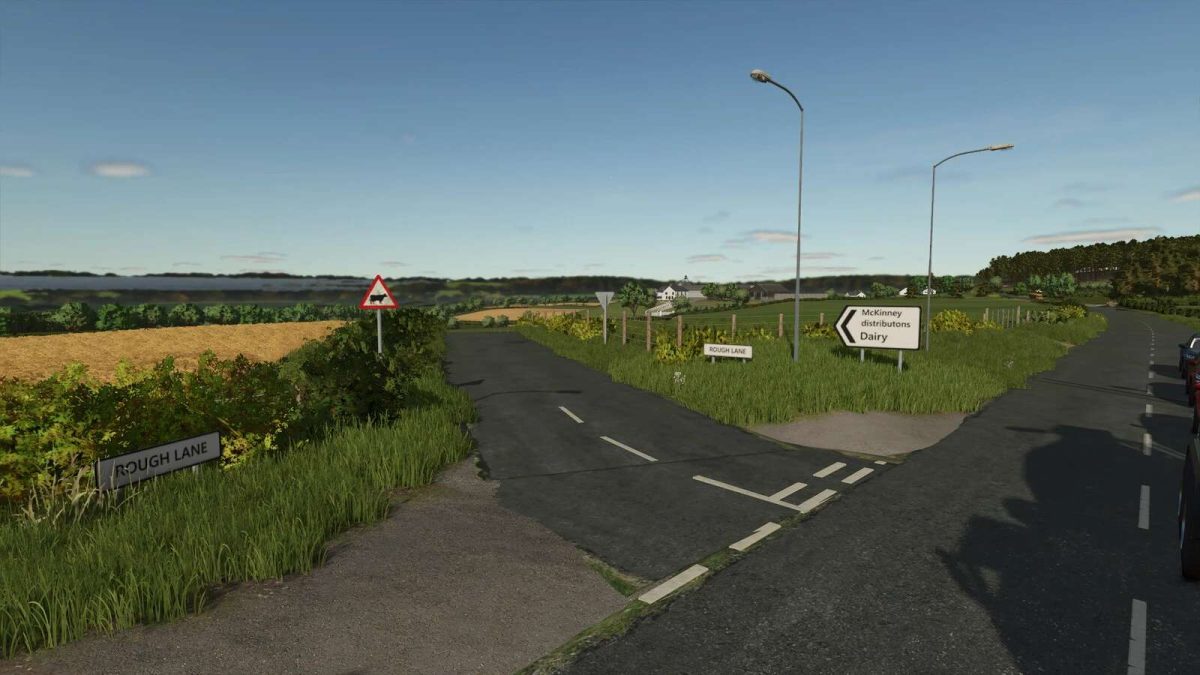
– Custom lighting suited for Northern Ireland
– Custom weather and temperatures suited for Northern Ireland
Version 1.1:
* Fixed issue with silo bins not taking crops
* Fixed floating straw in cattle sheds
Credits:
FS Landscaping


