

Szpakowo Map v 1.1


– New crop textures: oil radish
– New textures: decoBush, decoFoliage, groundFoliage
– New plow texture
– Added in construction mode more painted plants and fields
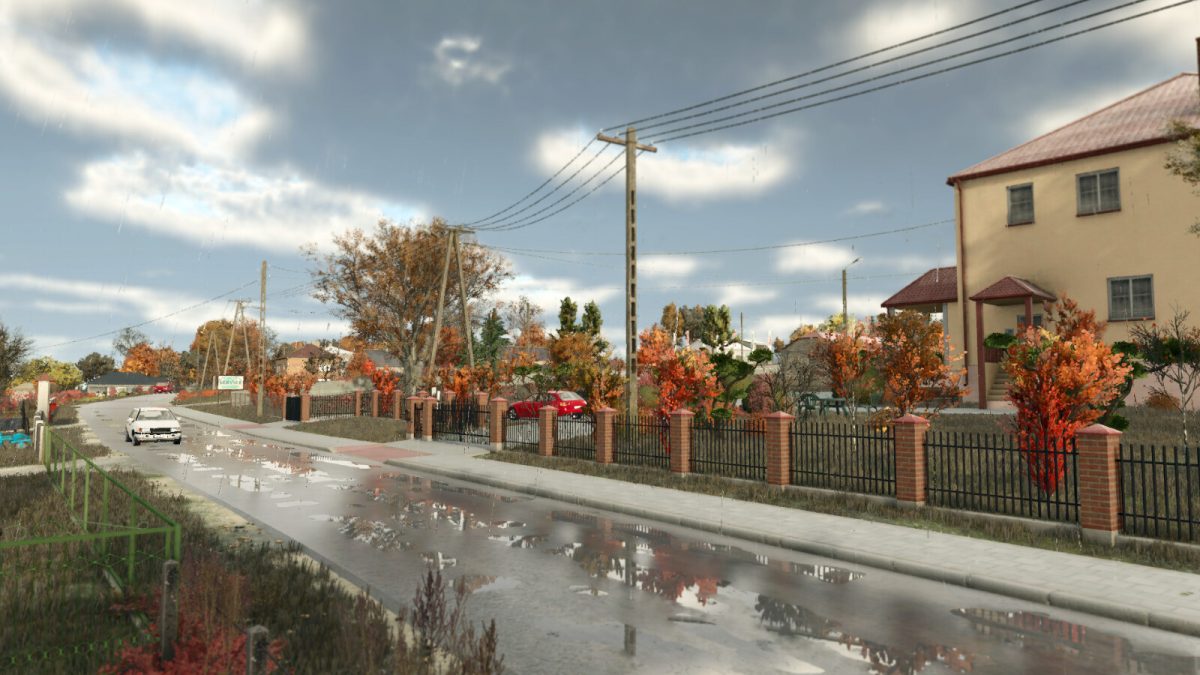
– Added seasonal decorations such as: leaves, snowmen, wet roads when it rains, flooded meadows, Christmas lights on houses, artificial farmers in the field
– Several new sounds have been added to the map
– New collectibles (100)
– Productions: biogas plant, mill, carpenter, sawmill, spinnery and tailor shop
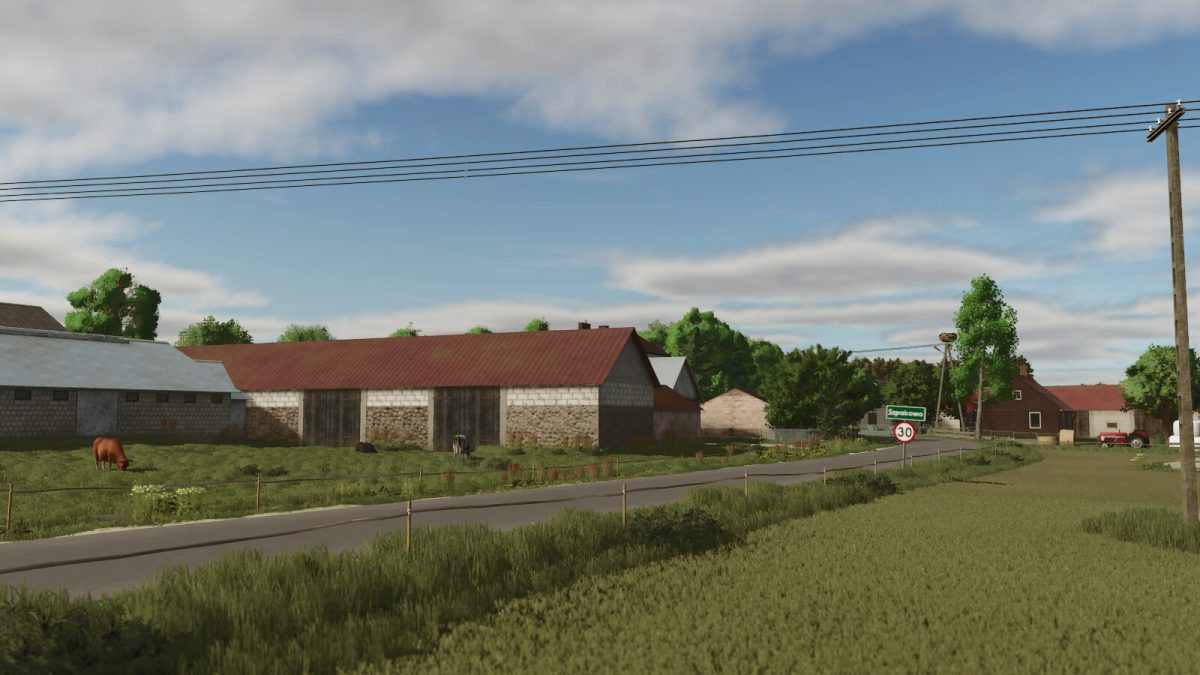
– 3 farms
– Space to build your own farm
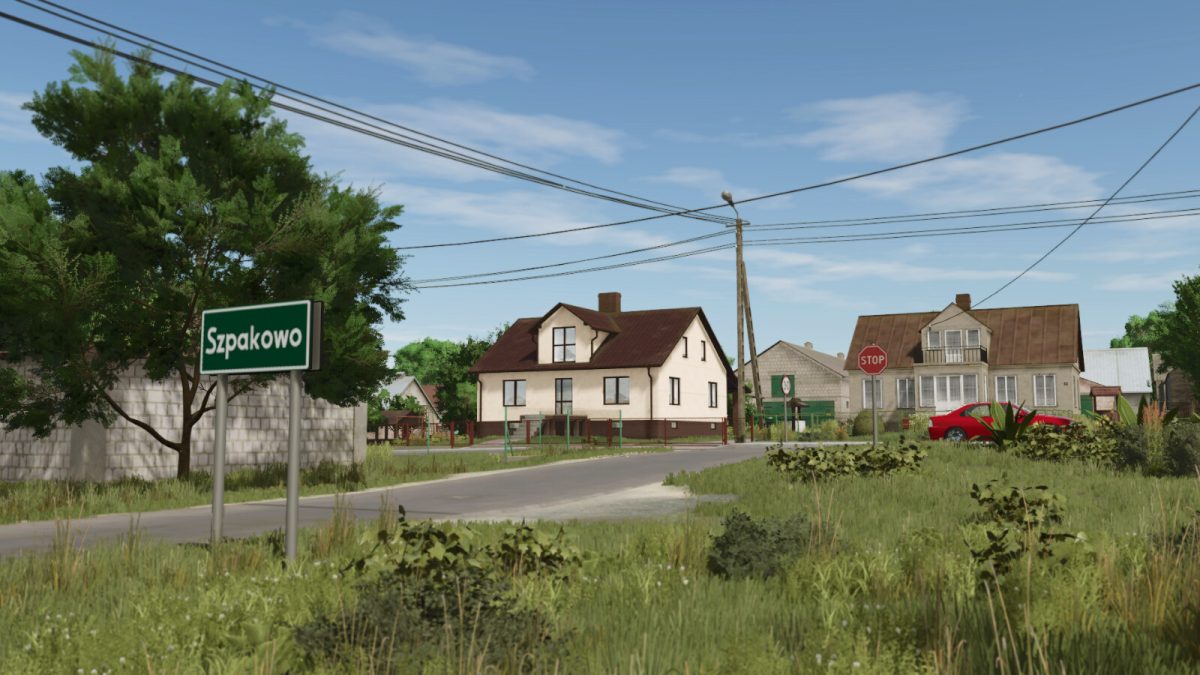
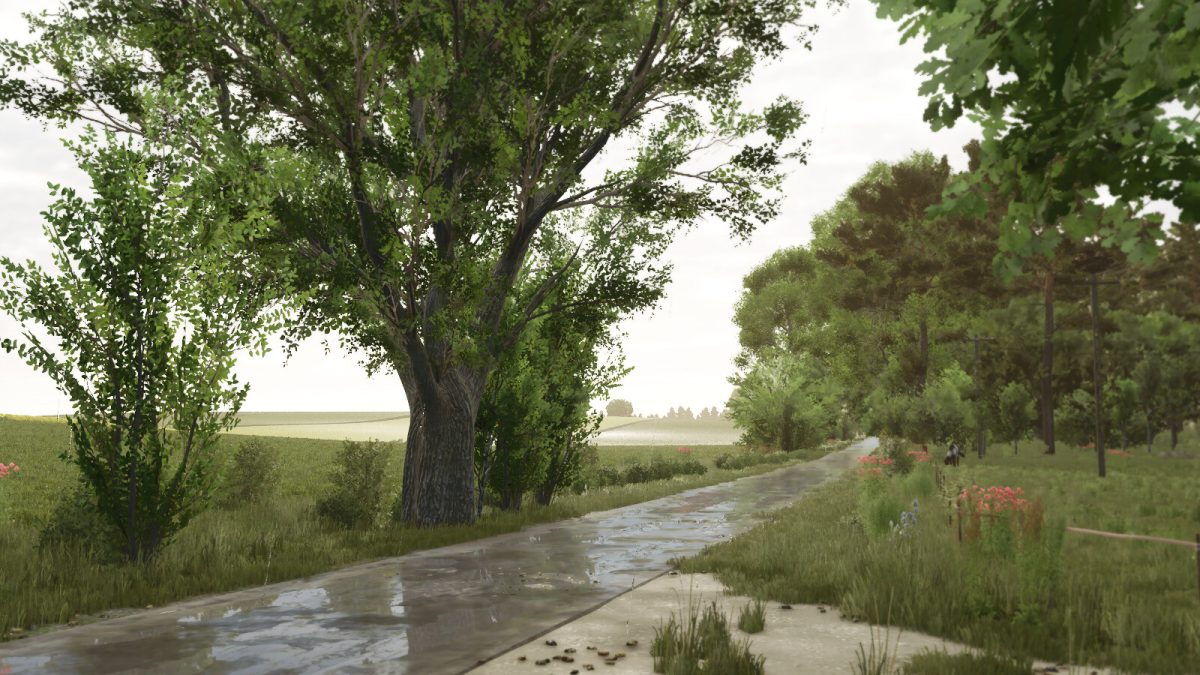
– Diversified terrain
– 3 large grain purchase points
– 5 grazing areas to buy
– Lime station
– Warehouse with possibility of pallet purchase
– Animal trader
– Many forests
– Licence plates for the map region
– 189 fields (including 67 meadows) (ranging from 0.07ha to 9.35ha)
– 254 farmlands available for purchase
– Custom weather effects in different seasons
– Modified traffic vehicles
– Missions: transporting timber, felling dead trees and crushing rocks
Version 1.1:
* A map has been prepared for Precision Farming
Credits:
RajotGPLAY, Jankus


