
FS25 Buildings

Bulk Buy Bunkers v 1.0

Bulk Buy Bunkers v 1.0

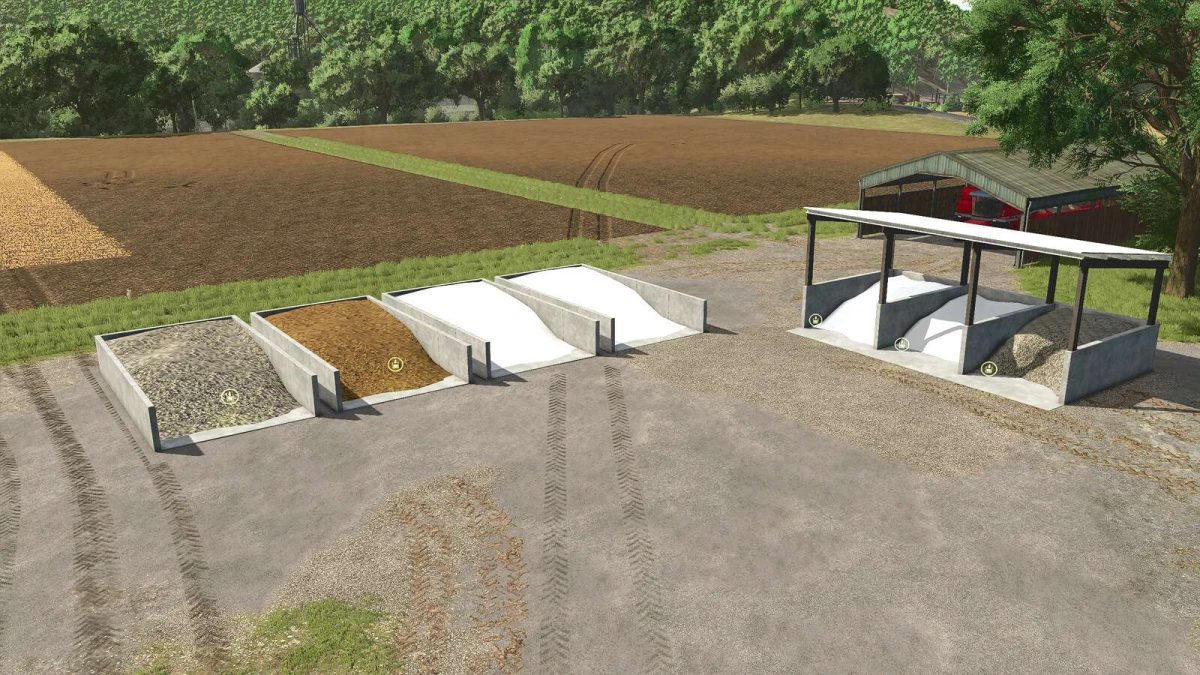
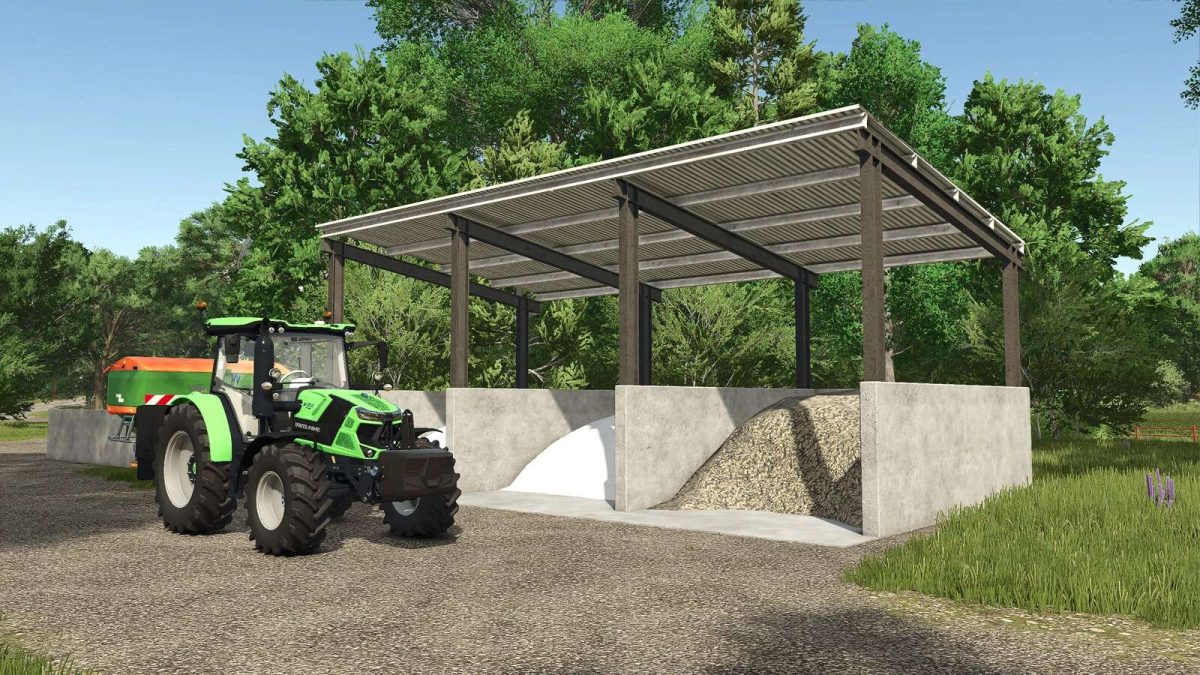
Bulk Storage bunkers for your products. Includes lime, stone, fertilizer and manure buying bunkers. Drive in with a front loader, fill the bucket then dump into your preferred spreader, truck, trailer or tender. Can also fill directly into fertilizer spreaders, manure spreaders, seeders and trailers.

Prices are slightly discounted for each fill type compared to bags, pallets or buy points to reflect both the investment in the placeable and needing to provide your own method of transport.

Lime, Stone, Fertilizer and Manure Buy Bunkers
Price: 5000 $
DailyUpkeep: 5 $

Multi Buy Bunker – Lime, Stone and Fertilizer
Price: 25000 $
DailyUpkeep: 5 $

Credits:

Argsy Gaming

How to install FS25 Buildings?
Firstly find a mod which you like and want to download. Then download a mod to your PC. Mods are usually in .zip format file. But sometimes it can be in .rar. If a mod file is a .zip format no needed additional actions. If a file is in .rar, then you must unarchive mod with software like WinRar or Zip7. Windows 10 users no need to use software for archives, Win10 itself has a feature to unarchive files.
The next step is to find mods folder in your PC. Usually, it is in Documents/My Games/Farming Simulator 25/2025. Open the "mods" folder and put downloaded .zip archive or unarchived .rar file to this folder.
Last step. Enjoy of FS25 mods!

Leave a Reply

Your email address will not be published. Required fields are marked *