

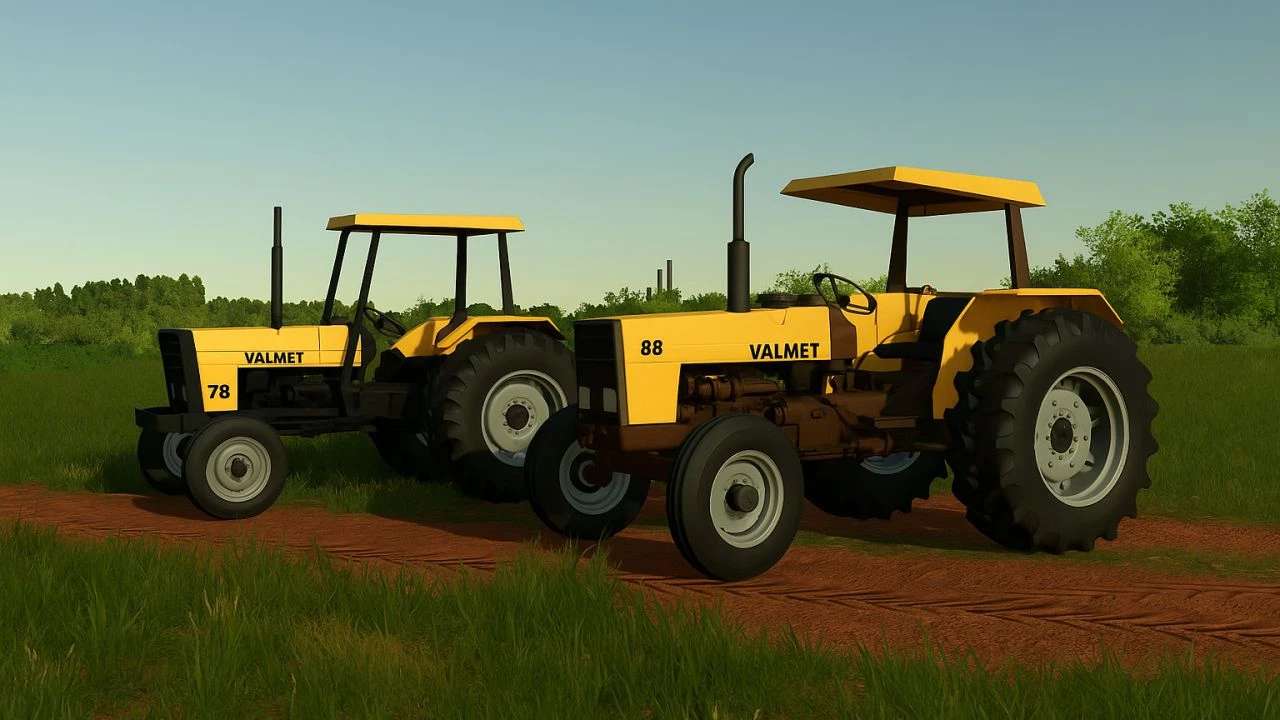
Valtra Valmet 78 & 88 v 1.0


The Valtra Valmet 78 & 88 mod for Farming Simulator 25 offers players the opportunity to operate these classic tractors known for their reliability and performance.
The Valmet 78 is equipped with a MWM D-229-4 engine featuring a 4-cylinder inline design and a displacement of 4,000 cm³.
This model produces approximately 78 horsepower, making it a capable choice for a range of farming tasks.
On the other hand, the Valmet 88 shares the same engine specifications but delivers a bit more power, reaching an output of about 88 horsepower.
Both tractors come with aspirated diesel engines equipped with direct injection, promoting efficient fuel use and dependable performance in the field.
These tractors not only enhance the authenticity of the farming experience but also provide essential functionality for various agricultural activities.
– Valmet 78 and 88 tractors included
– MWM D-229-4 engine for both models
– 4-cylinder inline configuration
– Engine displacement of 4,000 cm³
– Direct injection for improved efficiency
– 78 hp for Valmet 78, 88 hp for Valmet 88
– Suitable for a variety of farming tasks
Credits:
Mega Mods


