

Skoda Kodiaq RS Plus v 1.0


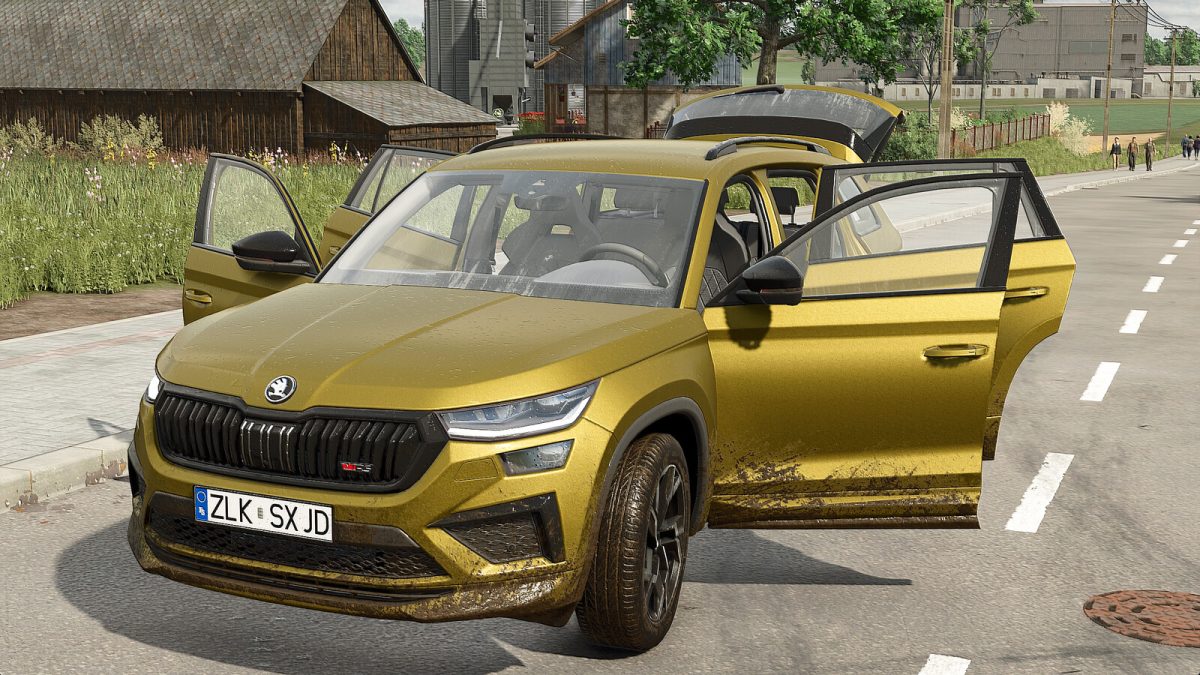
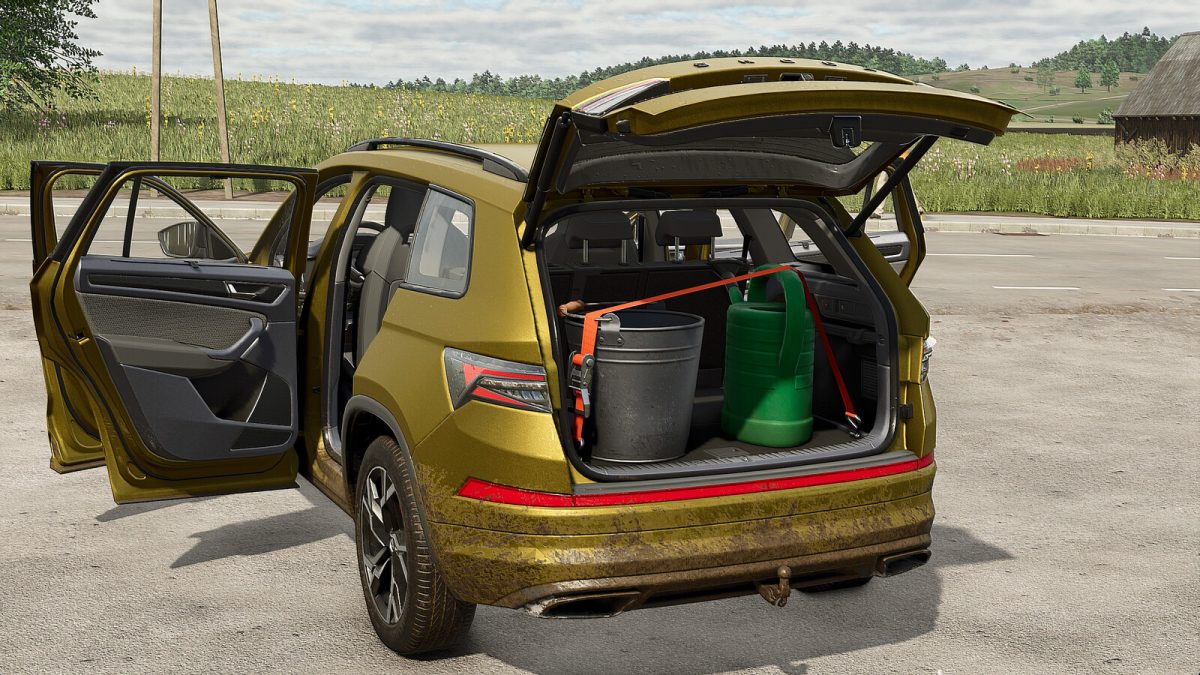
To make your gameplay more immersive, I present to you this Skoda Kodiaq RS, fully modified. This vehicle offers several configurations, including an openable tailgate, providing practical storage space equipped with reinforced fastening systems to securely hold your luggage.
You will have the ability to switch between the Rear-Wheel Steering mode and the normal mode by pressing CTRL + Y.
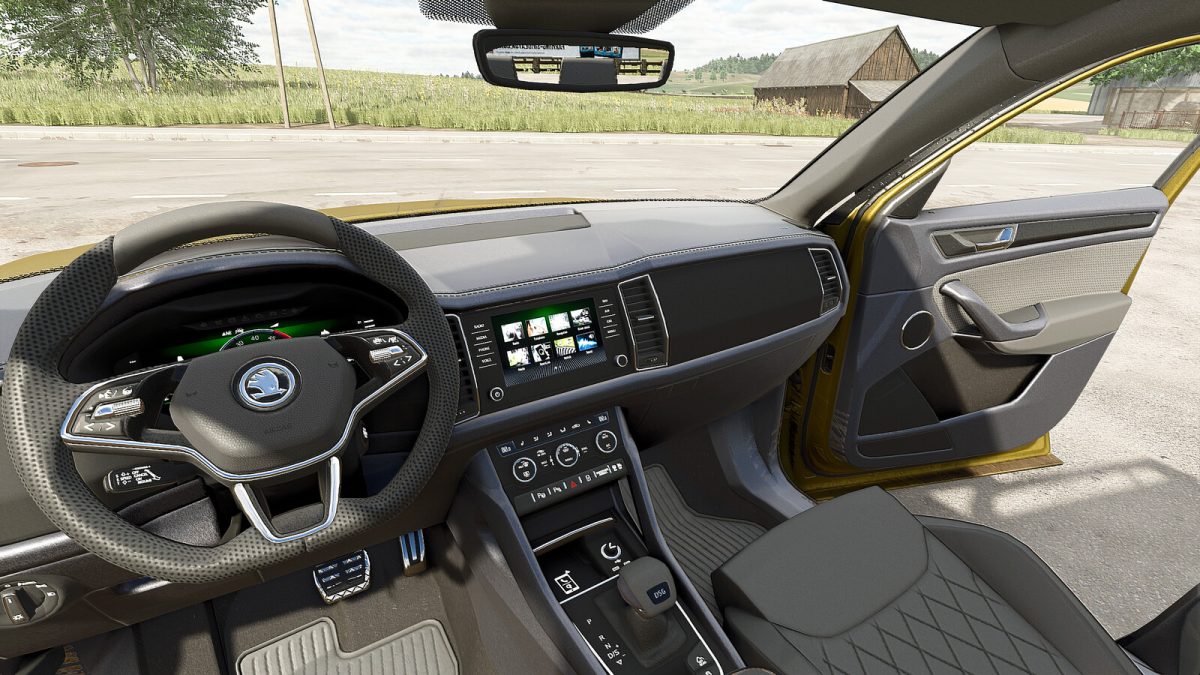
Additionally, this car features numerous realistic animations, such as a functional light switch (activated when the headlights are on), door opening, and much more.
– configurations:
* Wheels
* Windows
* Parcel shelf
* Body color
* Interior color
– Available animations (mouse-controlled):
* Opening of all doors
* Adjustment of the driver’s seat
* Adjustment of the steering wheel
* Opening of the tailgate
– Shop category: Cars
– Price: 39,000 $
– Power: 190 hp
– Maximum Speed: 180 kph
Credits:
Just Farming


