

2015 Volkswagen Passat B8 v 1.0


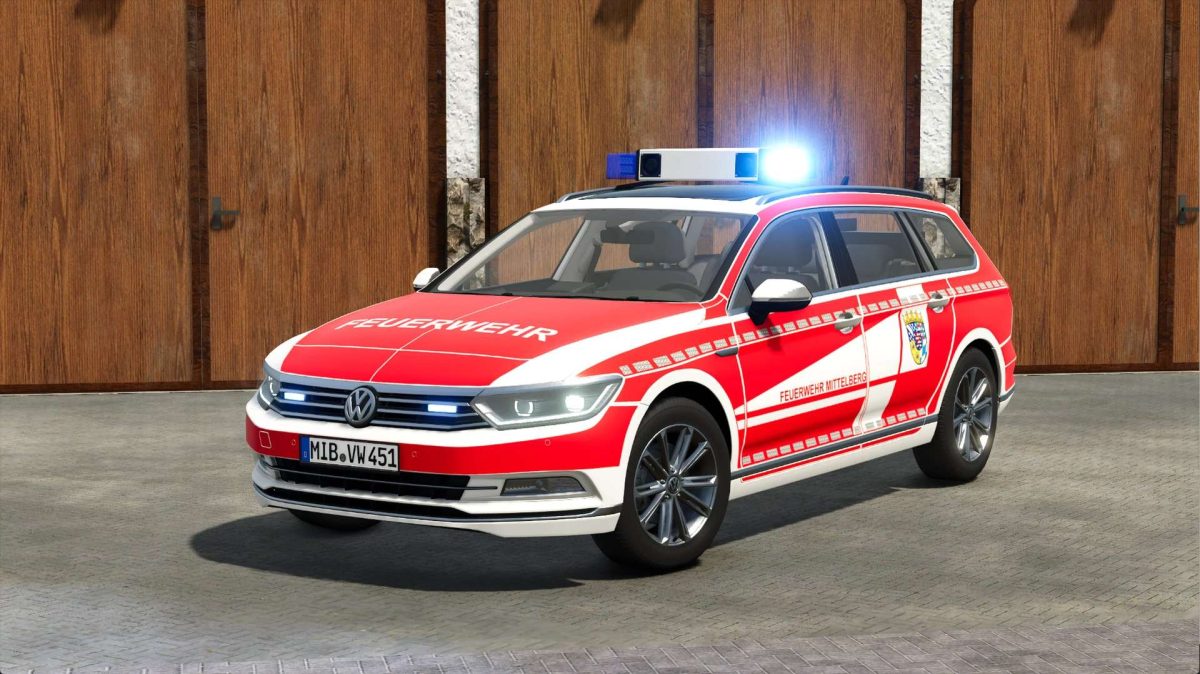
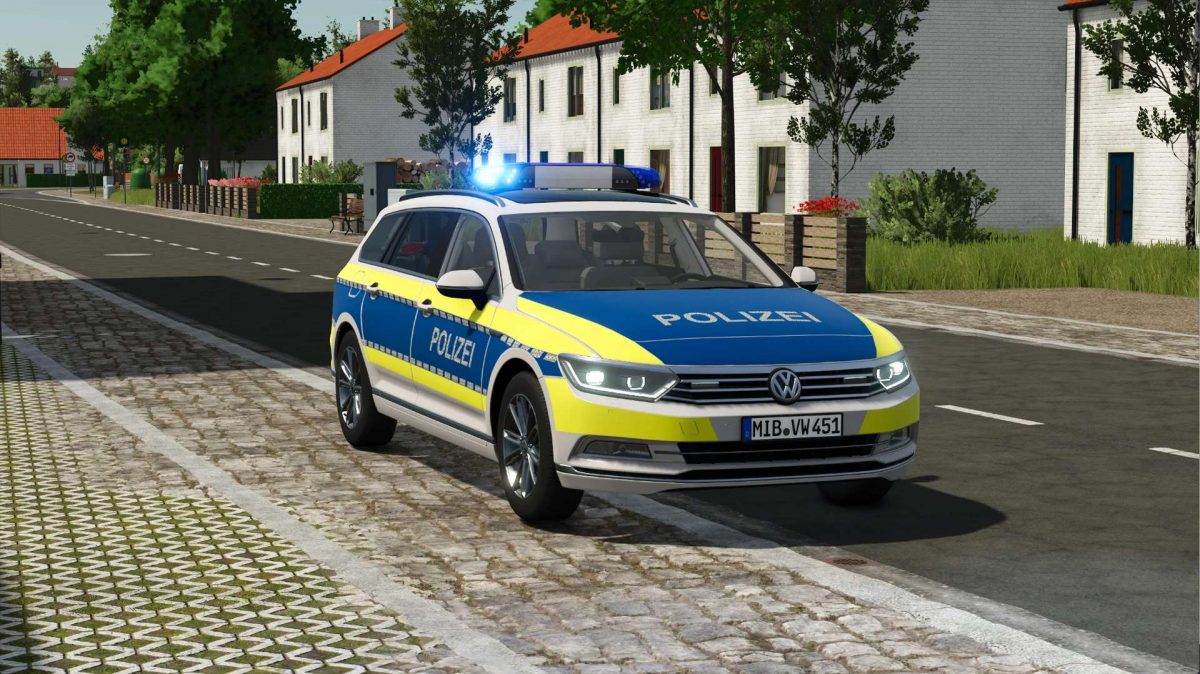
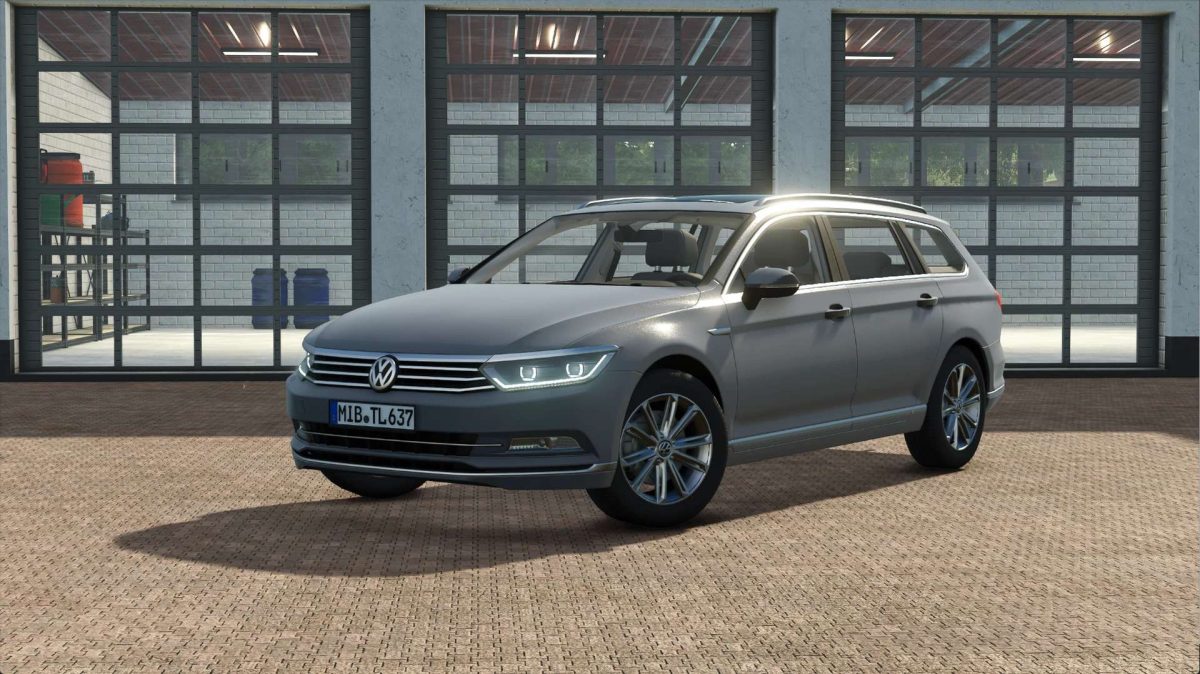
This is a 2015 Volkswagen Passat B8 with many different design configurations, including blue light functions.
General:
Price: €33,000
Max. power: 200 hp
Top speed: 214 km/h
Functions:
Horn control
Select horn with U (City / Supercharger)
Activate horn with Y
Rear warning with ‘X’ button (only in conjunction with the DBS4000 & 5000)
Passenger seats
Real GPS support
Animated doors follow as soon as IC is available
Configurations:
Design configurations
Civil service
Mittelberg fire department
Emergency doctor / rescue service Mittelberg
Police
Public order office
Customs
ADAC (German Automobile Club)
VSRM (German Automobile Club)
Mittelberg road maintenance department
Taxi
Bar configurations
Bar color configurations
The horn control isn’t working correctly?
Go to Settings > Controls > True GPS Mod and delete the key binding for “Toggle Map Mode” as it overlaps with the horn control.
Credits:
SoSi-Modding


