La Ferme de la Vallee Map v 1.3.0.2


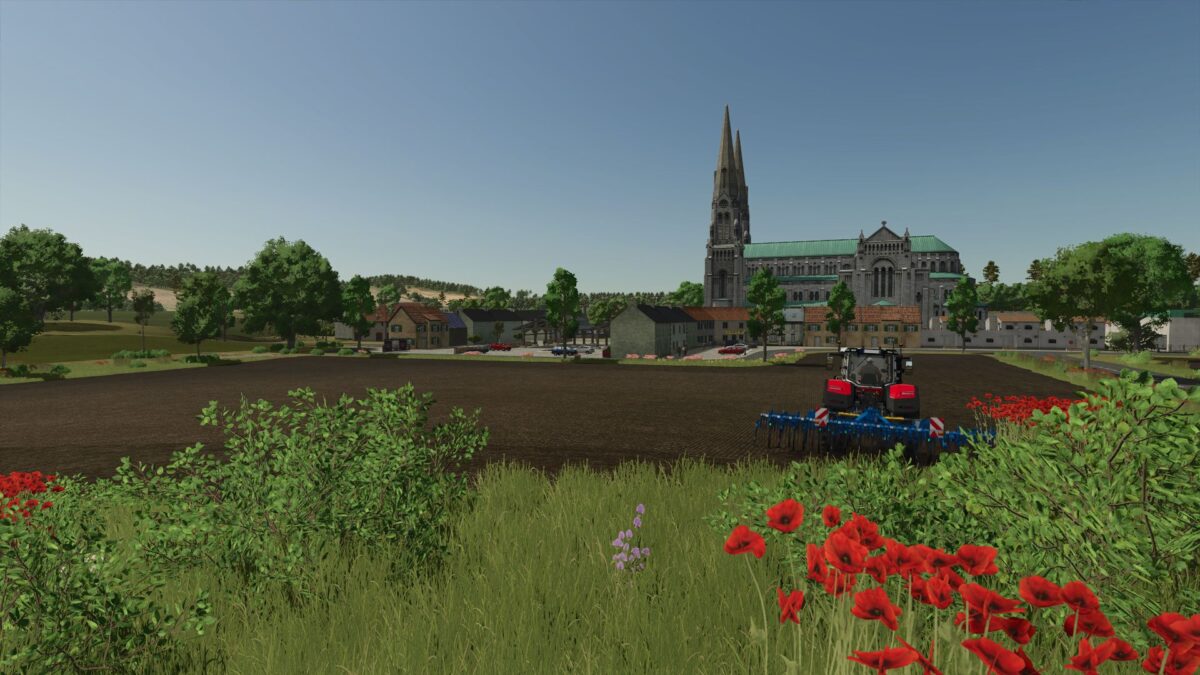
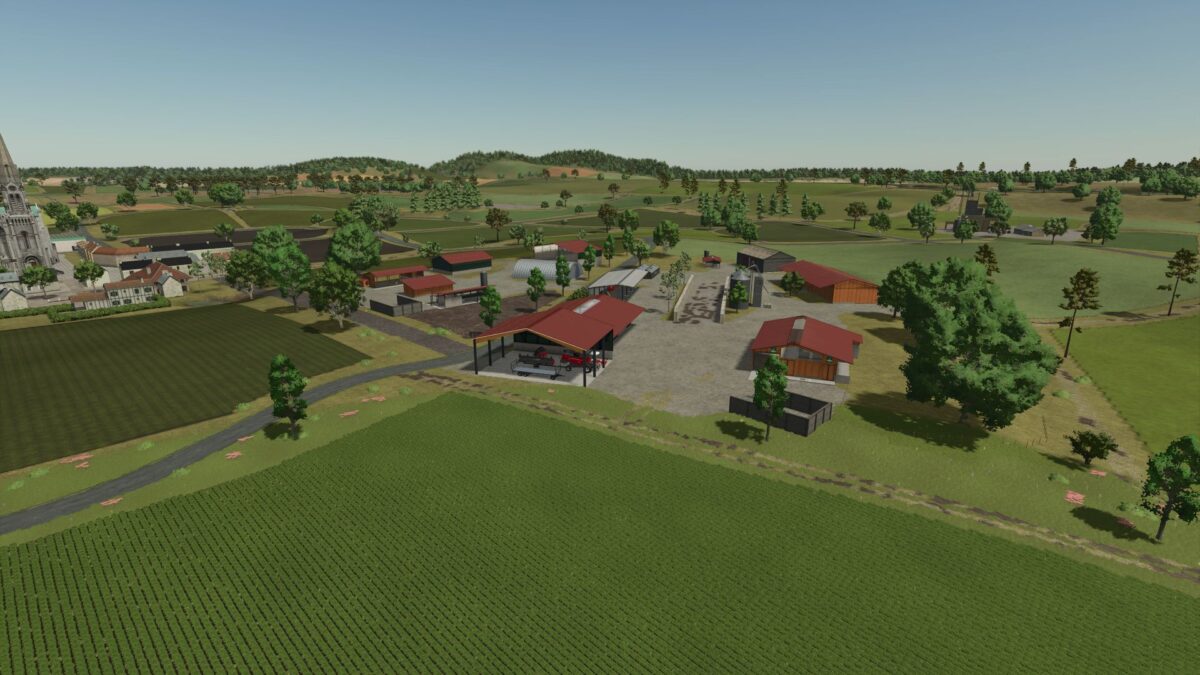
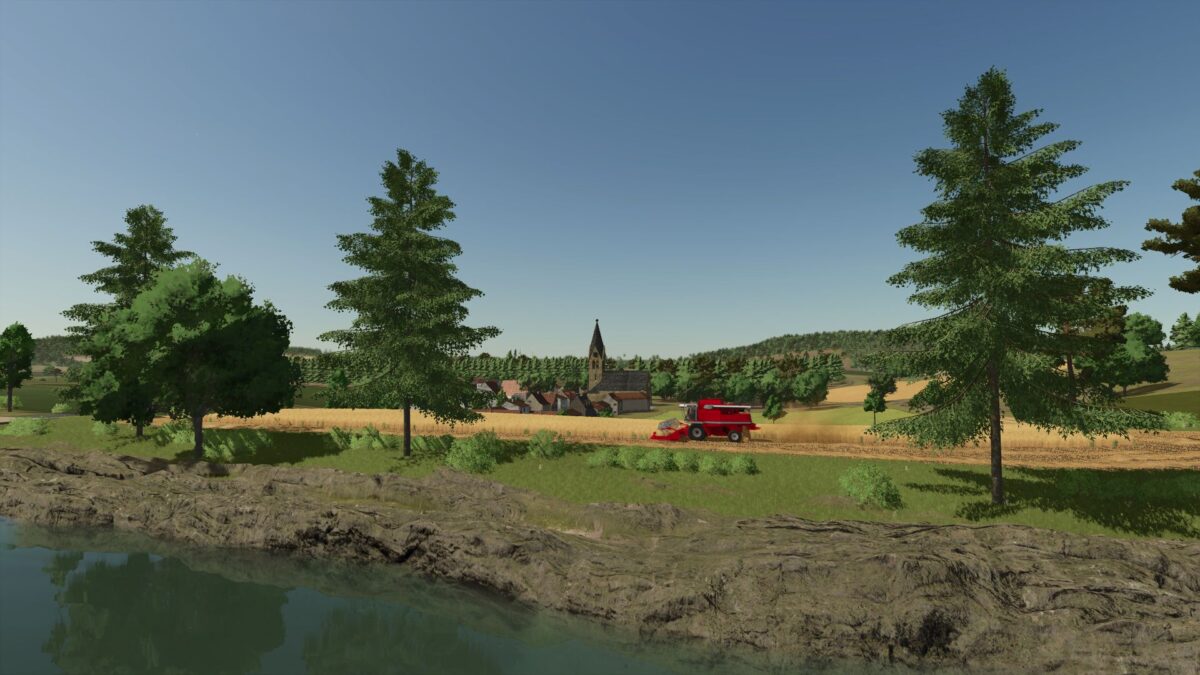
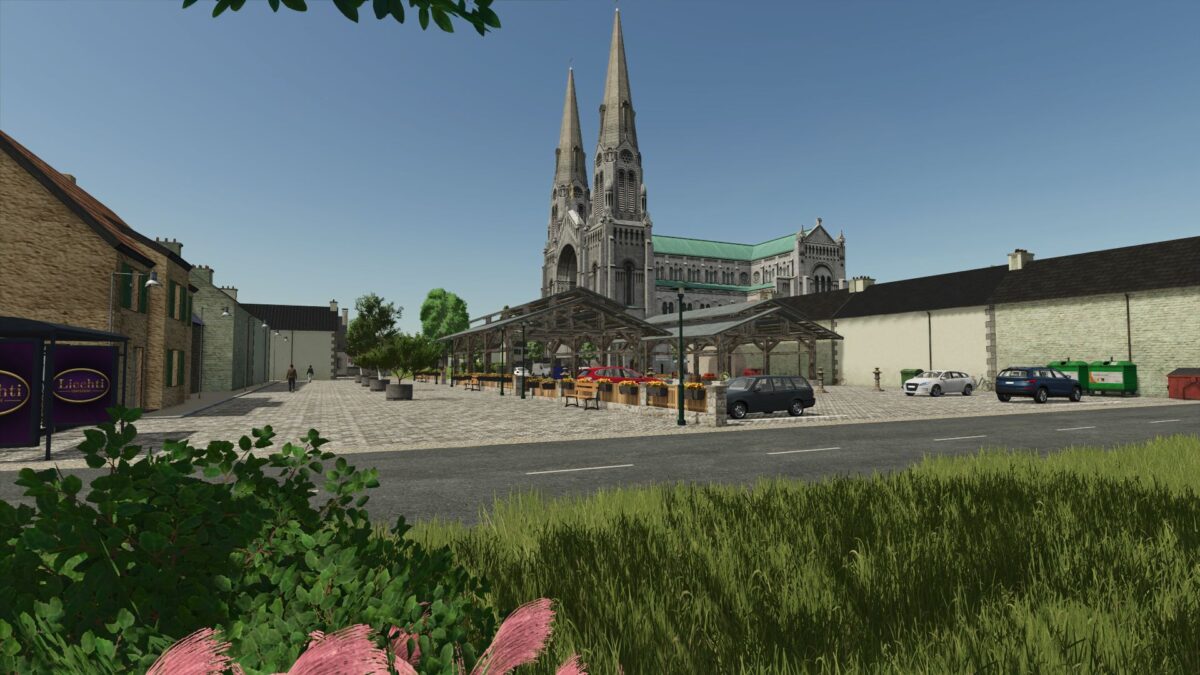
La Ferme de la Vallee Map transports players to a fictional French farm layout, designed specifically for an immersive gaming experience in Farming Simulator 25. This map features a significant enlargement compared to previous versions, presenting a blend of farming and forestry elements that cater to a variety of play styles.
The map includes a total of 95 fields, providing ample opportunities for cultivation, while 22 forest plots invite forestry enthusiasts to engage in logging activities. There are three designated placeable zones for those who want to customize their farm layout. Players can also find three grain cooperatives that serve as collection points for harvested crops.
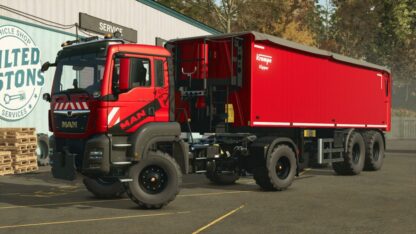
To support the trading and selling of goods, the map boasts four points of sale, allowing farmers to easily offload their harvest. Additionally, there is one production point that does not require harvesting, giving players another avenue for income generation. Two service stations ensure that your vehicles remain in top shape as you navigate the expansive landscape.
For those who enjoy managing livestock or want to expand their farming activities, there is one farm from which players can withdraw. The map also features three multifruit purchasing points, ensuring that a variety of crops can be bought or sold. With two villages present, the setting feels
Welcome to the Vallee Extension farm. It is an entirely fictitious card, enlarged compared to that of FS22.
– 95 fields
– 22 forest plots
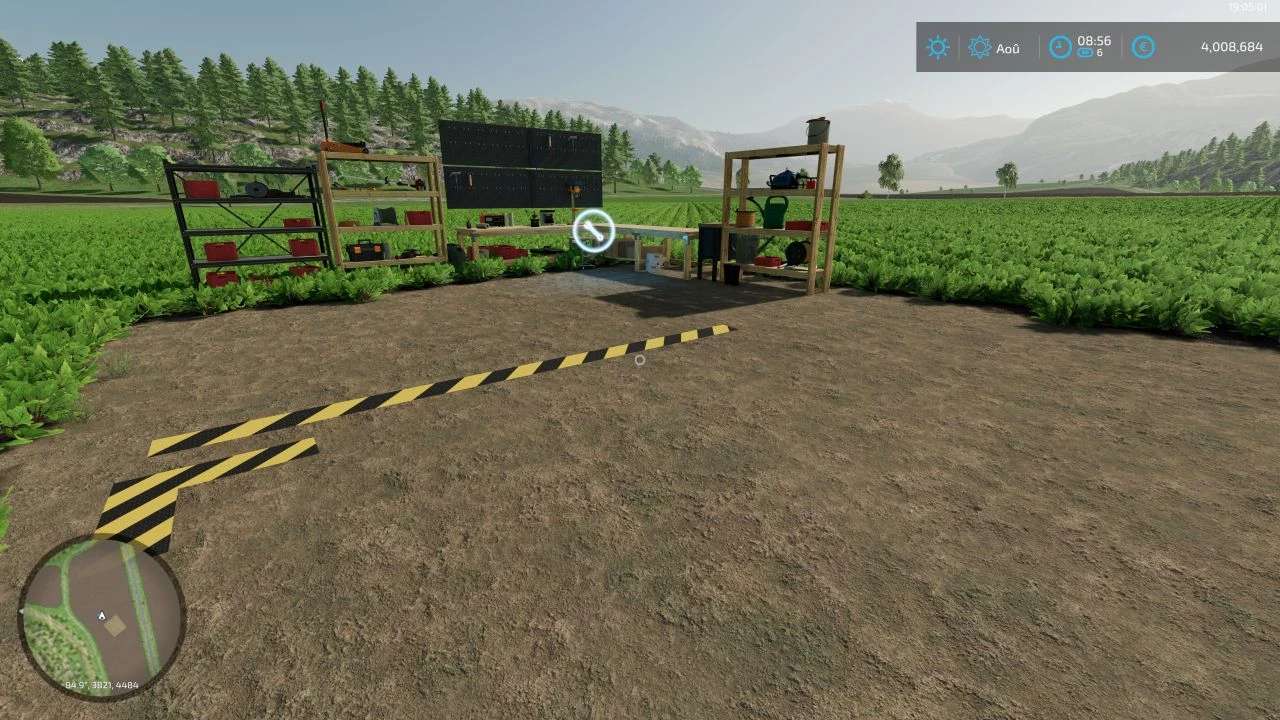
– 3 placeable zones
– 3 grain cooperative
– 4 point of sale to walk farmer
– 1 production point of sale
– 2 Service Stations
– 1 farms that you can withdraw
– 3 multifruit purchasing points
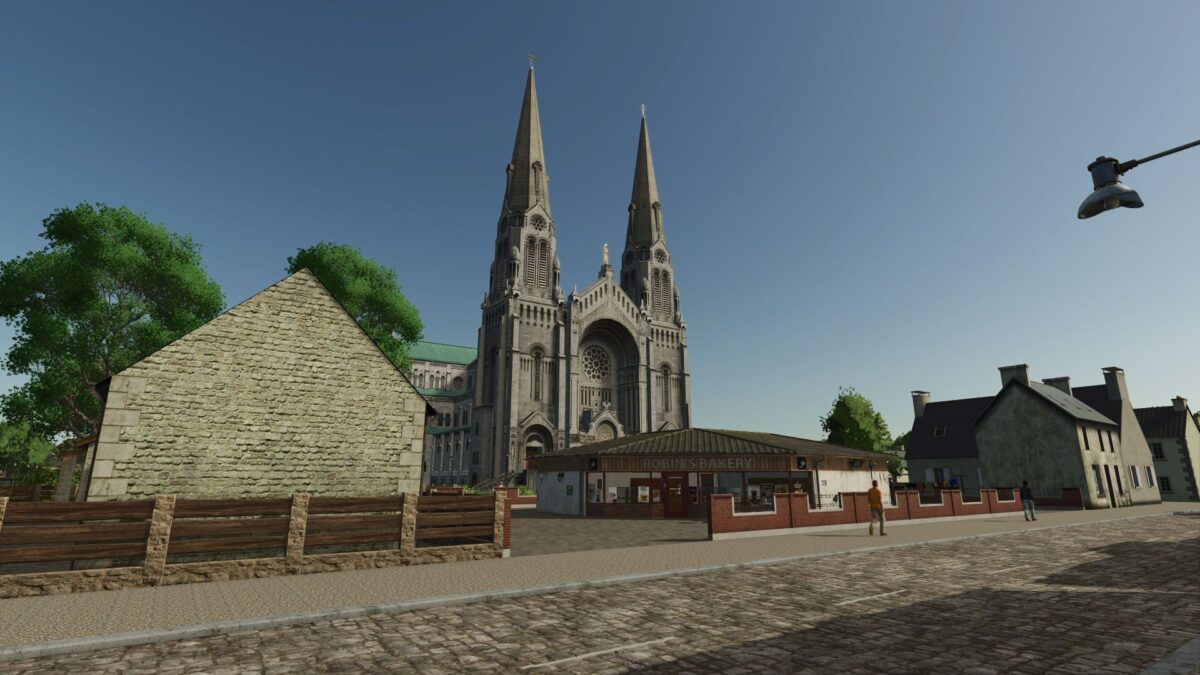
– 2 villages
– Plaque and French traffic
Version 1.3.0.2:
* Ajusted wood missions
* Added Roche missions
Credits:
franchou