Ursus 1654-1954 Pack v 1.0


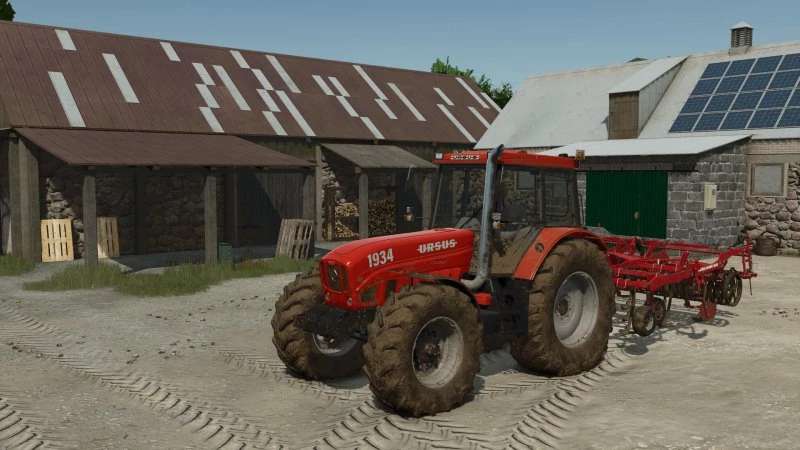
The Ursus 1654-1954 Pack v 1.0 adds a set of medium Polish tractors to Farming Simulator 25, offering players a variety of options.
This pack includes models such as the Ursus 1654, 1674, 1674M, 1934, 1954, and the 1934 Chip, each characterized by their own distinctive features.
These tractors range in power from 158 to 225 horsepower, making them suitable for various farming tasks.
The mod provides several customization options, allowing users to choose from different engine power configurations, wheel setups, and rim colors.
Additionally, players can select between having ballast or utilizing a three-point hitch, depending on their individual farming needs.
– Includes multiple models: Ursus 1654, 1674, 1674M, 1934, 1954, 1934 Chip
– Engine power configurations available (158-225 HP)
– Wheel configurations with customizable rim colors
– Options for ballast or three-point hitch
Credits:
M8E, Neon16