

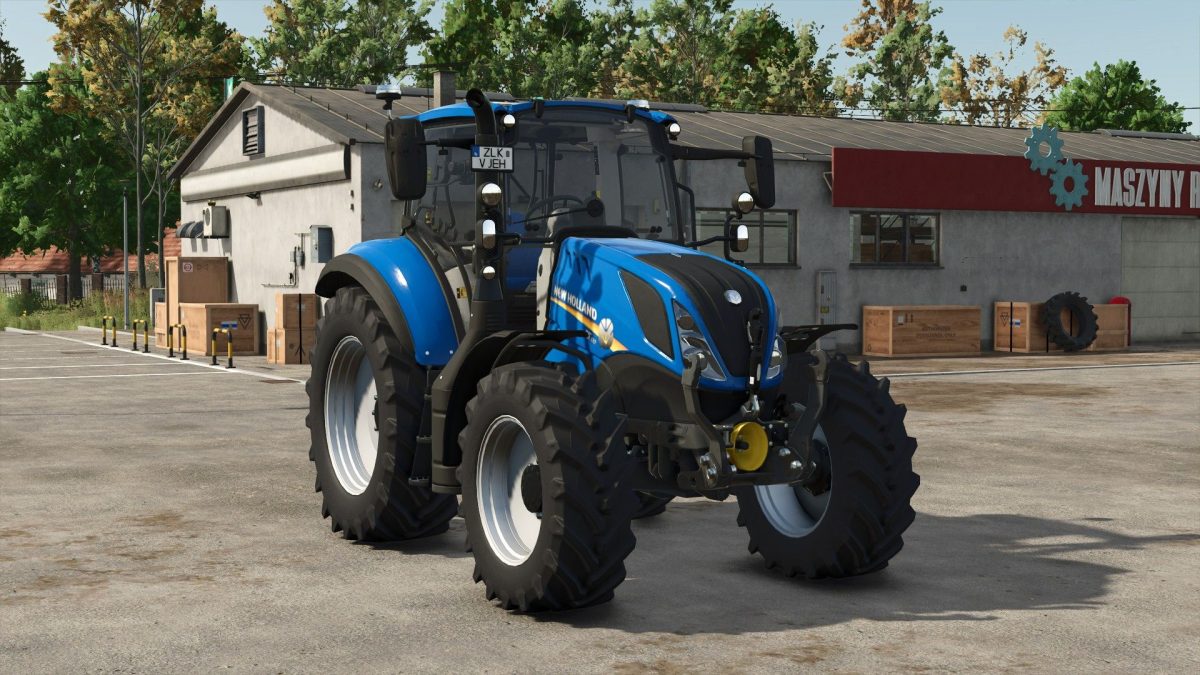
New Holland T5 v 1.2


The New Holland T5 v 1.2 mod for Farming Simulator 25 offers players an authentic and versatile tractor option designed for various farming tasks.
With a price of €83,000, this tractor provides an accessible choice for farmers looking to enhance their operations without breaking the bank.
The T5 comes with a power range of 99 to 117 horsepower, allowing it to handle a variety of implements and workloads efficiently.
Its maximum speed of 40 km/h ensures that players can traverse fields quickly while maintaining productivity.
The design and functionalities of the New Holland T5 v 1.2 mirror real-life specifications, providing an immersive farming experience.
The attention to detail in this mod is evident, and it fits seamlessly into the existing gameplay mechanics of Farming Simulator 25.
This makes the T5 a reliable addition to any player’s fleet, whether for small or large scale farming operations.
– Price: €83,000
– Power: 99-117hp
– Max speed: 40 km/h
Version 1.2:
* RealGPS support added
Credits:
Starlexs, Leo630


