

Case CX350D Pack v 1.0


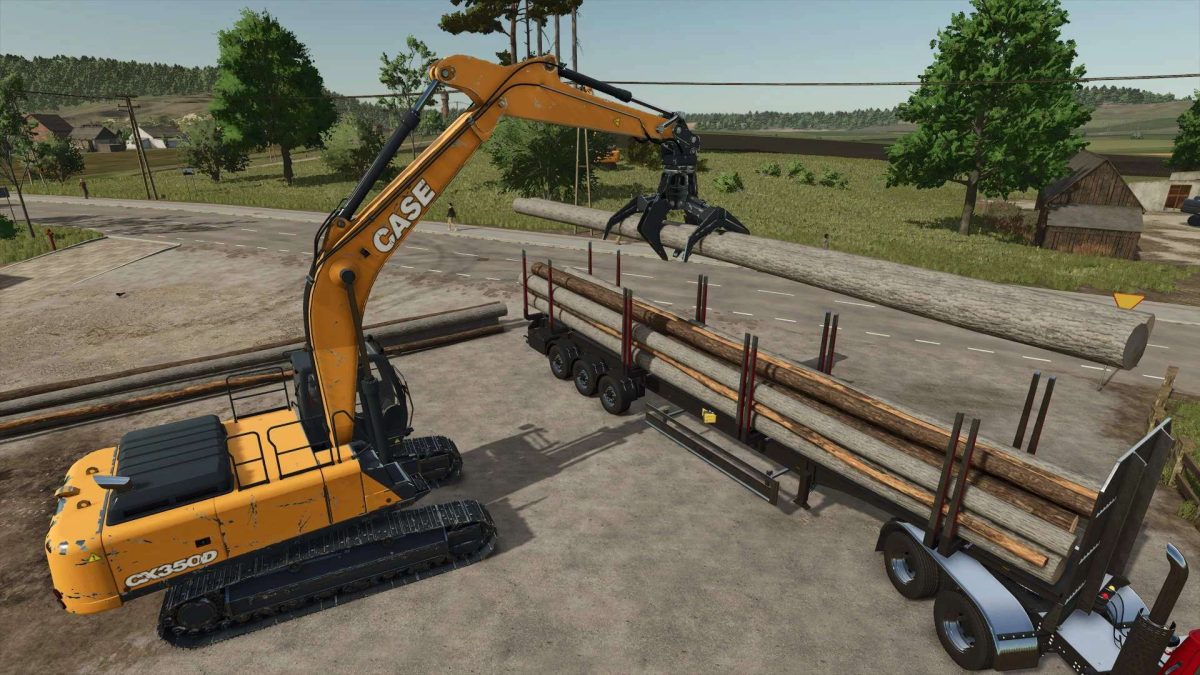
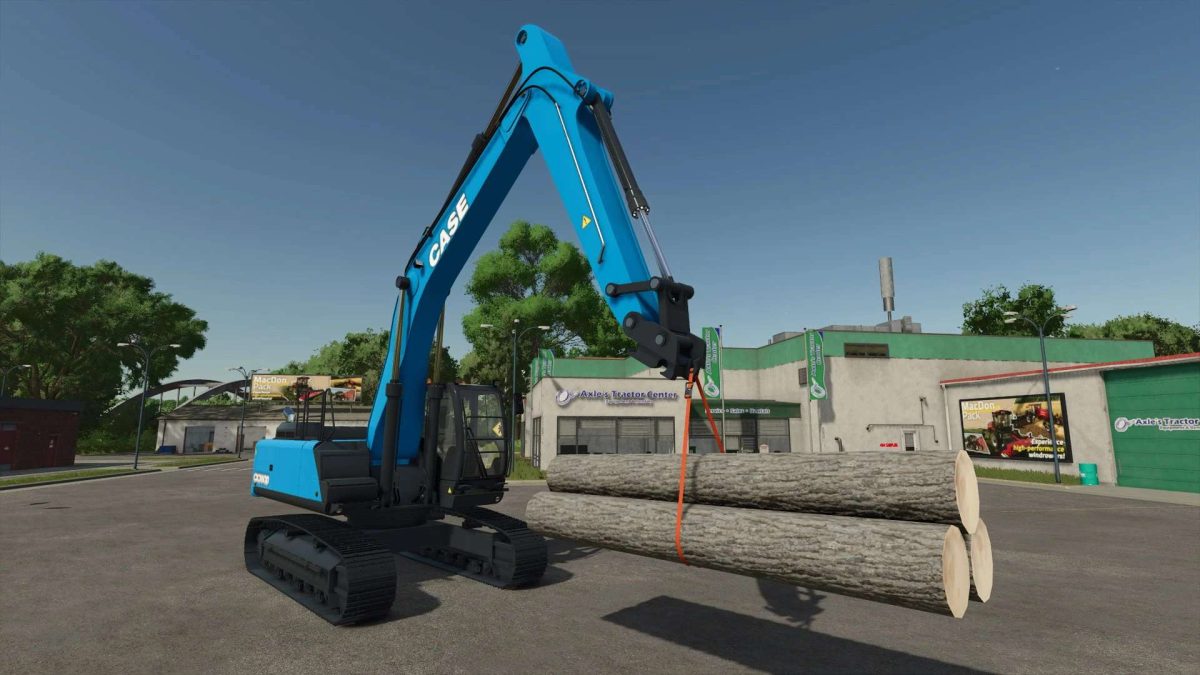
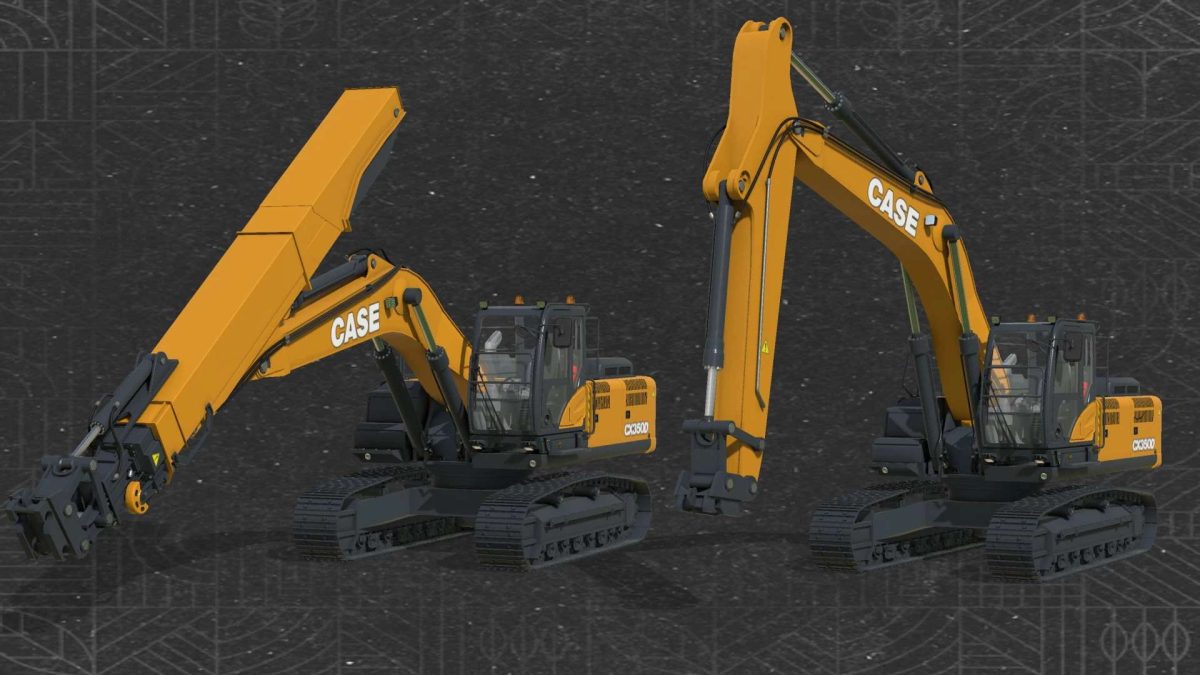
This pack contains 2 versions of Case excavator. Telescopic version has extended arm for long reach.
Both can attach all atachments included in my Excavator Attachments mod
Case CX350D
Shop category: Excavators
Price: 240000 $
Power: 640 hp
Max. speed: 10 kph
Configurations:
– Sliding cab (yes or no)
– Fast coupler auto tilt (yes or no)
– Cab protection
– Tinted windows
– Body color
– Tracks color
Case CX350D Telescopic
Shop category: Excavators
Price: 270000 $
Power: 640 hp
Max. speed: 10 kph
Configurations:
– Telescopic arm extension (8 m or 16 m)
– Sliding cab (yes or no)
– Fast coupler auto tilt (yes or no)
– Cab protection
– Tinted windows
– Body color
– Tracks color
There are two bottom working lights on cab when sliding cab is active. These lights can be switched on as high beams (defaul Ctrl+F).
When fast coupler auto tilt is active, you can center attached tool with the ground (default key Y). You can choose between log grapples, feller buncher and fast coupler (default key U).
Cab sliding control: “AXIS_CRANE_ARM2” in control group 2
Credits:
kenny456


