

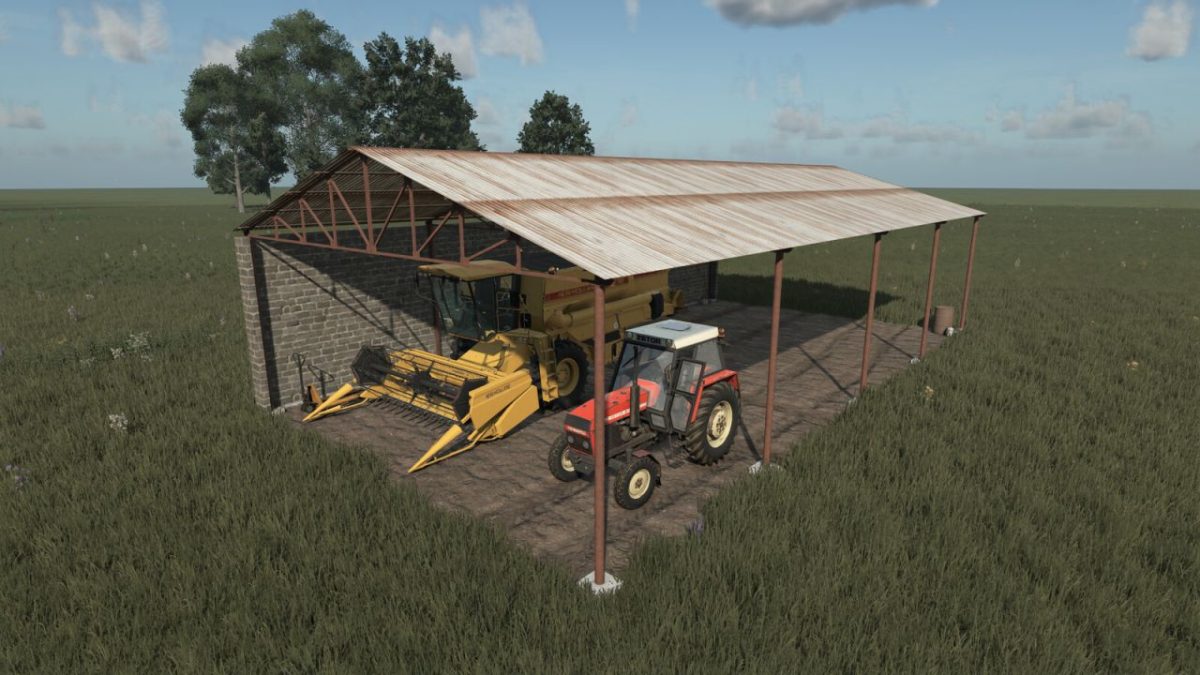
Old Machinery Shed v 1.0


The Old Machinery Shed v 1.0 is a storage solution designed for farmers looking to keep their agricultural machinery and equipment protected from the elements.
Featuring a robust steel roof structure, this shed combines functionality with a simple yet effective design, making it an ideal addition to any farm layout.
With a purchase price of $17,000 and an upkeep cost of $10 per day, this shed provides an economical option for those needing to safeguard their tools and machinery.
Its spacious interior allows for the storage of various types of farming equipment, ensuring that everything remains organized and in good condition.
– Designed for storing machinery and agricultural equipment
– Steel roof structure for durability
– Purchase price: $17,000
– Upkeep cost: $10 per day
– Suitable for various types of farming operations and layouts
Credits:
Betonowy Łukasz


