

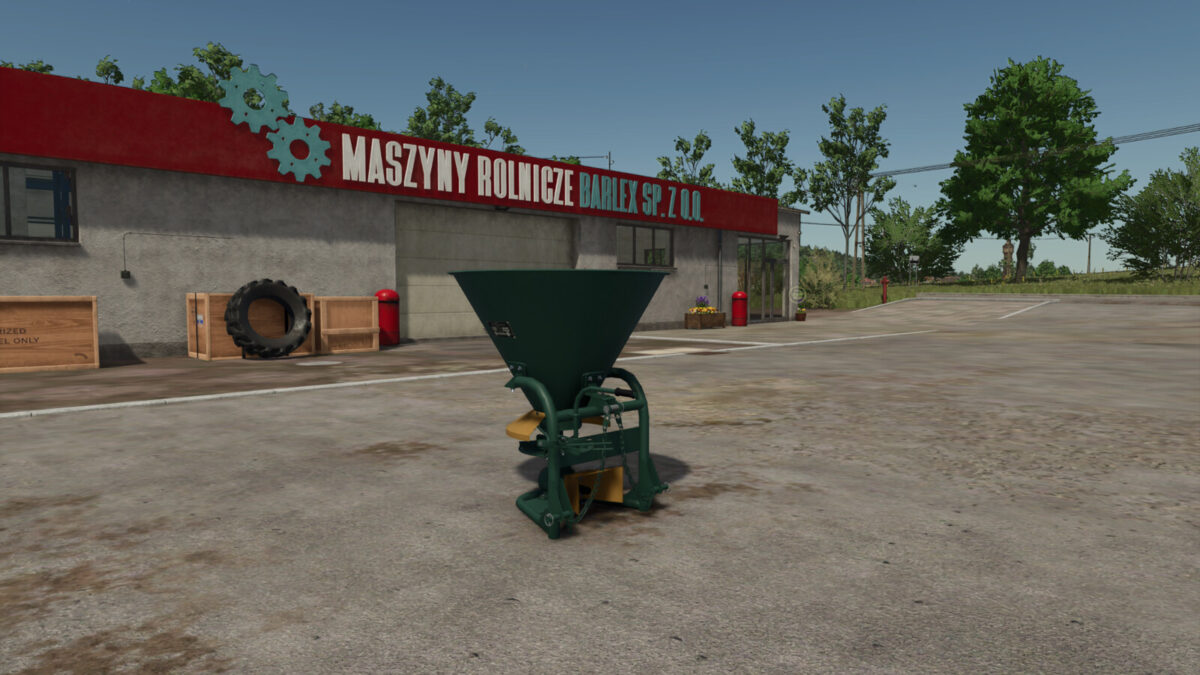
Lizard N-012 Fertilizer Spreader v 1.0


The Lizard N-012 Fertilizer Spreader is a compact and efficient option designed for small to medium-sized farming operations. With a price of $790, it offers an accessible solution for those looking to efficiently apply fertilizers across their fields. The spreader features a working width of 10.0 meters, allowing for a decent coverage area while maintaining precision in application. It requires a tractor with a minimum power output of 15kW, making it suitable for various farm setups.
One of the advantages of the Lizard N-012 is its customization options. Users can choose from different colors and capacities, with available options of 253 liters or 326 liters. Additionally, it includes various decals and covers to suit different aesthetic preferences and operational needs.
– Compact design
– Price: $790
– Working width: 10.0m
– Power required: 15kW
– Customizable colors
– Two capacity options: 253l, 326l
– Available decals and covers
Credits:
Zimov


