

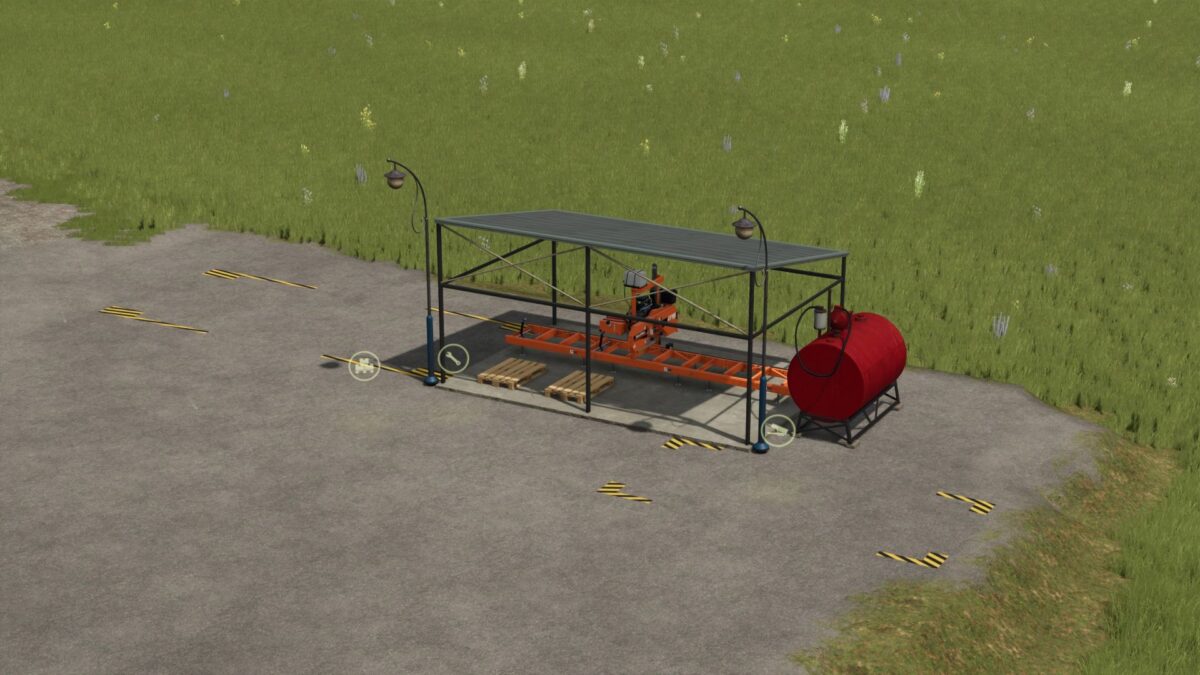
All in one Sawmill v 1.0


The All in One Sawmill v 1.0 is a versatile addition to your Farming Simulator experience, designed for effective wood processing and production. This mod features a standard sawmill integrated with a lumberjack system that generates wood using diesel as the primary resource. The produced wood can serve as a crucial input for various manufacturing processes in your farm.
Additionally, this sawmill comes equipped with a pallet production unit, allowing you to create pallets for transporting your goods efficiently. To kickstart your operations, players will find 5000 liters of diesel included as a start bonus, making it easier to begin your wood production immediately.
– Integrated lumberjack system
– Wood production using diesel
– Pallet production facility
– 5000 liters of diesel included as a start bonus
– Enhanced wood processing capabilities
Credits:
Torakin


