

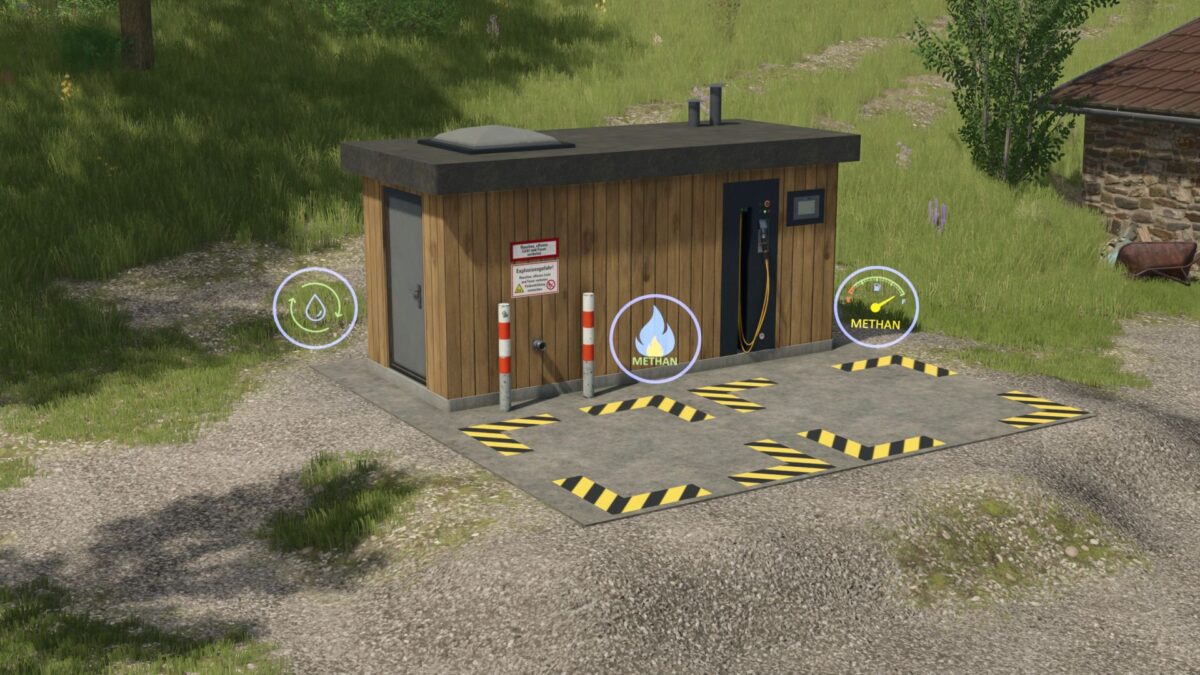
Methan Filling Station v 1.0


The Methan Filling Station mod introduces a functional refueling station for methane-powered vehicles in Farming Simulator 25. This station serves as a refillable biogas tank, allowing players to fill up their methane-powered machines efficiently. Additionally, the mod provides an option for players to purchase methane directly if they prefer not to use the refillable feature.
The filling station is designed to fit well within your agricultural setup, providing a practical solution for managing alternative fuel resources. With a maximum capacity of 20,000 liters, it ensures that you have ample methane supply for your operations. The installation cost for the station is €24,995, and it incurs a daily maintenance expense of €25. This mod can be found in the construction category, specifically under buildings and tools. It also offers multilingual support, making it accessible to a wide range of players.
– Purchase price: €24,995
– Capacity: 20,000 L
– Maintenance costs: €25 / day
– Shop category: Construction / Buildings / Tools
– Multilingual support: German, English, French, Italian, Spanish, Polish
Credits:
Landbauer


