

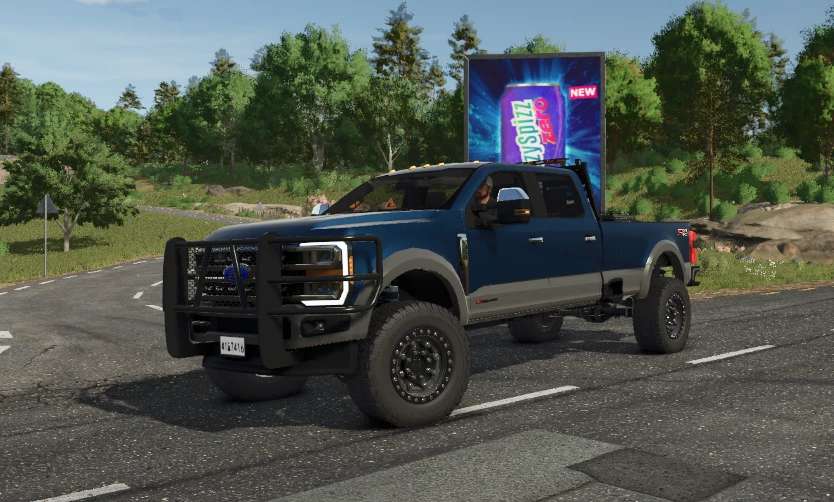
2024 Ford Superduty King Ranch v 1.0


The 2024 Ford Superduty King Ranch mod for Farming Simulator 25 brings an upgraded version of the highly regarded truck from the previous release. With a focus on improved compatibility for both multiplayer environments and lower-end PC systems, this mod features a removable bed that enhances its versatility. Players can also enjoy various customization options, including a winch bumper designed for utility and style.
The mod creators have plans for future updates that will introduce additional options and variations, ensuring that users have plenty of content to look forward to.
– Removable bed feature
– Customization options including winch bumper
– Optimized for multiplayer compatibility
– Designed for lower-end PC performance
– Future updates planned with more options and versions
Credits:
Roughneck Modding Crew


