

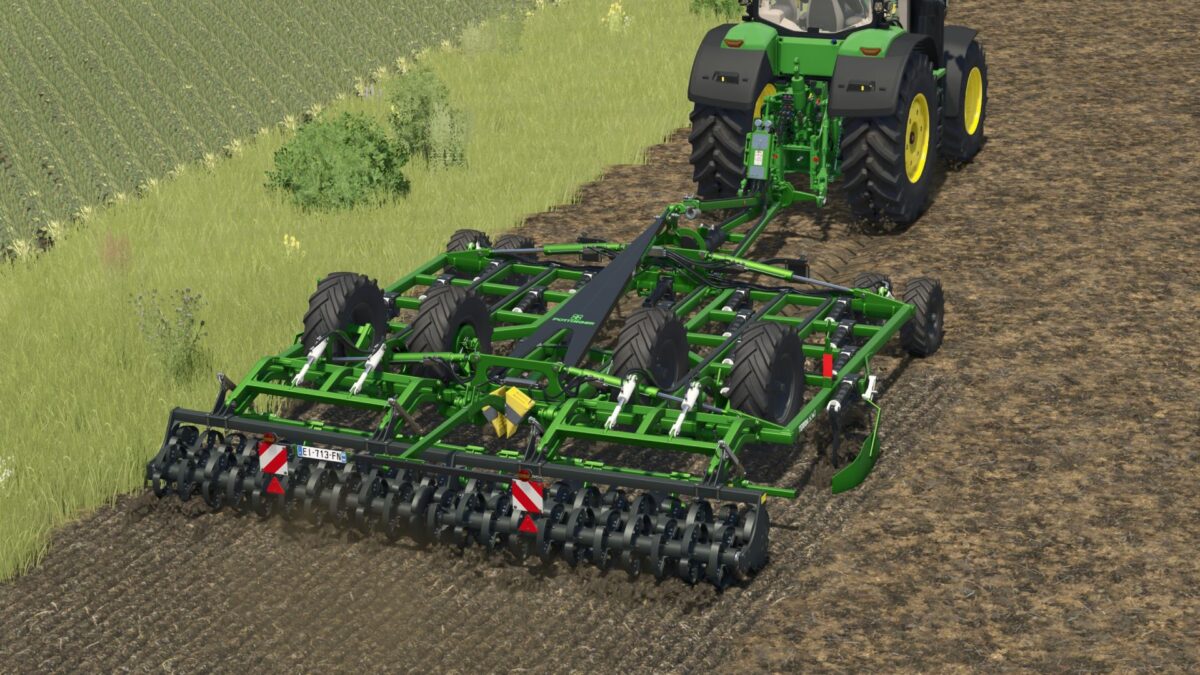
Poettinger Terria 6040 v 1.0


The Poettinger Terria 6040 is a versatile implement designed for various tasks in Farming Simulator 25. With a competitive price of €54,000, it offers a working width of 6 meters, allowing for efficient field operations. The implement operates at a speed of up to 20 km/h, ensuring that you can complete your tasks quickly.
This model features an array of customization options, including selectable body painting, force leg colors, scooter color, pipe selection, teeth options, and rim colors. This level of customization allows players to tailor the equipment to suit their personal style or match their farm’s aesthetic.
The mod also boasts an increased repair interval, reducing maintenance time and costs, which can be an advantage for busy farmers looking to keep their operations running smoothly.
– Price: €54,000
– Working Width: 6m
– Working Speed: 20 km/h
– Customizable body painting
– Selectable force leg color
– Selectable scooter color
– Customizable pipe options
– Selectable teeth
– Choose rim color
– Increased repair interval
Credits:
Keine


