

Renault Master III v 1.1


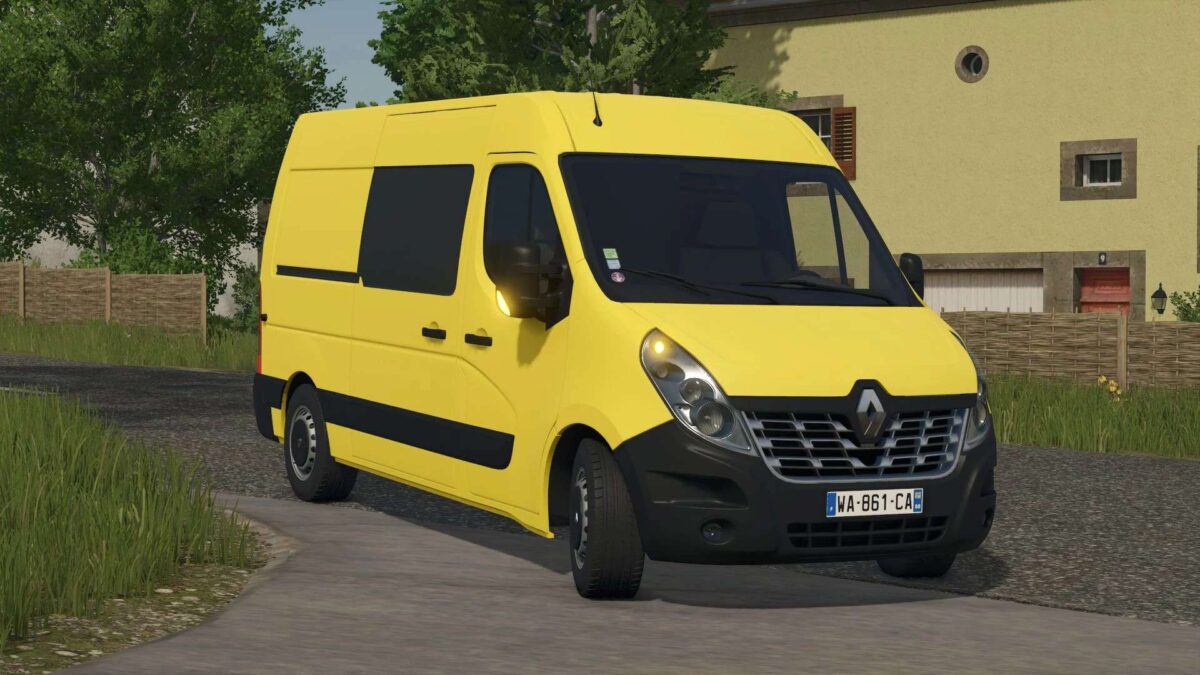
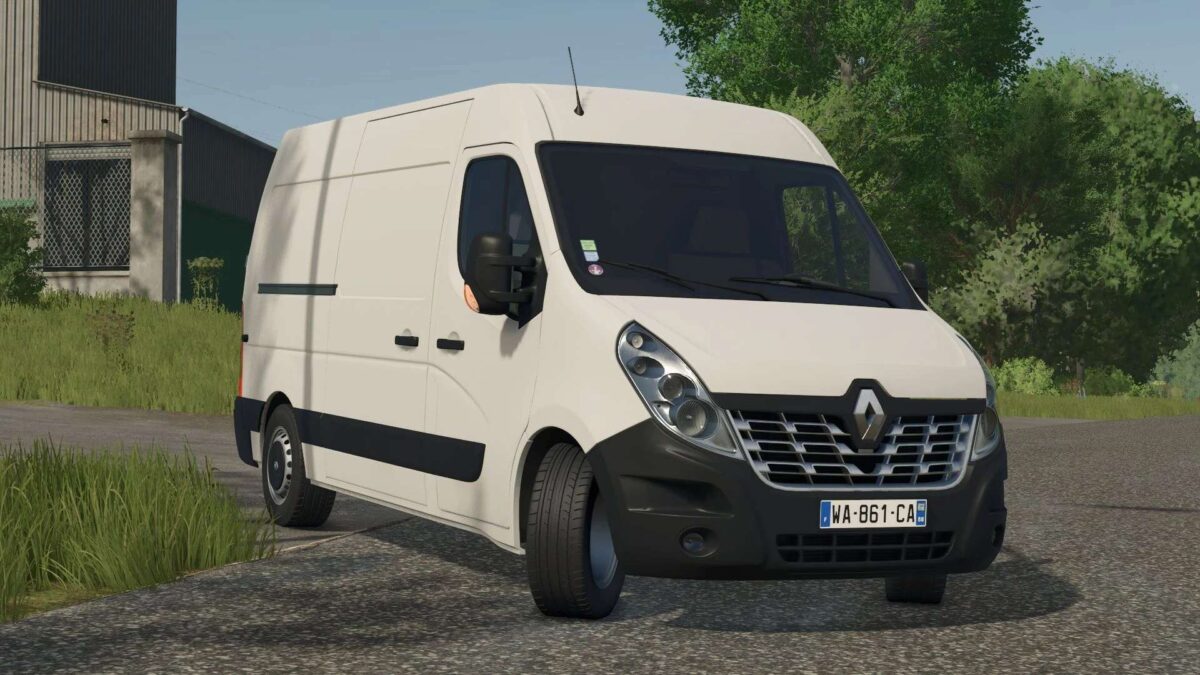
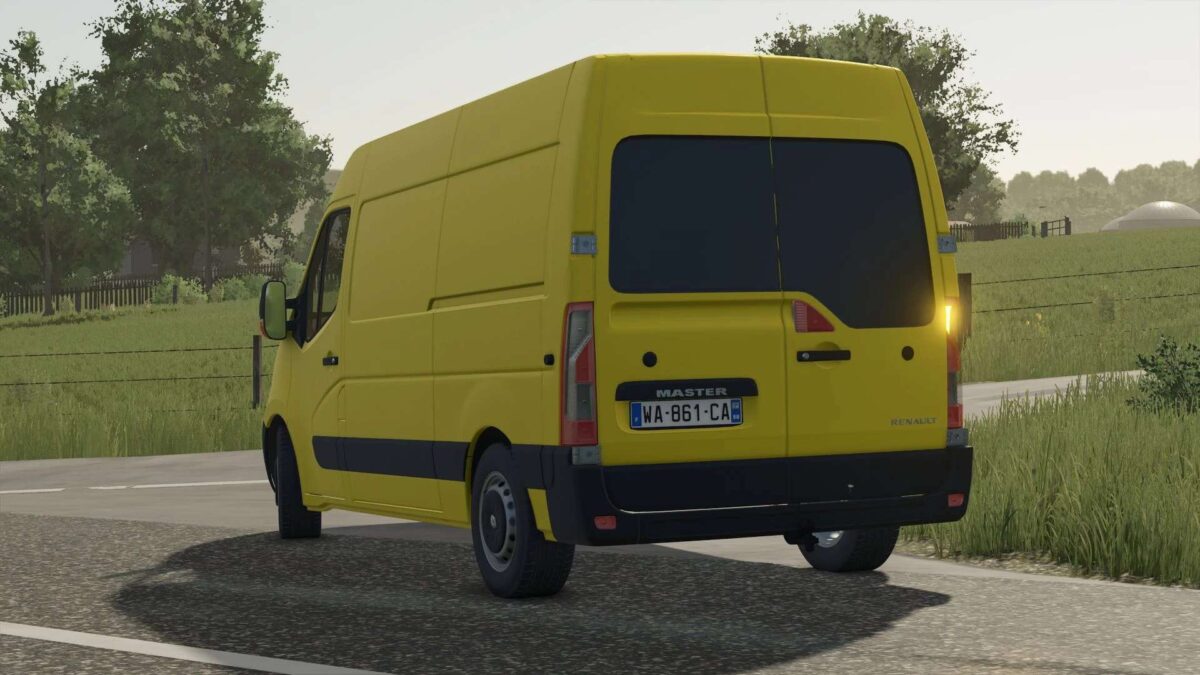
The Renault Master III mod for Farming Simulator 25 introduces a versatile and functional vehicle for your farming operations. Designed to enhance gameplay with its realistic features, this mod allows players to utilize the Renault Master III for various tasks around their farm.
One of the standout features of this mod is its color configuration, enabling players to customize the vehicle’s appearance to match their personal style or the theme of their farm. Additionally, the hitching configuration offers flexibility in how the vehicle can be employed, allowing for easy attachment of various trailers and implements.
With these options, the Renault Master III becomes a valuable asset on your farm, providing utility while fitting seamlessly into your farming routine.
– Customizable color options
– Various hitching configurations available
– Realistic vehicle design and functionality
– Compatible with existing Farming Simulator 25 gameplay mechanics
– Suitable for diverse farming tasks
Version 1.1:
* Passage of the whole vehicle in Udim for more beautiful textures
* Adding a configuration to add windows to the side and back
* Addition of basic (universal) basic license plates
* Modification of wheels, to correct textures
* Vehicle optimization
Credits:
Kaymara, TheoNBT


