

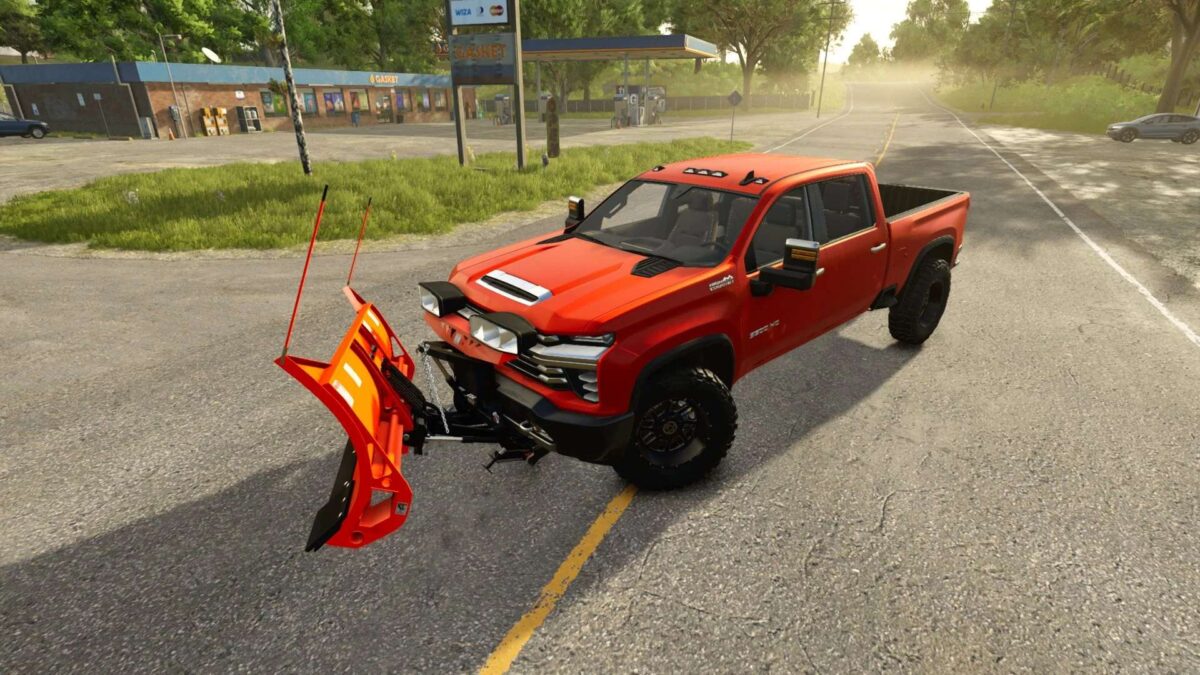
2020 Chevy Silverado High Country v 1.0


The 2020 Chevy Silverado High Country mod for Farming Simulator 25 offers players a robust and versatile vehicle option for their farming needs. This pickup truck combines style and functionality, making it suitable for both work on the farm and personal use. With a price point of $60,200, it provides a solid investment for players looking to expand their vehicle fleet.
Under the hood, the Silverado boasts an impressive power output of 445 hp, with a maximum torque of 677 Nm, ensuring it can handle various tasks with ease. The vehicle reaches a top speed of 170 km/h, making it one of the faster options available in the game.
One of the standout features of this mod is the ability to customize the truck extensively. Players can select from various base designs, colors, and rim options, allowing them to personalize their Silverado to fit their unique style. Additionally, a diverse selection of wheel options offers even more customization potential.
– Price: $60,200
– Power: 445 hp
– Torque: 677 Nm
– Top speed: 170 km/h
– Selectable base, design & rim color
– Selectable wheel options
Credits:
Canada FS


