

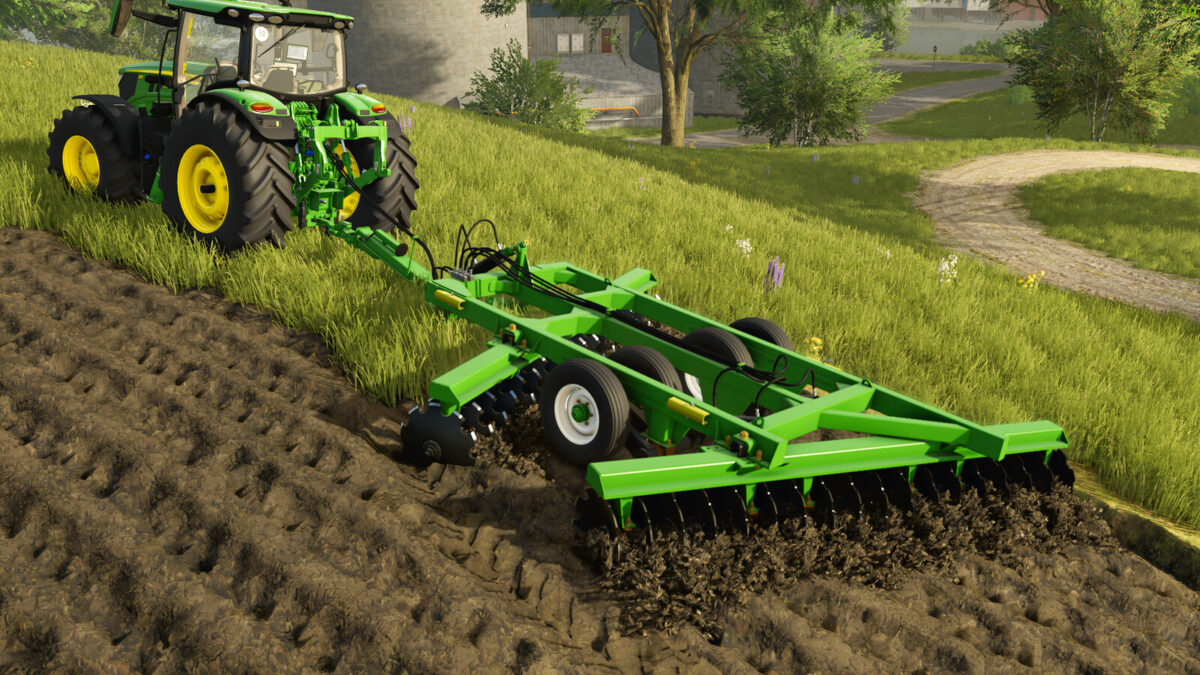

Lizard SAC Plows Pack v 1.0


The Lizard SAC Plows Pack v 1.0 is designed to meet the diverse needs of farmers, providing an array of options for various field sizes. This pack includes six different size variations, ranging from compact to larger plows, making it suitable for operations of all scales. The inclusion of adjustable wheel options enhances the adaptability of the plows to different terrains, promoting stability and ease of use during agricultural tasks.
With various color options available, users can customize their equipment to reflect personal preferences. The plows are engineered for quick and effective soil preparation, enabling farmers to increase crop productivity with minimal effort. This pack serves as a practical solution for those seeking innovative technology to enhance their plowing experience.
Price: $23,000 – $39,500
Category: Plows
Power required: 180 – 200 – 225 – 255 – 280 – 315 hp
Sizes available: 3m, 3.4m, 3.8m, 4.4m, 5.1m, 5.6m
Working speed: 12 km/h
Features: Adjustable wheels, customizable cores, multiple color stickers
Credits:
Miotto Modding


