

Increased Fuel Prices v 1.0


Today’s fuel prices are a challenge for all farmers out there, even so in the virtual universe. These days it is more important than ever to choose your equipment visely, a big implement and powerful tractor means higher fuel consumption.
However, every cloud has a silver lining. If you produce your own fuel then you are the real winner, there has never been a better time to create your own biofuel!
GAMEPLAY:
* Fuel prices is increased with 30% to reflect the fuel economy situation of today. This also means you get 30% more if you sell your produced diesel!
* The value of AdBlue/DEF is increased by 30%.
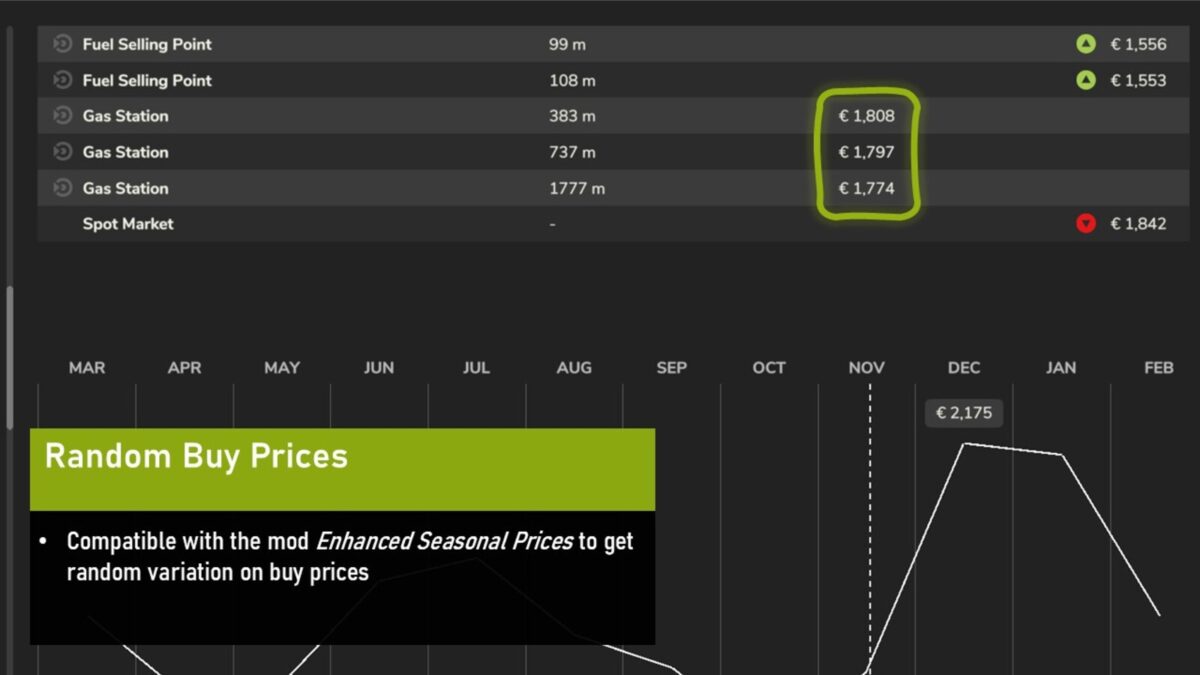
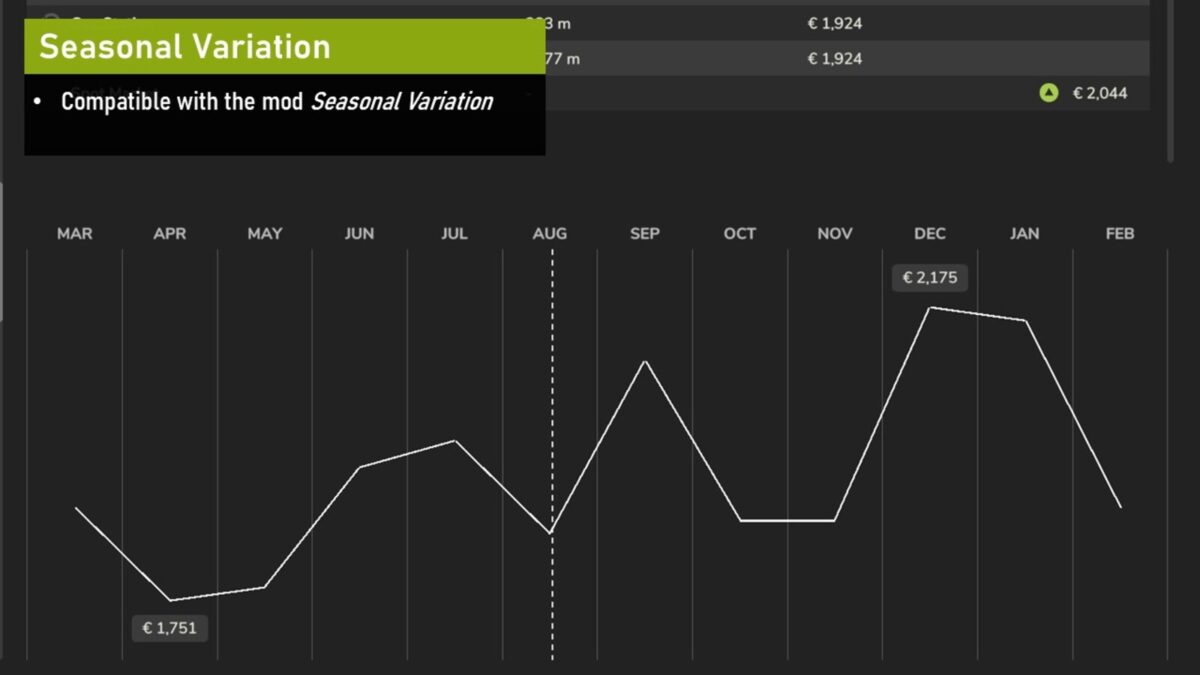
* Diesel and DEF sell price is now also changing with the seasons (to enable seasonal variation on buy stations you need the Enhanced Seasonal Prices mod as well).
* The mass of diesel and AdBlue is now corrected to real values.
Credits:
ZYX, w33zl


