
Huron County Map v 1.0


Huron County 16x Map converted for Farming Simulator 25.
Most things are originals apart from additions of some road signs and AI Traffic.
Credits:
MIAxeman, geeman72
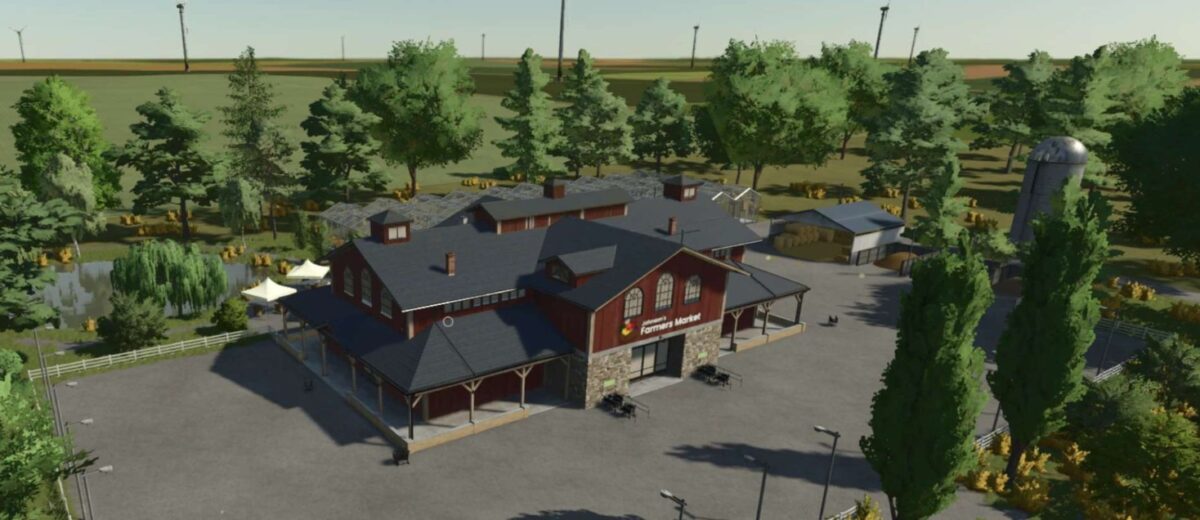
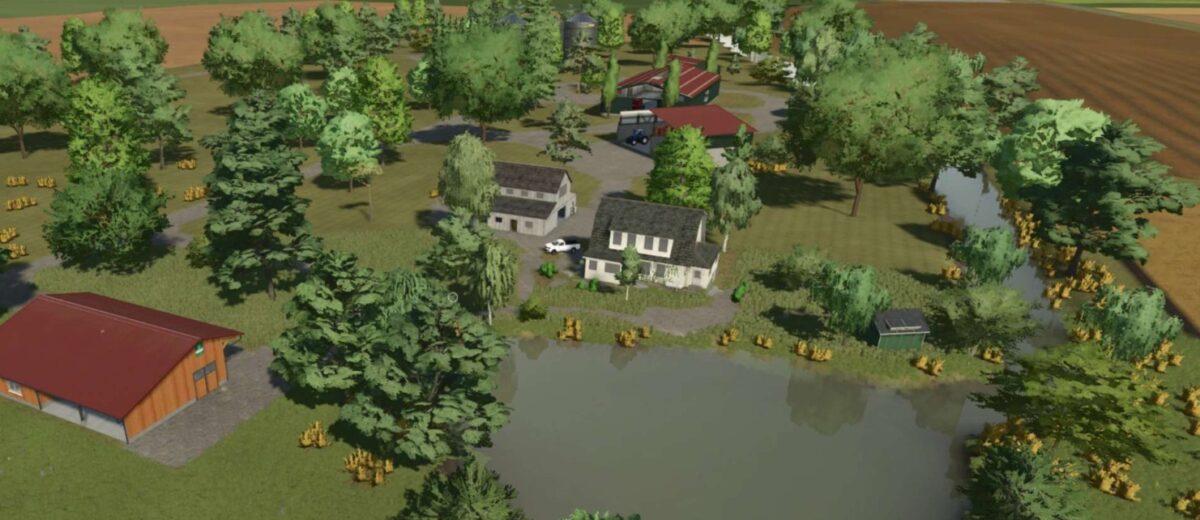
Huron County 16x Map converted for Farming Simulator 25.
Most things are originals apart from additions of some road signs and AI Traffic.
Credits:
MIAxeman, geeman72
How to install
FS25 Maps?
Firstly find a mod which you like and want to download. Then download a mod to your PC. Mods are usually in .zip format file. But sometimes it can be in .rar. If a mod file is a .zip format no needed additional actions. If a file is in .rar, then you must unarchive mod with software like WinRar or Zip7. Windows 10 users no need to use software for archives, Win10 itself has a feature to unarchive files.
The next step is to find mods folder in your PC. Usually, it is in Documents/My Games/Farming Simulator 25/2025. Open the "mods" folder and put downloaded .zip archive or unarchived .rar file to this folder.
Last step. Enjoy of FS25 mods!


Hi could you make this map multifruit compatible please as it would make it so much more interesting. Love Large maps like this.