

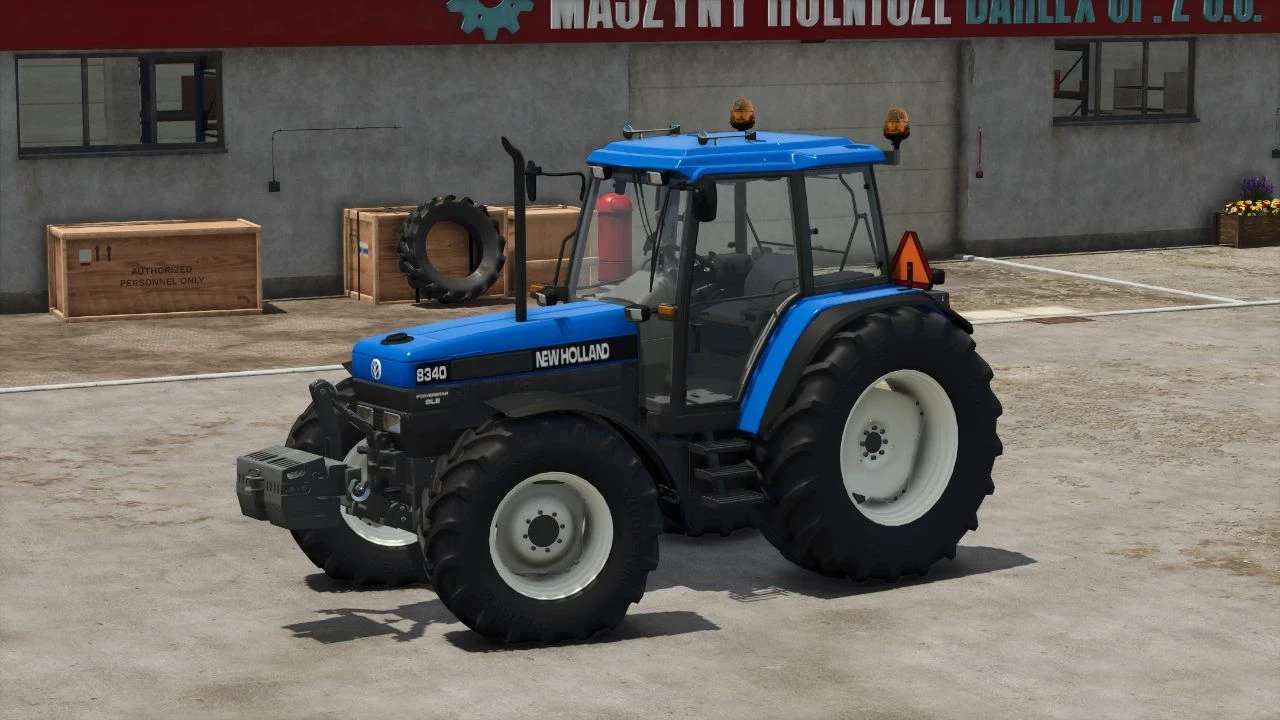
New Holland 8340 v 2.0


Version 2.0:
* Ran parts of the model trough blender again, making it easier for me to change them in the future
* Added new color configuration with a lot of custom colors, including but not limited to ford blue, ford white, fiat brown, NH blue
* Added a swinging drawbar
* Added more engine configurations, 7840, 7840 turbo, 8240, 8240 turbo, the 8340 and 8340 turbo are still there
* Added New Holland rear fenders
* Added a lot of tire configurations
* Added l10n translations for the description, configurations, colors and other things in English, German, French and Dutch
* Added a Fire extinguisher Configuration
* Optimized a lot of code and removed obselete files
* Expanded the Mudgaurd configuration
* Fixed numerous issues with lights i.e. numberplate lights being in the wrong orientation
* Fixed an issue with the front linkage configuration
* Fixed the Warning triangle nuts being in the completly wrong position
* Fixed the Electro Link panel being grey instead of black
* Fixed interior decals getting wetness
* Increased Moddesc version
* Changed sounds, still not entirely happy but its a big improvement
Credits:
Bart08


