

Farmhouse Pack Volume 2 v 1.0


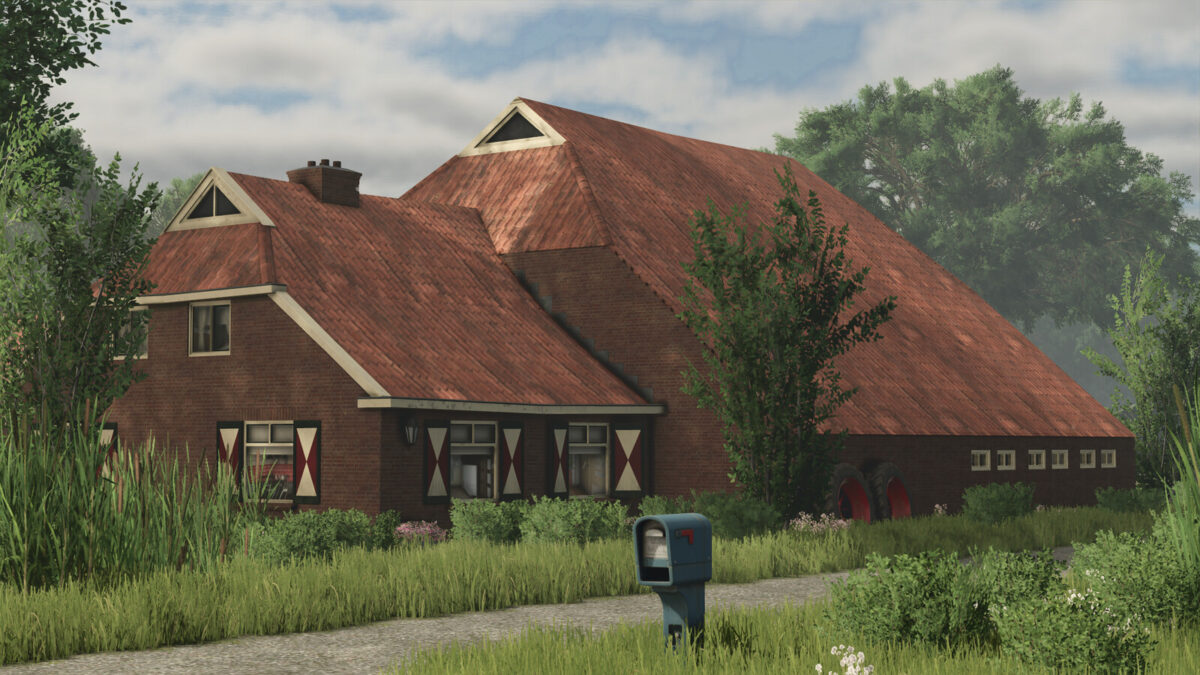
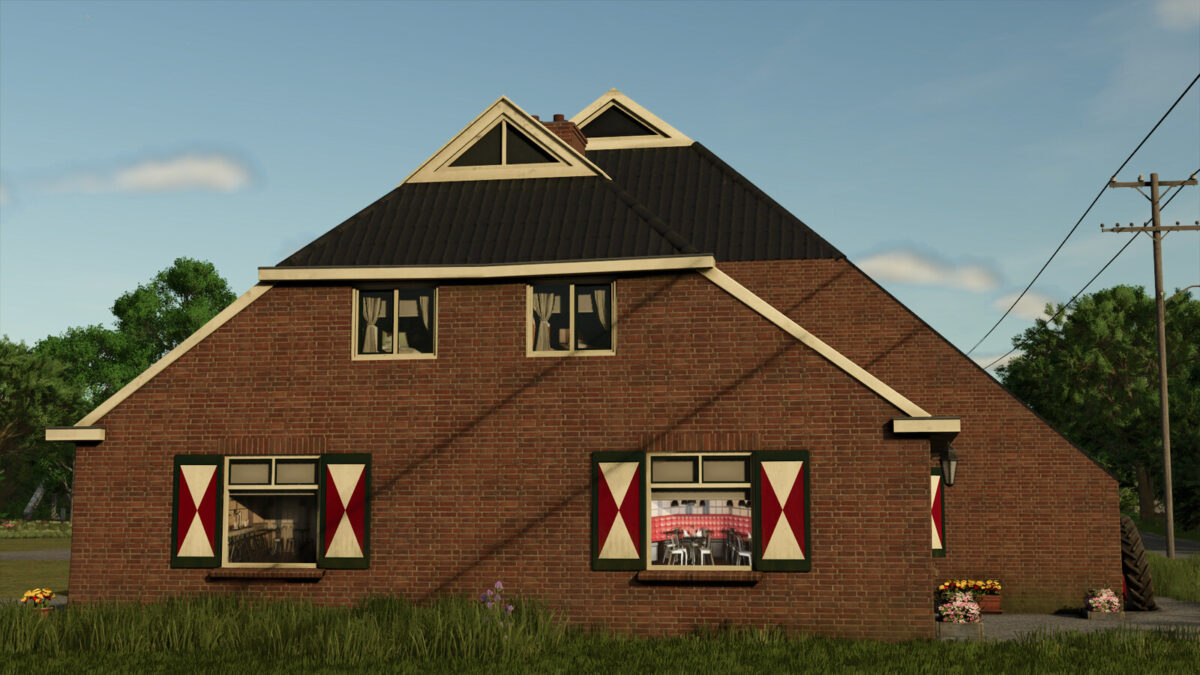
Old farmhouse package with 2 farmhouses and 3 sheds. Both farmhouses have a capacity for some animals in the back.
To give them a farmhouse function you can place a small bench next to it.
Contents:
Farmhouse01 is a large old style farm. Space for 12 cows and some small storage space
Category: Cows
Price: $100,000
Monthly upkeep: $50
Capacity: 12 cows
Option: colourable wood, two roof colours
Farmhouse02 is a large old style farm. One big area for machinery and a area for sheeps in the back.
Category: Sheeps
Price: $100,000
Monthly upkeep: $50
Capacity: 15 sheeps
Option: colourable wood, two roof colours
Bench (for adding a sleeptrigger to your farmhouse)
Category: farmhouses
Price: $100
Monthly upkeep: $1
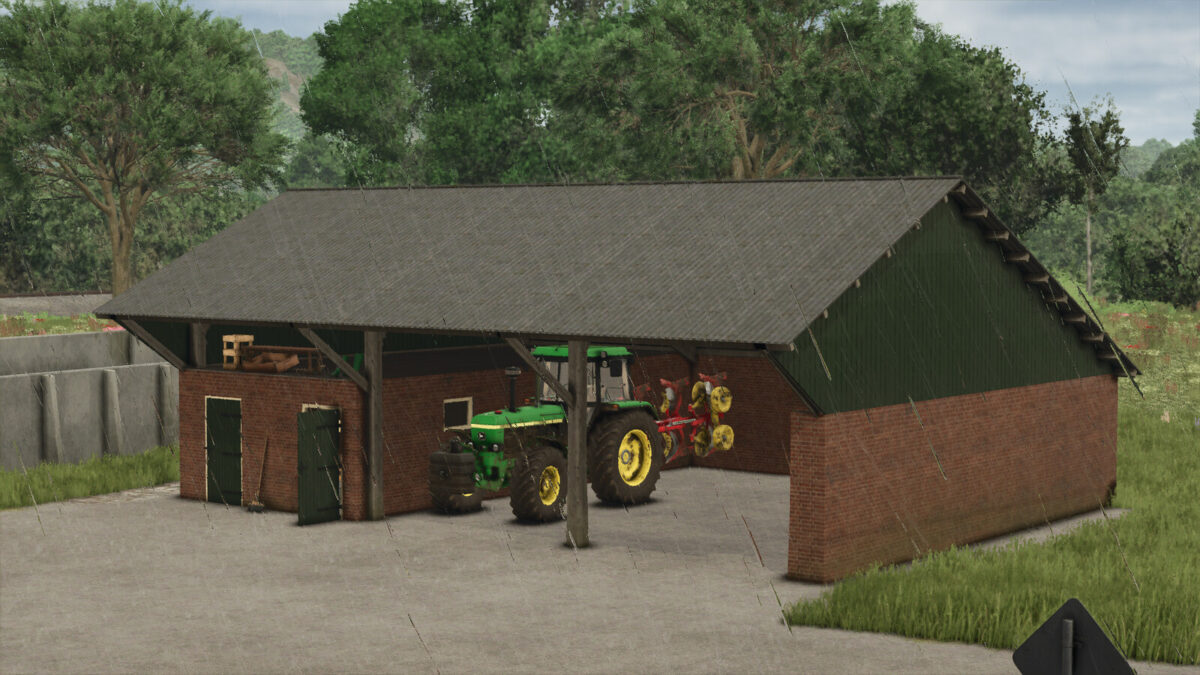
Shed 1a is a small shed with two doors
Category: Sheds
Price: $5,000
Monthly upkeep: $50
Configurations: Color selection
Shed 1b is a small shed, but without the two doors
Category: Sheds
Price: $5,000
Monthly upkeep: $50
Shed 2 has a workshop area (inside) and space for machinery
Category: workshop
Price: $5,000
Monthly upkeep: $50
Configurations: Color selection
Credits:
[DMI]20mmNormandy


