

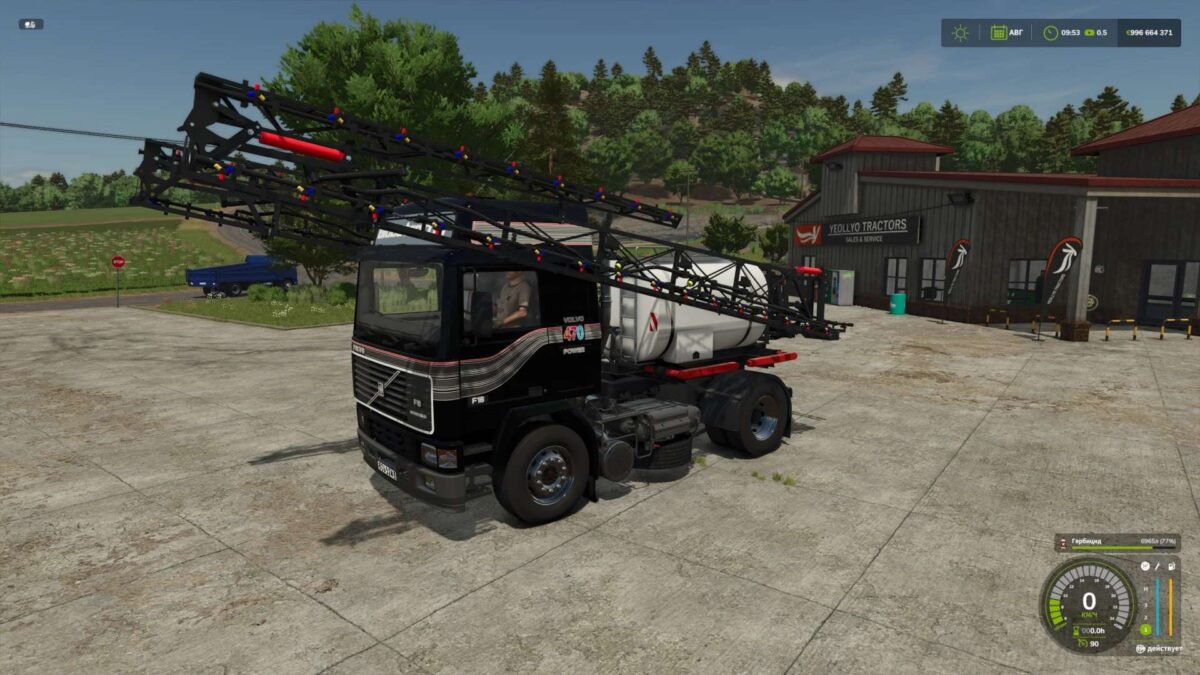
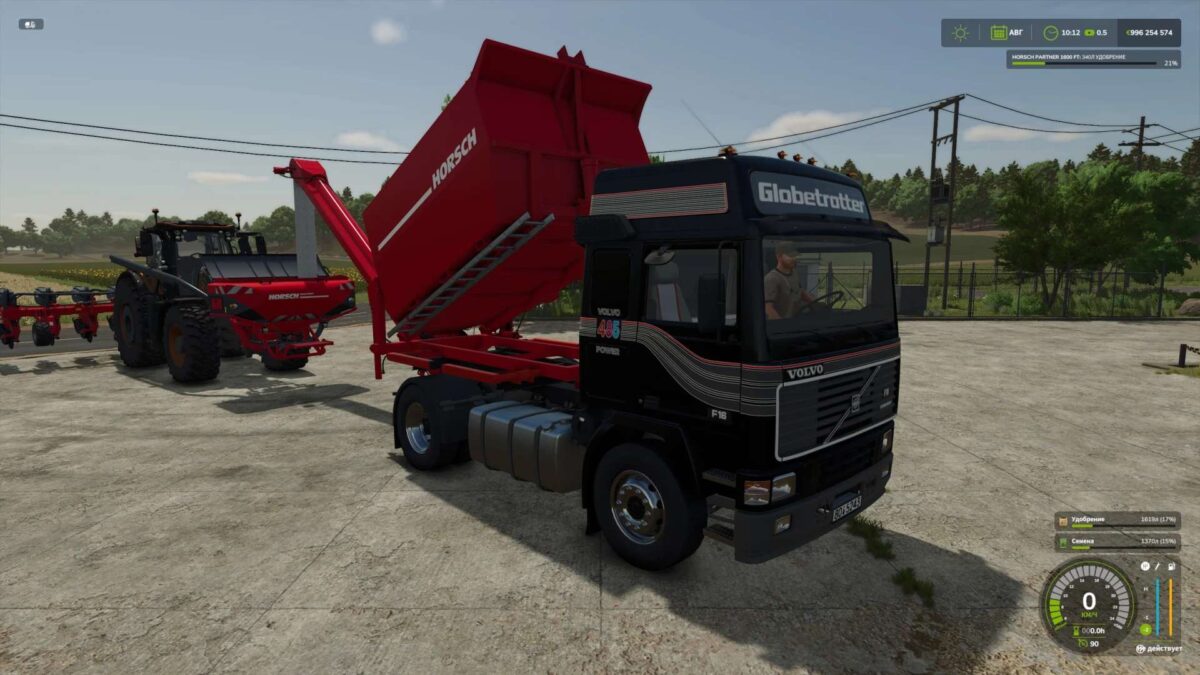
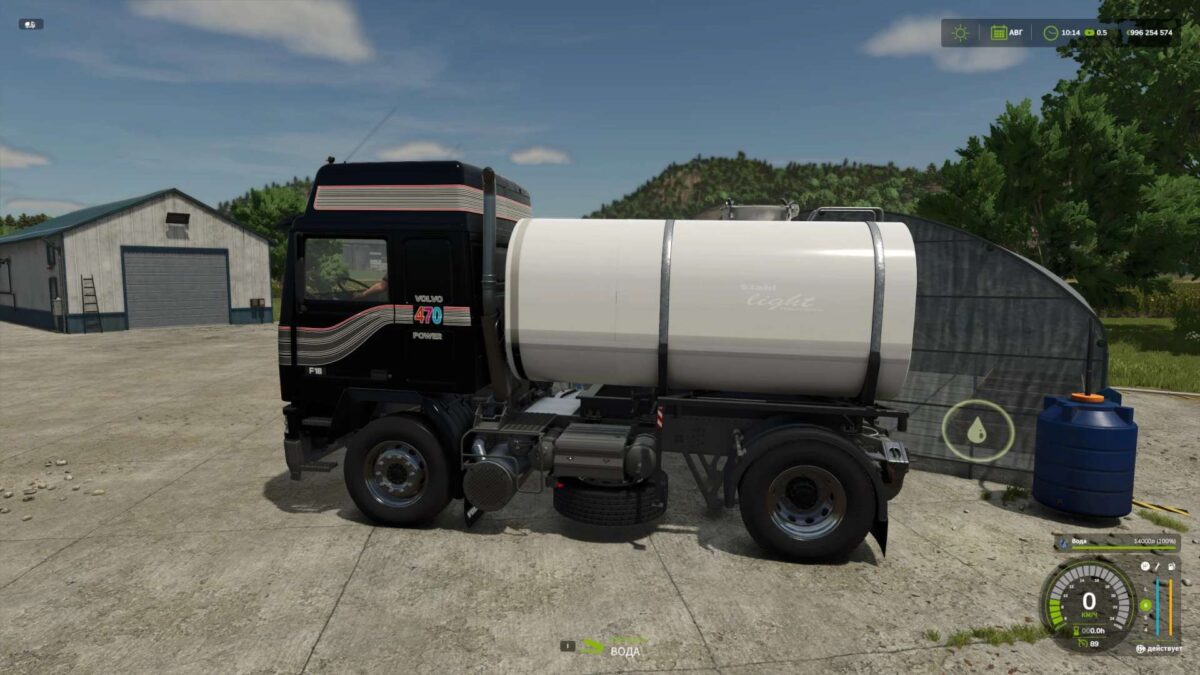
Volvo F16 v 1.0.0.2


The Truck itself has the following:
1) Saddle config with module connector and saddle mount!
2) Platform for transporting pallets and bales! Works with autoloading mod!
3) Platform for trees! Also works with autoloading of pallets!
4) Universal barrel for transporting liquids.
To fill the barrel, you need to open the hatch!
Does not refuel equipment!
5) The body has 4 unloading options (back, left, right and grain).
The car has hidden trailers in the front and back (appear when hitched)!
The modular barrel is not simple, but has configurations:
– for water, milk,
– for herbicides, liquid fertilizer and unloaded with pallets,
– for compost and liquid manure,
– for diesel, can refuel equipment.
It has a lid, to refuel, you need to open it!
The semi-trailer has:
1) A body for 18,000 liters of bulk;
2) A body for 36,000 liters of bulk and you can install an awning,
It has a rear, left and right unloading.
3) A universal barrel for transporting liquids.
To refuel the barrel, you need to open the hatch!
Does not refuel equipment!
4) A platform for transporting pallets and bales! Works with a mod for automatic pallet loading!
5) A platform for trees! Also works with a mod for automatic pallet loading!
To be able to stack two bundles of timber during transportation, the autoloading trigger needs to be moved forward one meter and back by 3 meters.
Version 1.0.0.2:
* Updated with minor edits
* Throwed out some modules
* Added something
Credits:
MUT


