Anywhere Object Storage v 1.0


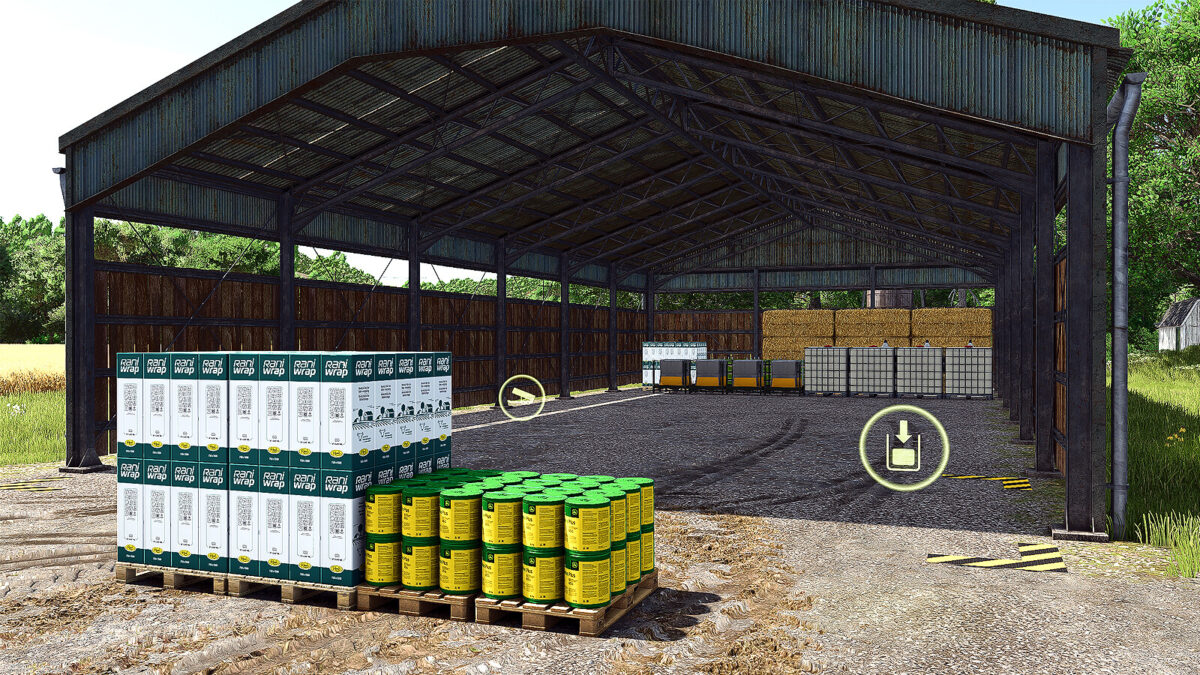
Do you wish you could use any shed for bale and pallet storage without the hassle of having to stack manually? If you answered YES then the Anywhere Object Storage is the tool for you! Designed to be placed within a wide variety of base game and modded sheds and buildings, instantly turning them into a storage point for all your bales and farm supplies!
Two different versions:
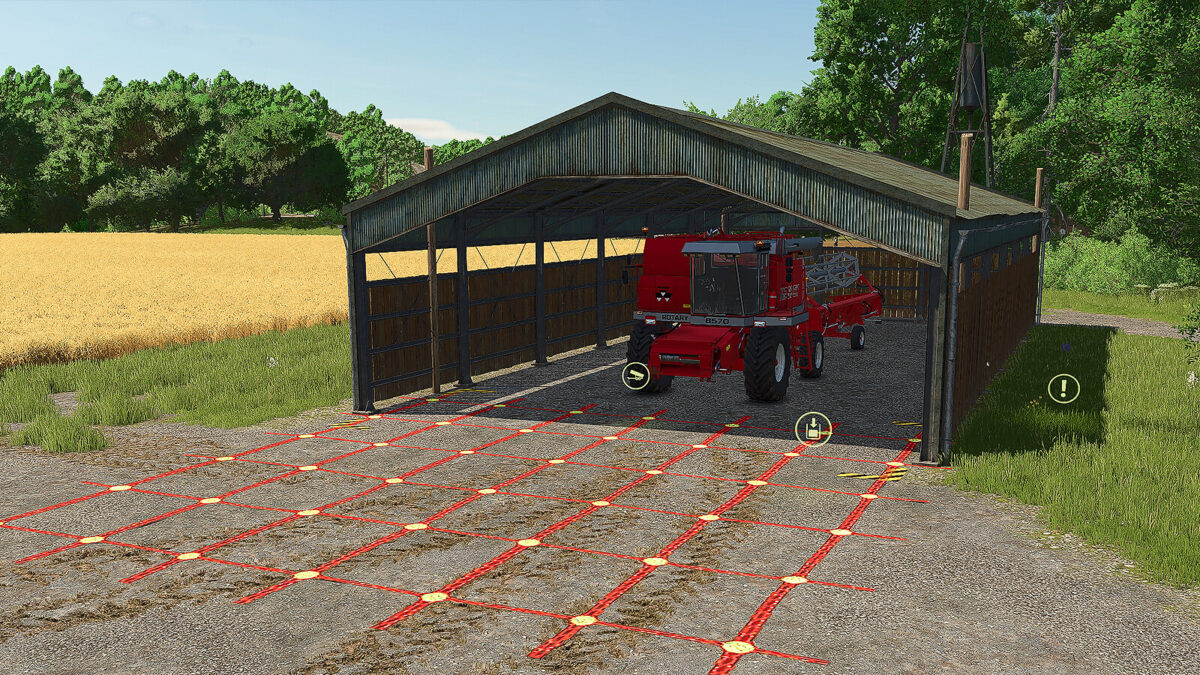
1. The Any Shed Object Store is capable of storing up to 500 objects, with bales stacked up to 6 rows high. Use the poles to position the storage area in the correct spot and then hide them to make it look like it has always been there. Not using all the storage area, you can still park equipment in the storage area, just make sure you move it before placing any objects in the storage point. Suitable for a number of the base game sheds, as well as a huge range of modded sheds and buildings.
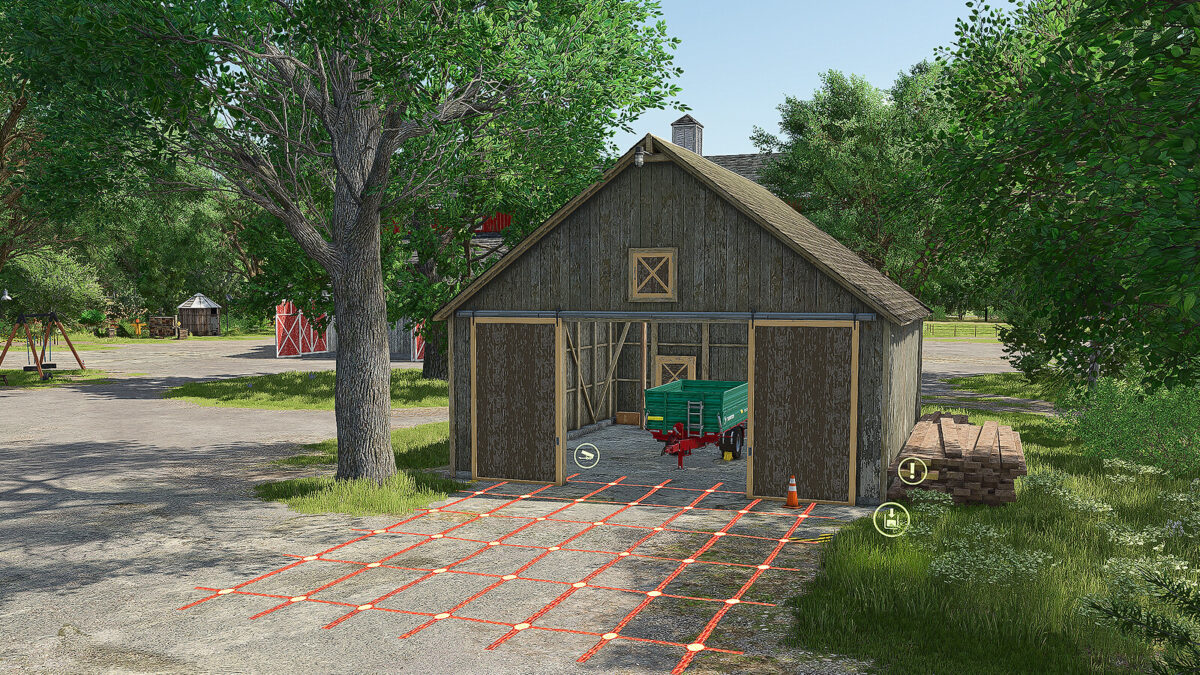
2. The small version is the same, but reduced in size to fit smaller sheds with a reduced capacity of 250 objects.
Any Shed Object Store
Price: $5,000
Capacity: 500 objects
Features: no ground levelling, ground painting or collisions
Any Shed Object Store Short
Price: $2,500
Capacity: 250 objects
Features: no ground levelling, ground painting or collisions, to suit smaller sheds
Any Shed Object Store – tips for placing:
1. Build the shed first, and ensure that the surface is level
2. Turn on free placement, and recommend using the snap option to align the shed and storage area
3. Poles mark the storage area (including the maximum height) AND the ground grid marks the spawn/loading areas, so manipulate the position to fit within the shed and avoid any overlaps with walls and other objects
4. Once positioned in your preferred location, you can turn the poles and grid off with the “!” trigger.
Credits:
Argsy Gaming