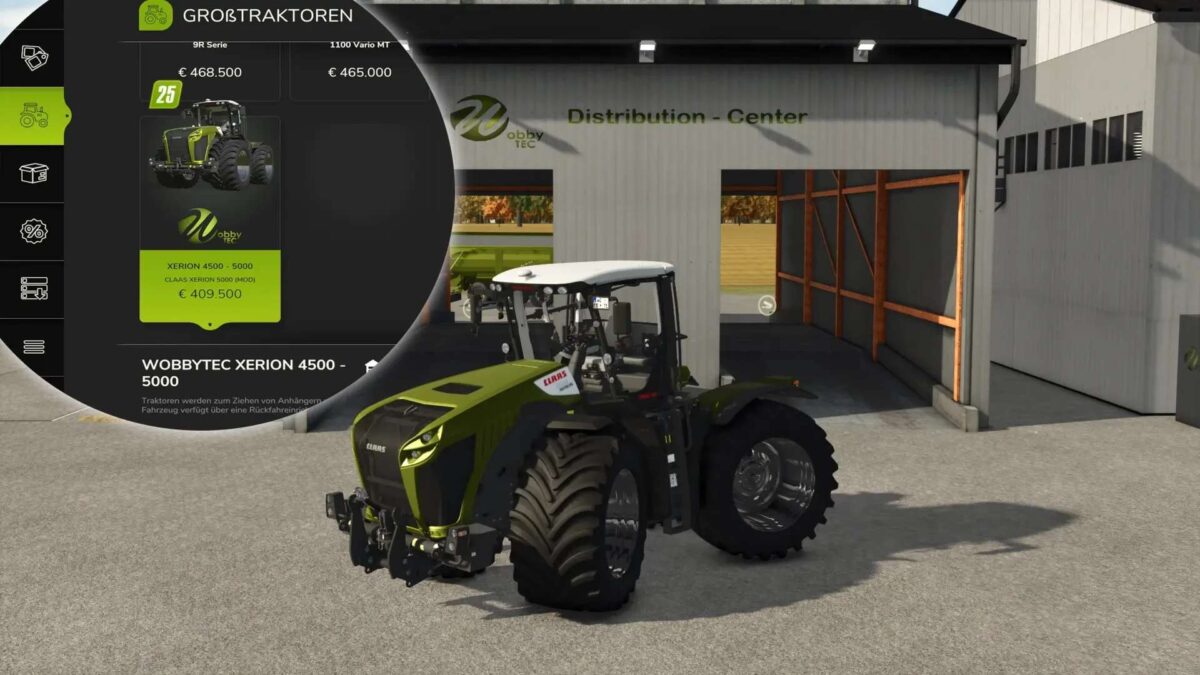
Claas Xerion 4500/5000 v 1.0.0.2


– Engine configurations: 480 hp, 530 hp, 880 hp, 1000 hp
– Rotating cabin (Shift left + B without attached device or trailer)
– Steering mode can be changed (crab steering left/right, all-wheel drive, front axle – Ctrl + Z)
– Swing axle
– Choice of color for roof and exterior color
– Ball head attacher optional in the shop for the “large Kaweco slurry tank” from the original SaddleTrac Pack from Giants
– Extra GoodYear wide tires with choice of with or without wheel hub cover
– Various other wide tires and twin tires can be selected
– Optionally with or without warning signs, EU and US version
– Original engine power and color choice original Claas possible
Version 1.0.0.2:
* 3-point hitch with Intermediate shaft for front equipment
* Paint selection metallic / glossy
* Map symbol “Tractor” corrected
* Detail textures completed
Credits:
Wobby_