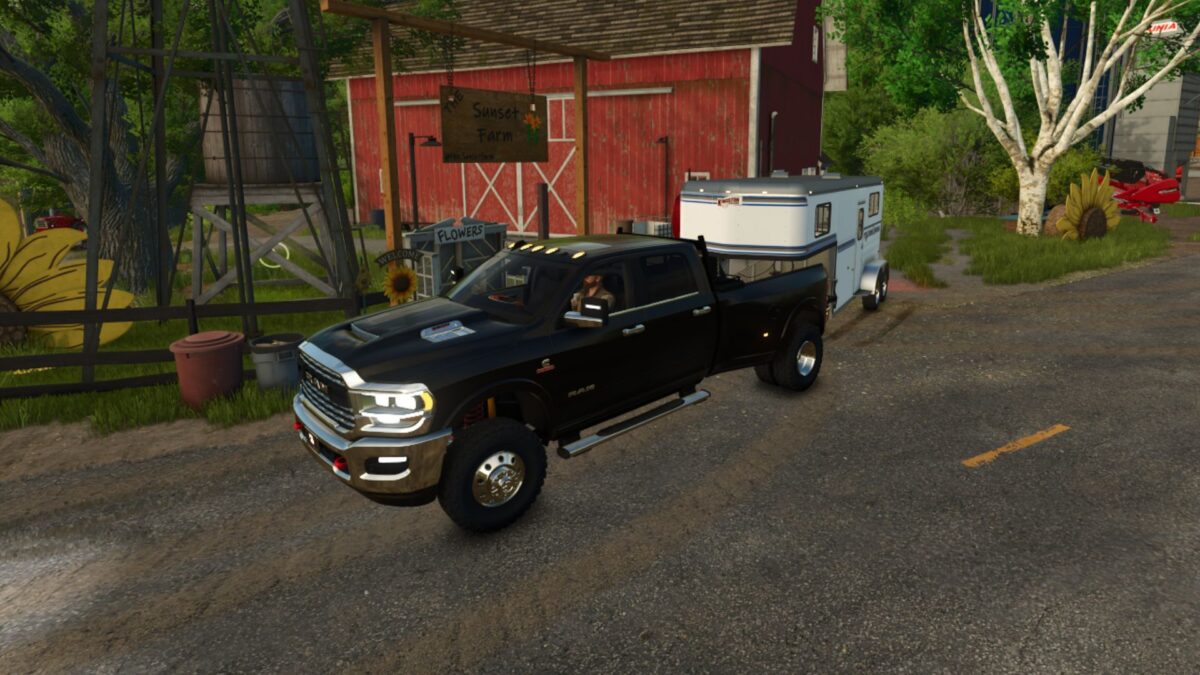
2024 Dodge Ram 3500 Crew Cab v 1.0.1.0


– 3 Engine Setups
– Color Selectable
– 3 Wheel Setups
– 3 Rack Options
– Works in multiplayer
– 4 Passenger enabled
– 3 Camlocker/Fuel Transfer Tank Options
– Nerf Bars Option
– Plow Mount Option
– 3 Truck Bed/Flatbed Options
– Fuel Transfer / Equipment fill Capable
– Fender Flare Option
– Chainsaw Storage
– Selectable Front Novelty Plates
– Working Winch Option
– 2 Front Bumper Options
– 2 Camper Shell Options
– Windshield Visor Option
– Tonneau Cover Option
– 3 Hitch/5th Wheel/Gooseneck attachment Options
Version 1.0.1.0:
* Tiedown straps are now visible on all selectable truck bed/ Flatbed options
* Chainsaw storage player trigger has been adjusted for easier use
* Another tire option has been added to have the original no white lettering tires again
Credits:
FSMR, wheelman