

Paint and Terraform anywhere v 1.0.0.2


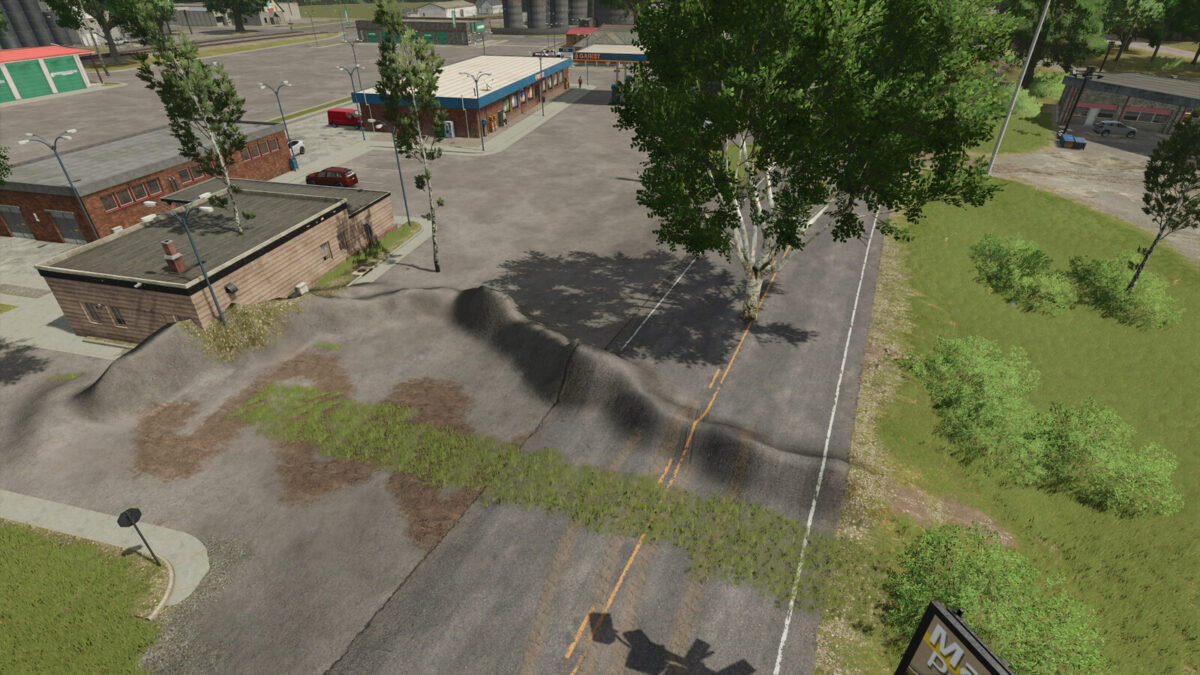
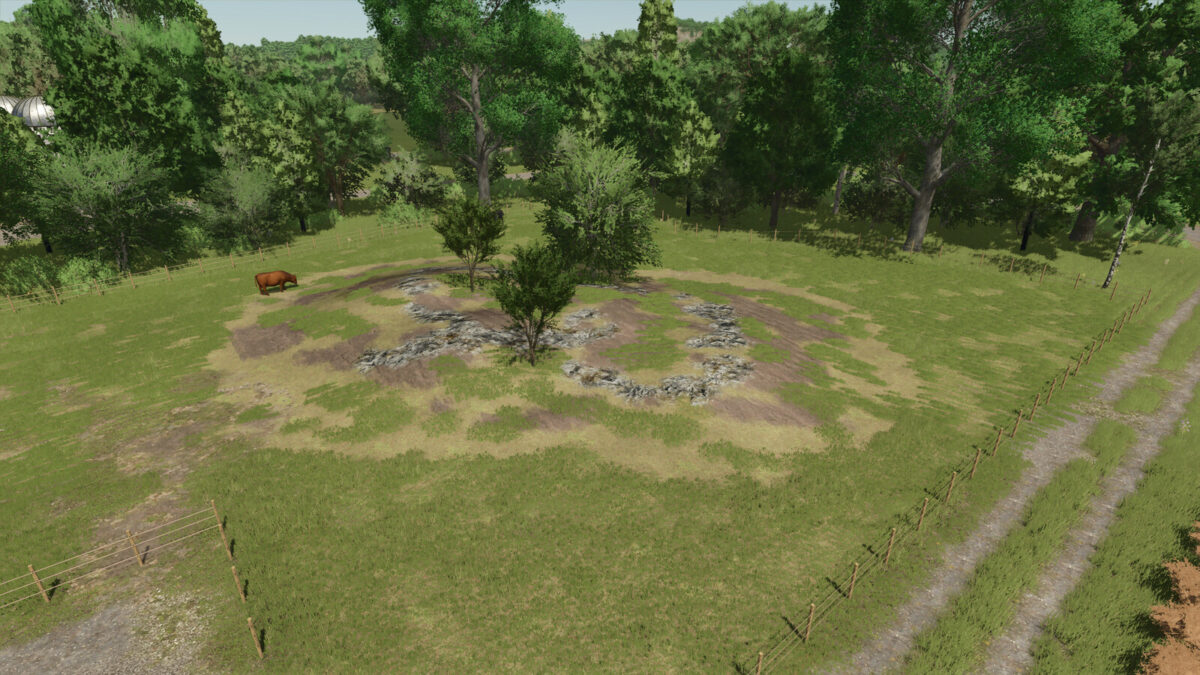
This Mod for the Landscaping Tools allows you to Paint and Terraform anywhere. It also allows you to place Trees anywhere. It does not matter if you own the land or not.
You can even use the Landscaping Tools where Placeables are, or where the road is.
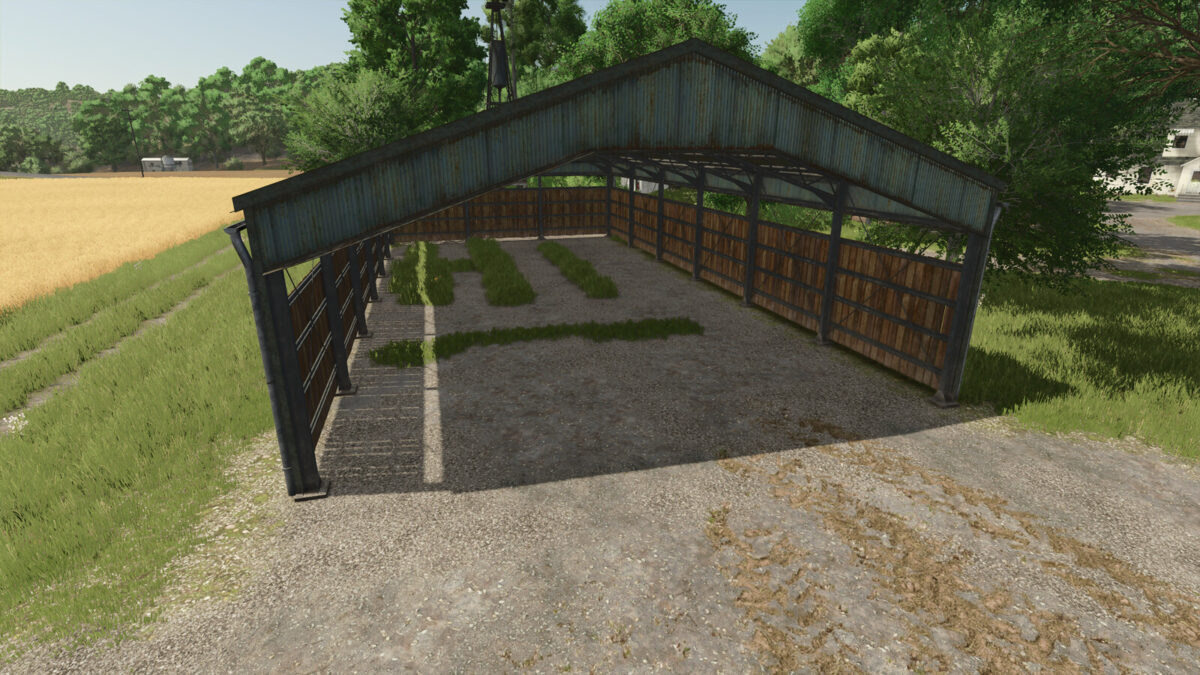
It is perfect to fix mistakes when placing a placeable too close to a road. Also it allows you to fix misaligned ground and those pesky holes next to placeables.
And obviously it is generally nice to be able to paint and terraform stuff freely without boundarys.
New in FS25: Added Dependency on Multiplayer Permissions. Instead of everyone being able to use Landscaping anywhere, the following rules apply:
– Host or Logged in as Game-Admin can use Landscaping anywhere
– Players with “Landscaping” Permissions can use Landscape within the Farm-Owned Area but the restrictions around buildings are removed
– Players without “Landscaping” Permissions can not use Landscaping Tools anywhere
Version 1.0.0.2:
* Fixed Restricted Zone being back after the patch
Credits:
modelleicher (Farming Agency)


