

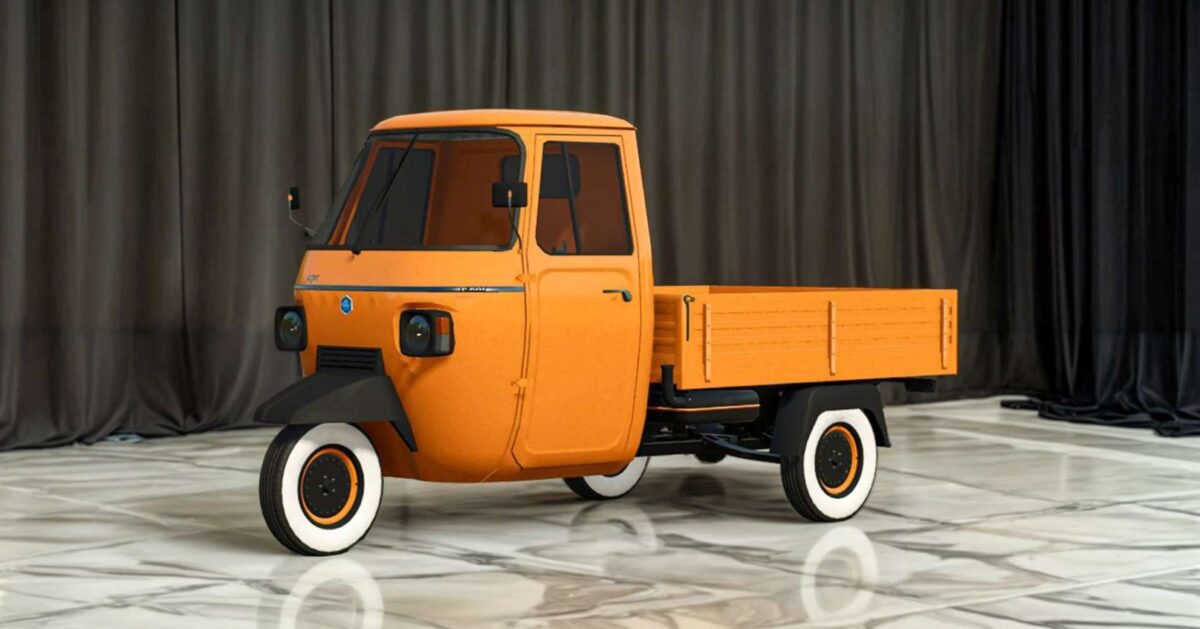
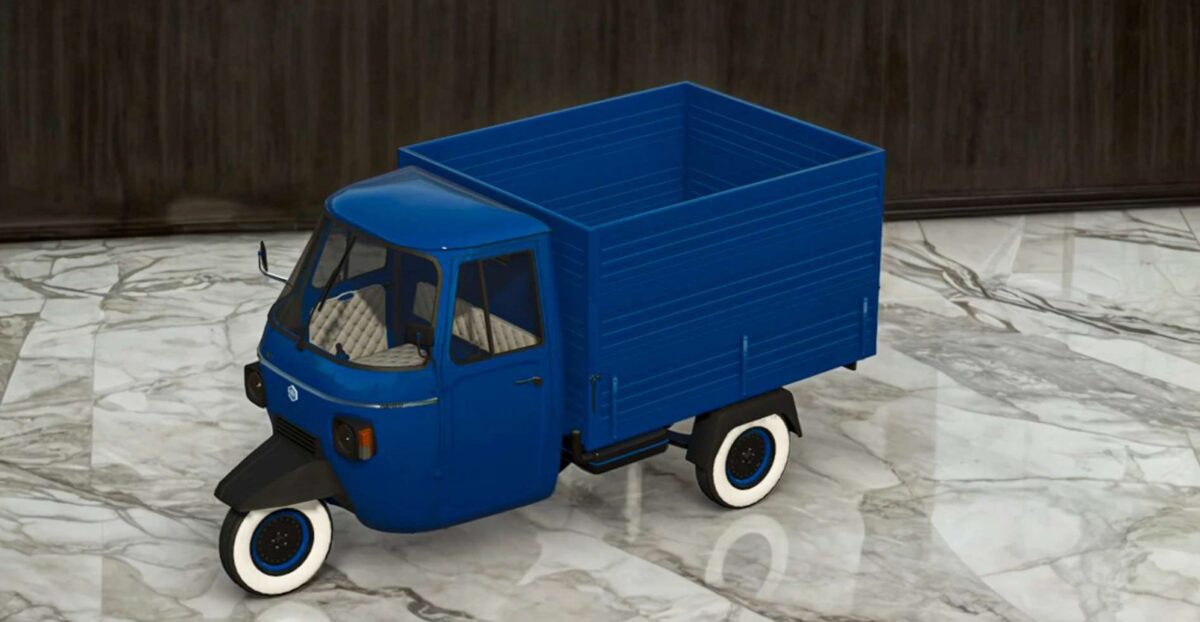
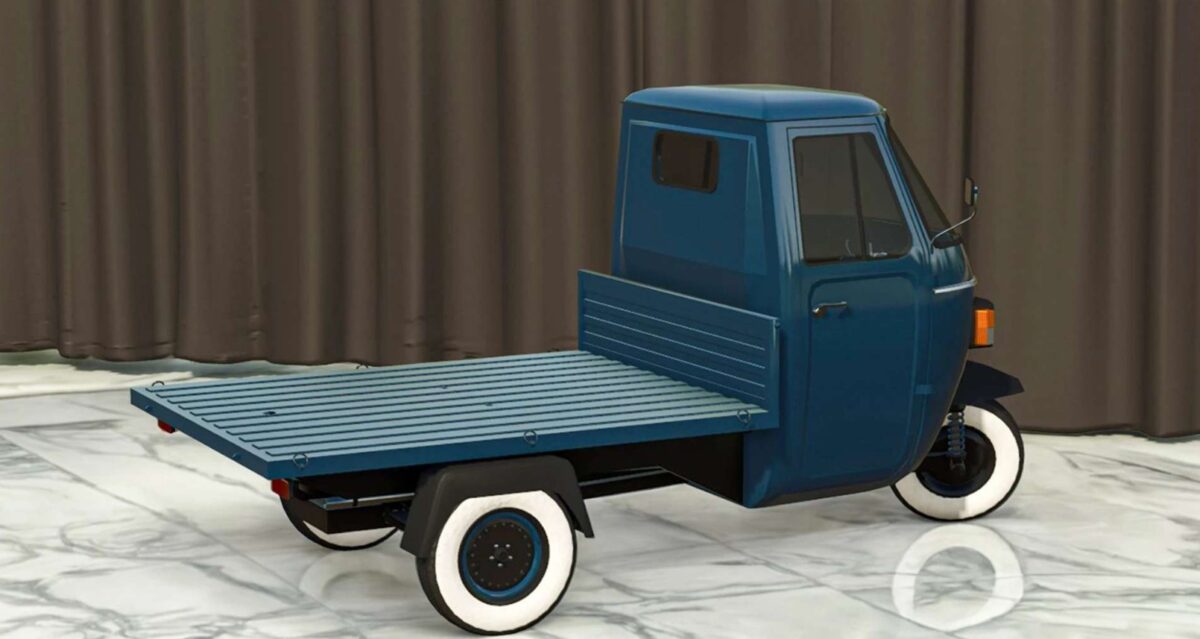
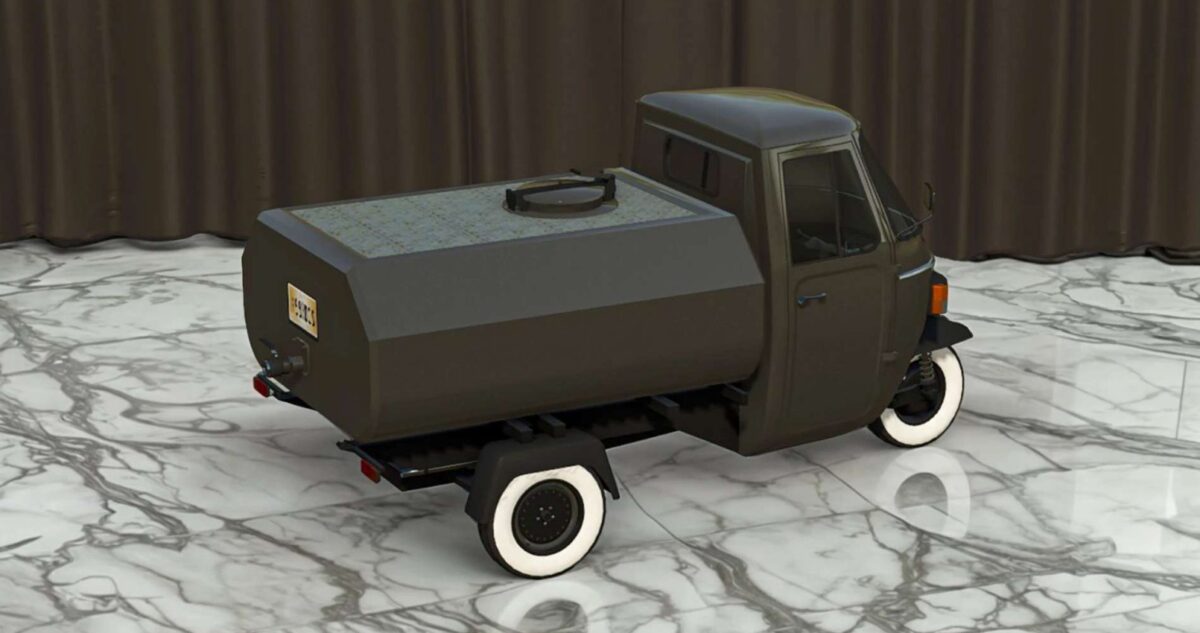
Piaggio Ape P601 v 1.0


Important Note: Unloading Liquid to Other Vehicles
Due to limitations in FS25 XML configurations, the Piaggio Ape 601 is unable to fill other vehicles or implements using the refill function directly. Instead, follow these steps to transfer liquid:
– Enter the Ape 601: Sit in the Piaggio Ape 601, not the vehicle or implement you wish to fill.
– Click “Unload”: Use the unload function to transfer liquid into the other vehicle or implement. The refill option is not available.
This process ensures proper liquid transfer between the Ape 601 and other equipment.
– Price: 4,000 $
– Speed: 60 KM/H
– Weight: 497 Kg
– Transmission: Variable (CVT)
– Diesel capacity: 15 Liters
Options:
– Body color configuration
– Interior color configuration
Body types:
– Bale trailer
– Crops trailer: Capacity: 1000 L, 2000 L, 3000 L
– Liquids trailer: Capacity: 1500 L
Credits:
My GameSteam


