

Data Dump v 1.0


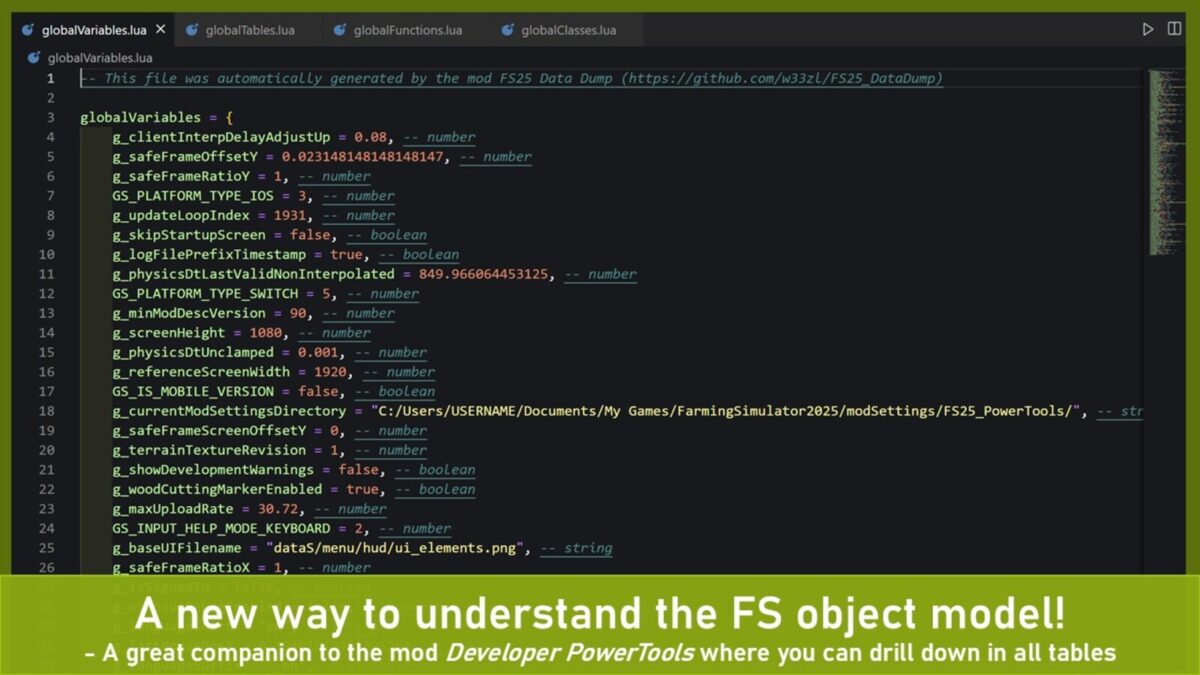
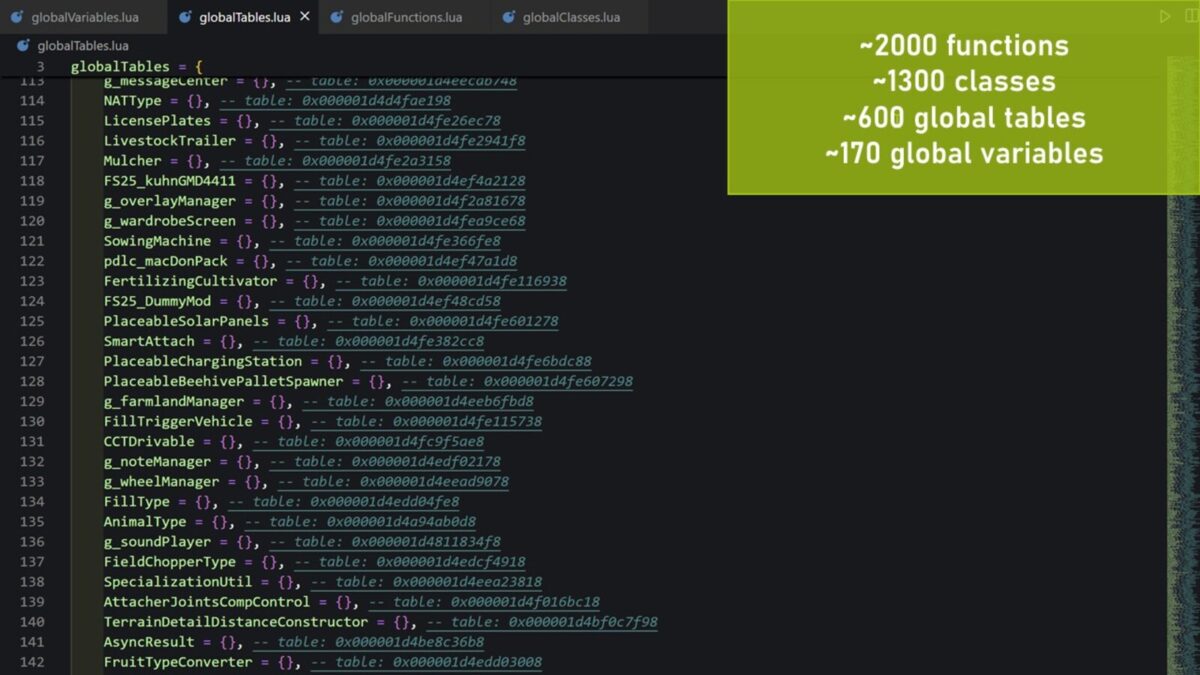
The main purpose of this mod is to save the global tables, functions, classes and variables from Farming Simulator to well-formed Lua files. Use these files to better understand the Farming Simulator object model through reverse engineering (especially useful until the official documentation is released).
With these global objects as a starting point, you can then use the console command ‘dtSaveTable’ from the mod ‘Developer PowerTools’ to save whole Lua tables (and full table hierarchies) for further analysis.
E.g. if the output of Data Dump contains a global table called ‘g_gui’ you can then execute the console command ‘dtSaveTable g_gui g_gui.lua 10’ to save the g_gui table to a file called g_gui.lua with a max dept of 10 levels.
USAGE:
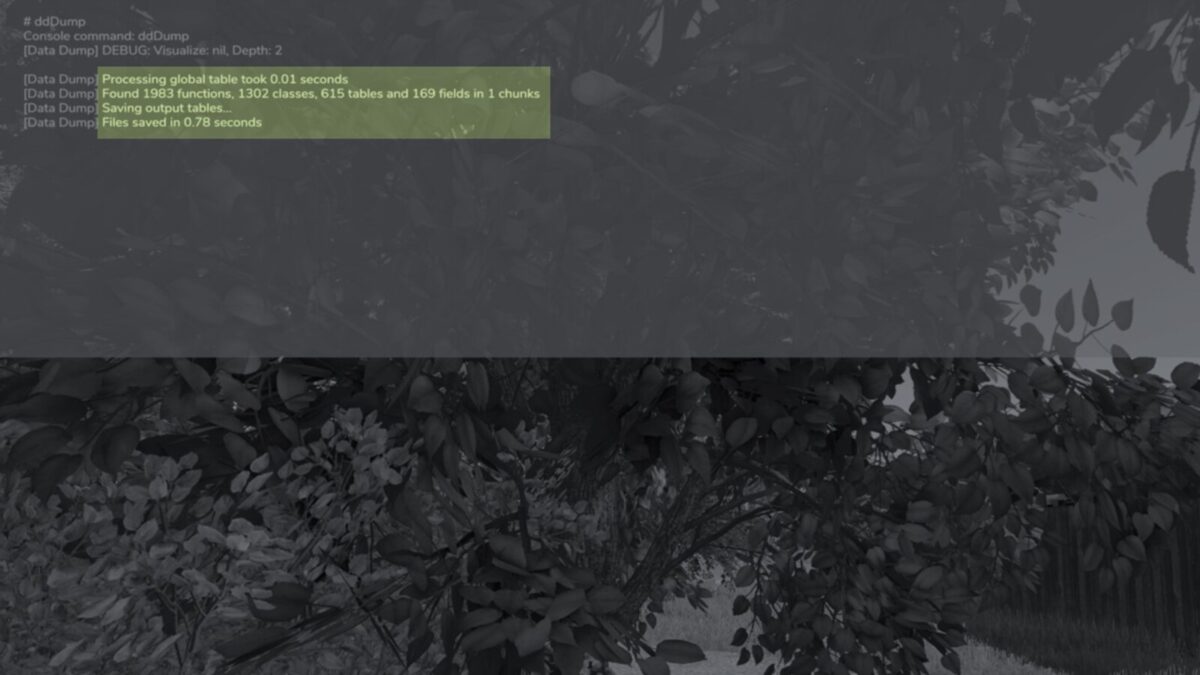
1. Open the developer console in FS.
2. Type ‘ddDump’ and hit [ENTER]
3. Review the files in the ‘..\Documents\My Games\FarmingSimulator2022\modSettings\FS25_000_DataDump’ folder
4. (optional) Execute ‘ddSaveGlobalTables {maxDepth} {forceDeep}’ – this will automatically export all global “g_*” tables as well as specifically the “g_currentMission” and “g_localPlayer” in deeper table structures (the ddDump command exports a shallow strucutre for performance reasons)
5. (optional) Run ‘dtSaveTable {tableName} {luaFileName} {maxDepth}’ – this will export the specified table {tableName} with {maxDepth} number of levels to the file {luaFileName}
Credits:
w33zl


