

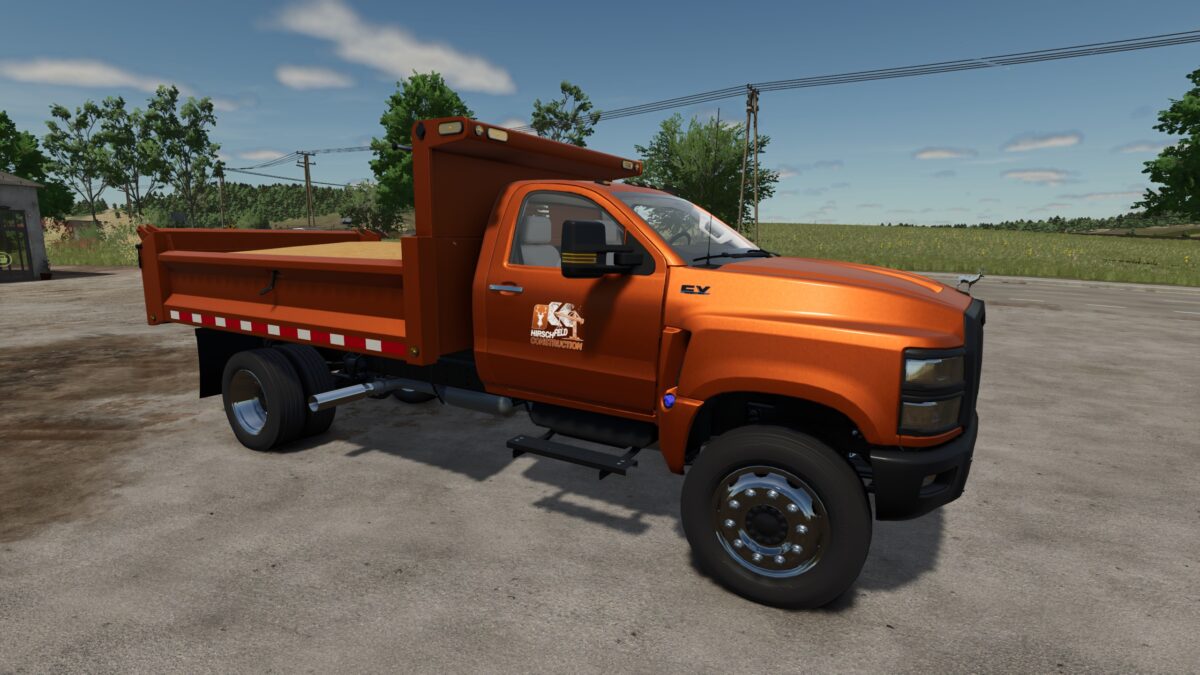
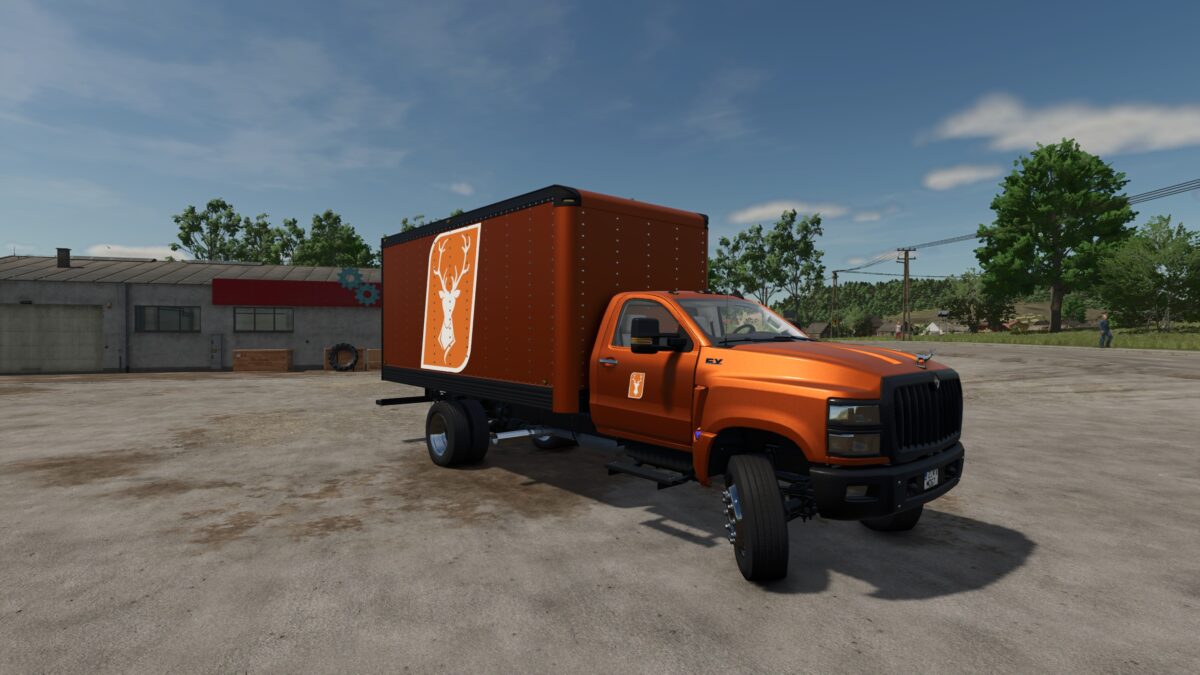
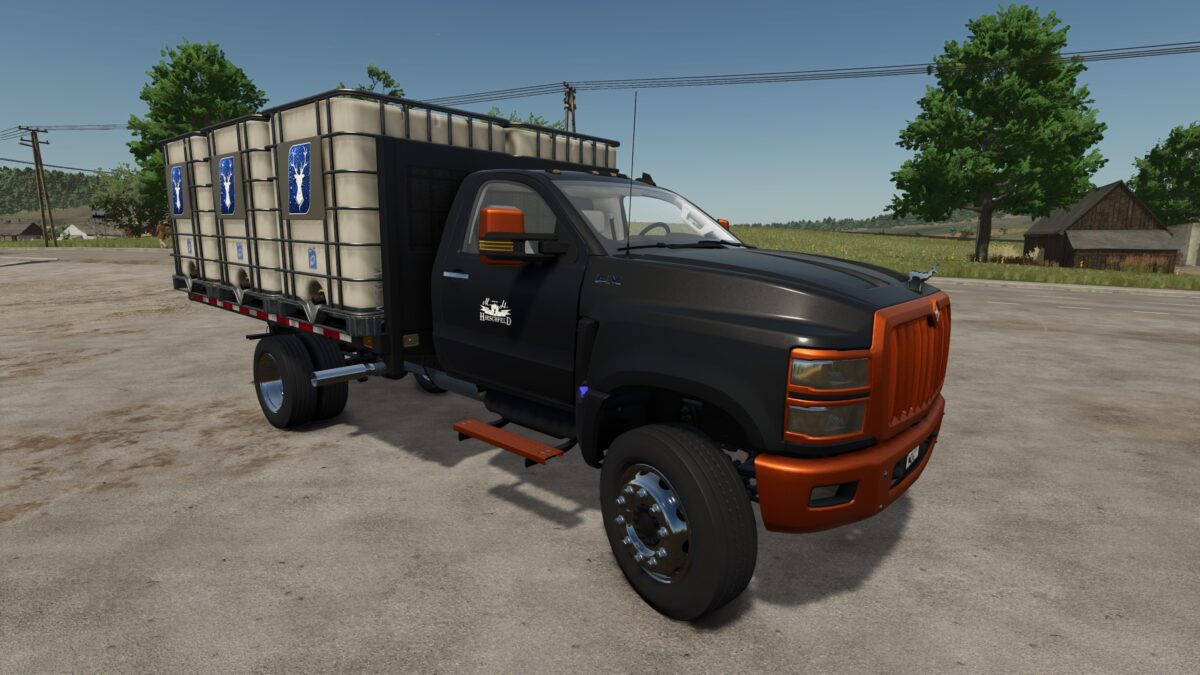
International CV Series Hirschfeld Edition v 1.0


The Hirschfeld International CV Series is a multifunctional, configurable truck.
– Is it a transporter with a flatbed? Yes.
– Is it a small dump truck? Yes.
– Does it transport the produce from your greenhouses safely in a box body? Yes.
– Does it transport liquids from A to B and can even fill field sprayers? Yes.
In the configuration with the tank body made of IBC tanks, it can load 12000 liters of the following liquids (chassis adapted for the load):
– Milk
– Buffalo milk
– Water (from water tanks or the wind turbine)
– Liquid fertilizer
– Herbicide
– Liquid lime (external mod required, see Modhub)
If there is no sprayer nearby, liquid fertilizer, herbicides and liquid lime can also be unloaded as IBC tanks.
For visual requirements, a range of Hirschfeld logos and a colorful rainbow of colors are available for customization.
On the engine side, two variants from the tuning forge have been added to speed up the wild ride:
– Binford 500 (500PS)
– Binford 1000 (1000PS)
Credits:
HIP Mod, [HIP] Patrick Maszun


