

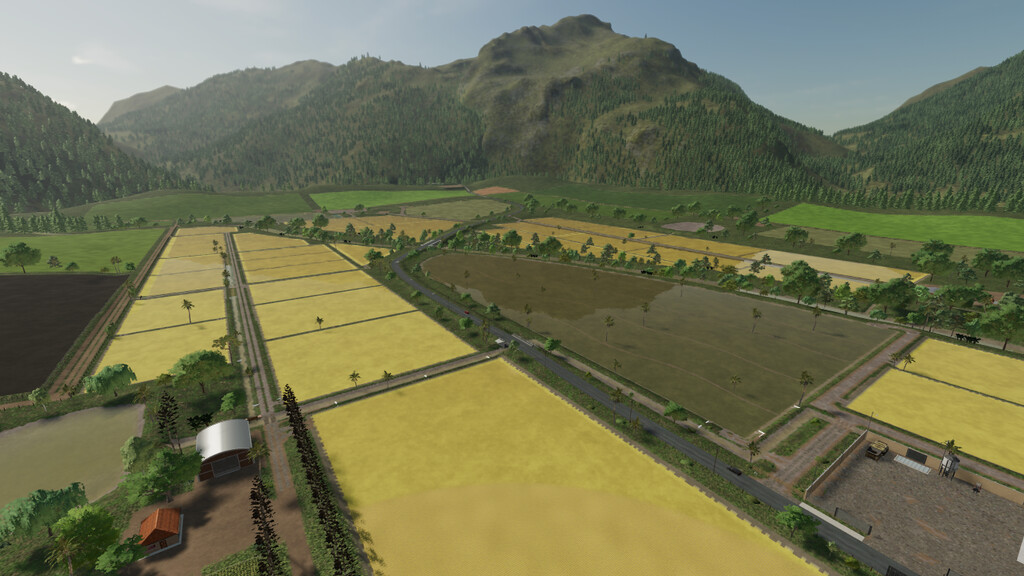
Agro Sul Rice Map v 1.0.0.1


– Starting as a new farmer you will have a Small Farm with Small Vehicles and implements.
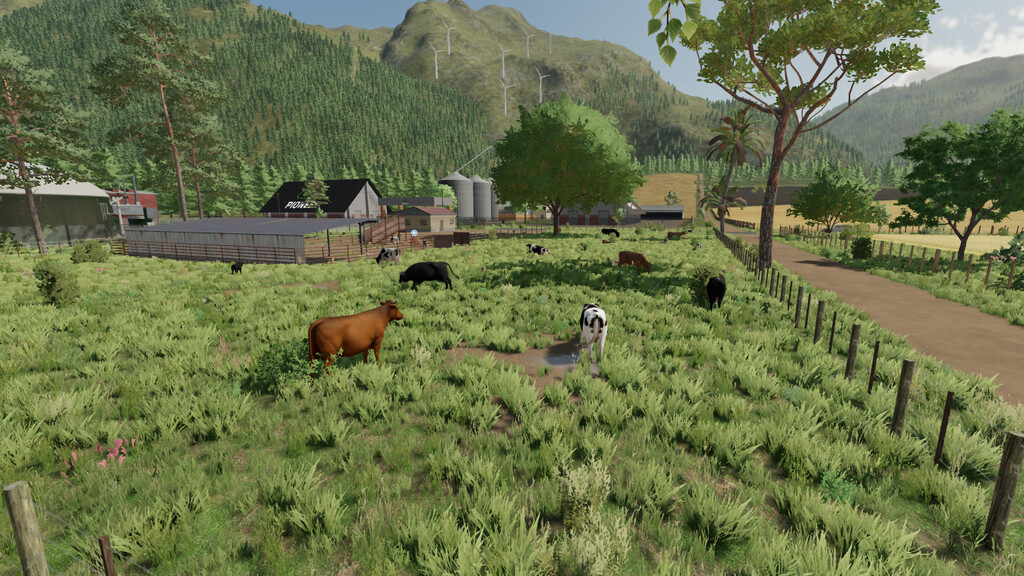
– It also has a Cow Pasture and Free-Range Chickens.
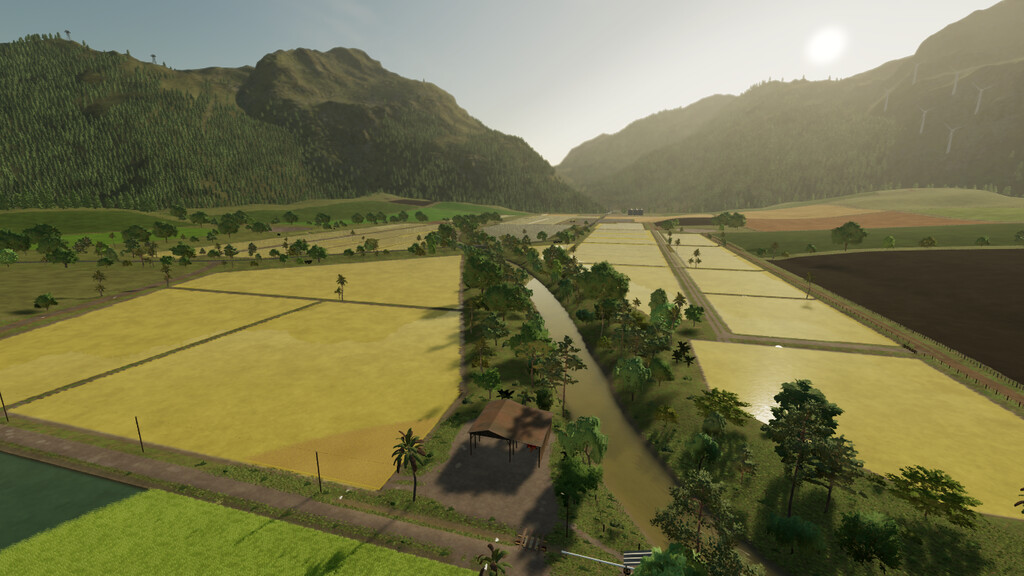
– If you need water, you can get it from the river or lakes.
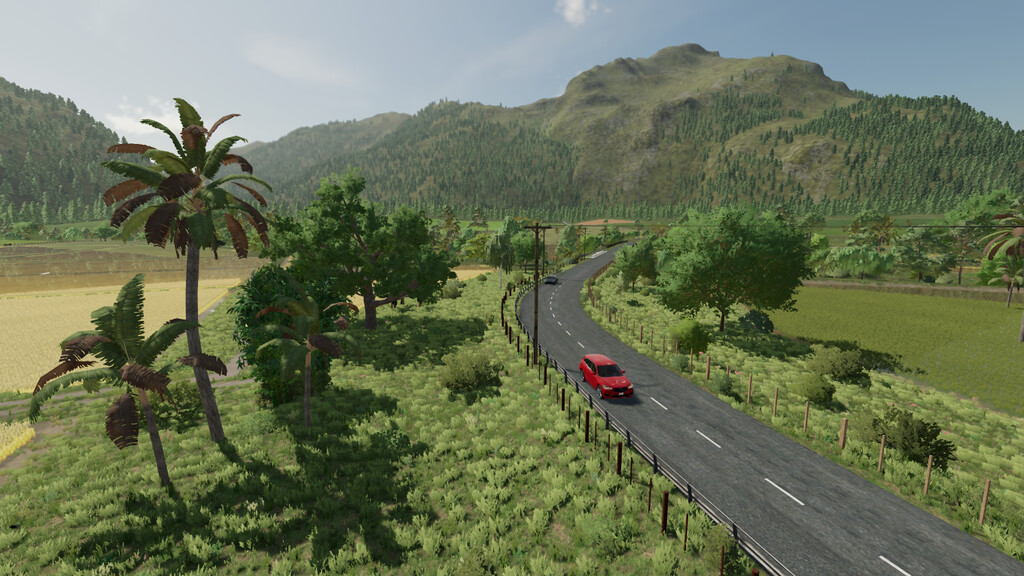
– In the city there is a Gas Station, Shop, Workshop and Market.
– Selling grain at Pioneer.
– Sale of Bales, Straw, Hay and Grass at MR. Bales .
– Sale of wool and cotton in MR. Cotton.
– Lumber company MR.Woods for sale of Logs and Wood Chips.
– Sale of milk and dairy products at the Dairy.
– Standard Sales points and Factories are spread across the Map.
– Forest area with reduced price for working with wood.
– New Crops Added.
– The Seasonal Growth Plan is personalized and has an off-season for Corn and Beans.
– New animals added. (Hof Bergmann)
– Collectibles are spread across the Map, and interact with the Store’s Gamer Computer.
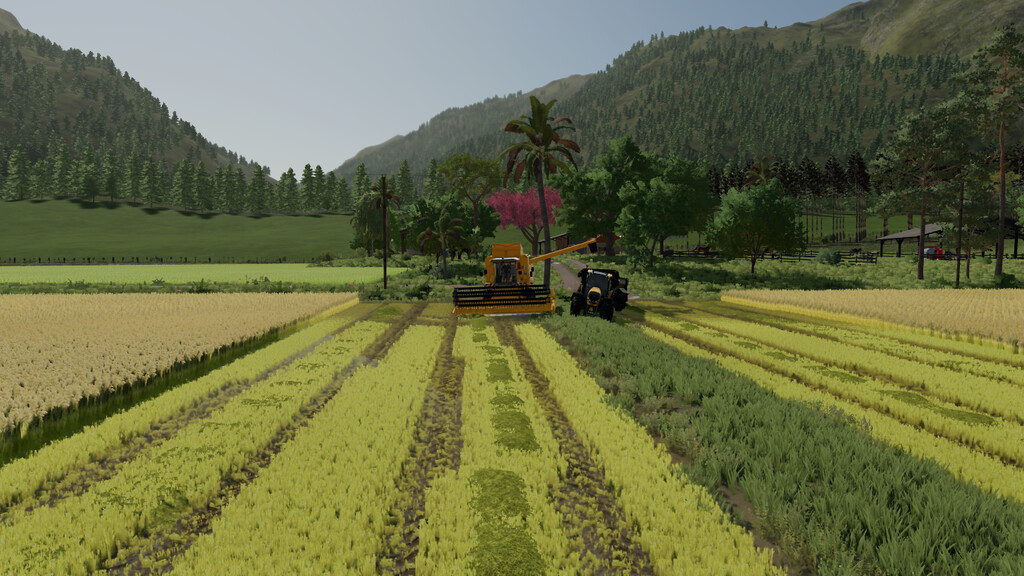
– Rice harvested in January and February can regrow.
– Some vehicles have been Modified for better Gameplay.
Version 1.0.0.1:
* Added Rice Packaging Factory.
* Added an option to make water in rice fields look like mud.
* Profi Liner Trailer from the Market compatible with Universal Autoload.
* Improved Animal health balance.
* Some Cultures have been lightened.
* The Vehicle Shop Gate now opens at 7am and closes at 7pm.
* Fixed depth scale to avoid glare when viewing water reflections on rice fields.
* Added option to Buy stones at the Multiple Station, this way you can produce your own limestone.
* Added Vehicle to Harvest DLC Crops.
* Truck Trailers Scattered Around the Map Can Now Be Sold at the Workshop.
* Fixed some bugs.
Credits:
AGROCAIPIRA


