Hall Configurator – Wood Pack v 1.0


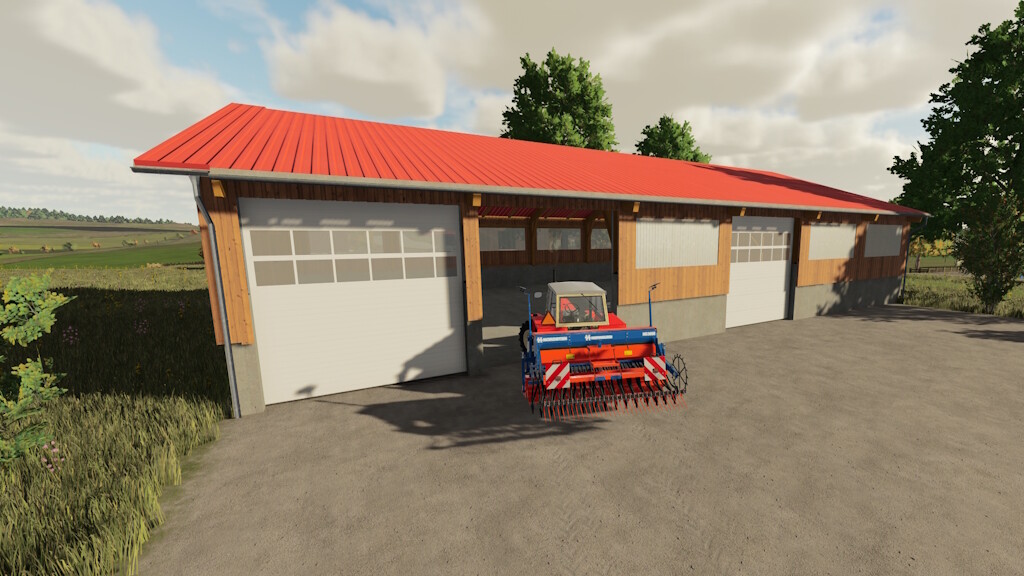
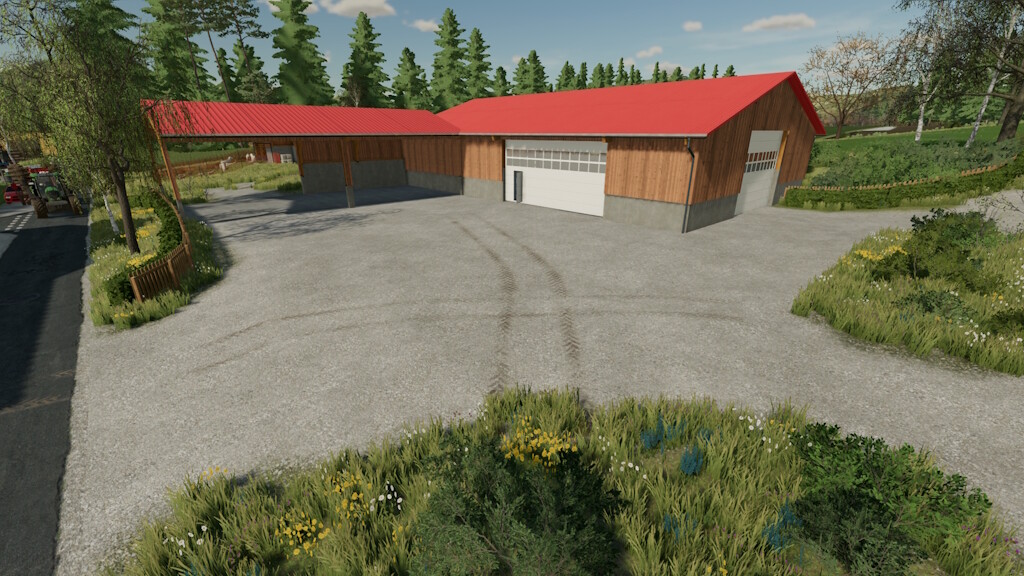
A package with many different components from which you can configure your own halls. Since the whole thing can be a bit more complex, I recommend trying it out in a test game first.
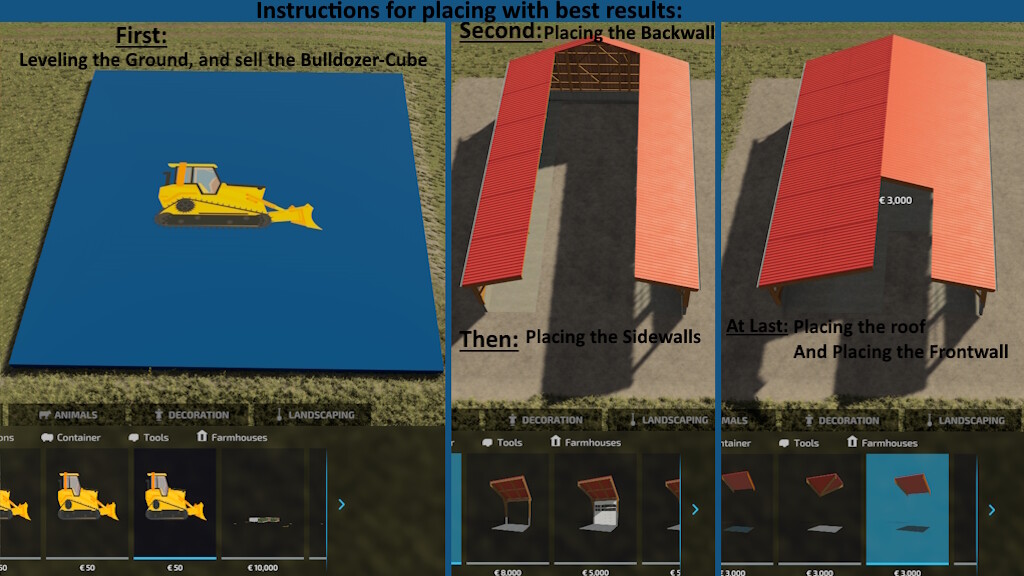
In order to make all the components fit as much as possible, I created them without terrain adjustment. In order to be able to level the ground, I created 4 different “blocks”, which only serve the purpose of leveling the floor. These do not cost a basic price or maintenance, but only level the ground. It should be removed after placement.
After leveling the terrain, it is best to build the gable walls first, then the roof and finally the side walls, so that there are no gaps.
I also recommend using only the grid mode and placing the buildings at a 90° angle to the map. Anything else can cause overlap.
It is also important to make sure that you do not target the previous module, otherwise they will be placed on top of each other.
Each module has the same basic structure
– Price: $3,000 – $10,000, depending on the module
– Maintenance: 1 $/day
– Dimensions: 5m/5m
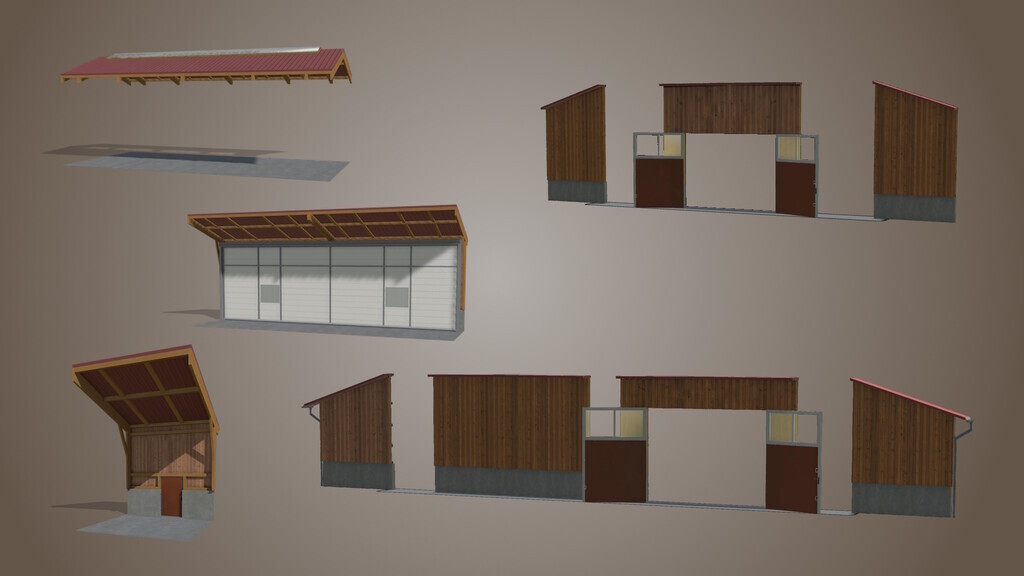
– Modules divided into 4 groups:
– Gable sides
– Variable gable sides
– Roofs
– Sidewalls
– Modular types:
– Open side
– Closed wall
– Wall with window
– Wall with gate
In addition, there are other modules:
– Workshop
– Bale storage
– Pallet storage
Version 1.2:
* New module: gable side small as wall
* New module: corner wall with roof
* New module: Roof corner
* New module: High roof corner
* New module: flat roof
* New module: Side wall with door
* New modules: Extended sidewall modules so that they also fit longer trailers
* New modules: Variable gable walls
* Added: Occluder to the large gable sides, for performance improvement
* Changed: The gap above the gates has been closed
* Changed: Folder structure made clearer. This can therefore lead to individual losses of modules
* Changed: Descriptions changed and adapted
Credits:
farmerfivetom