

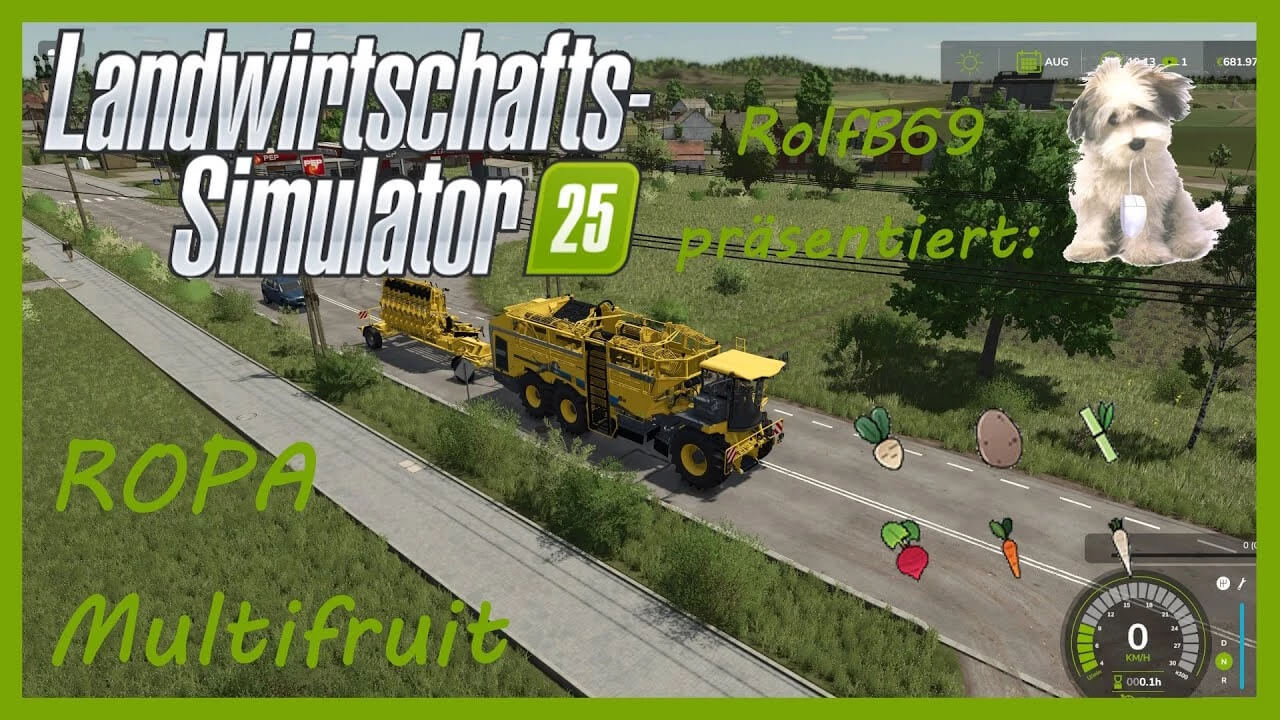
Ropa Tiger 6S Multifruit v 1.0


The Ropa Tiger 6S Harvester has been converted so that it can harvest sugarcane, potatoes, carrots, parsnips and beetroot in addition to sugarbeet.
More powerful engine variant and a variable bunker volume (43, 100, 1000 cubic meters) are also installed.
When the bunker is 95% full, a warning signal sounds so that you don’t accidentally drive into the fruit when the bunker is full.
The angle of the unloading conveyor belt is adjusted so that it unloads higher and you can also use higher trailers.
The unloading speed depends on the bunker volume, so that neither the small bunker volume empties too quickly nor the large bunker volume takes too long.
There are a total of 4 cutting units, one each for potatoes, sugar cane and sugar beet, as well as a combined one for carrots, parsnips and beetroot.
Credits:
RolfB69


