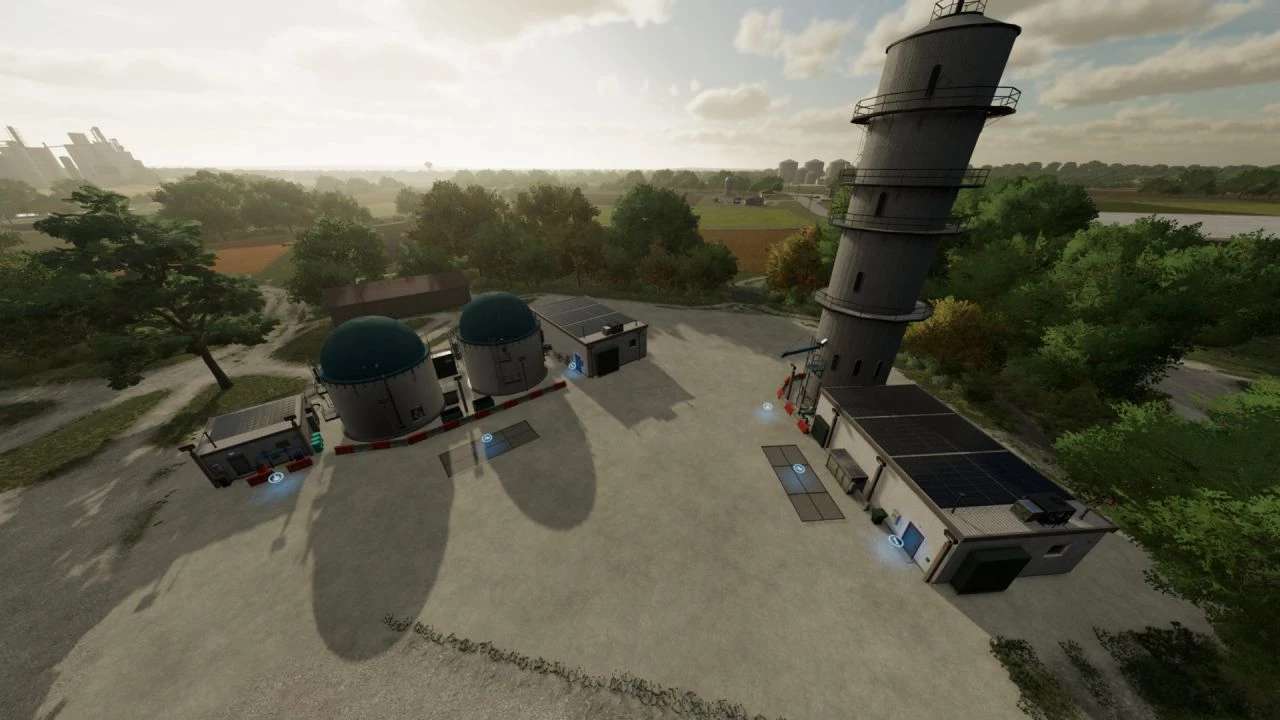
Processing of Bales and Chaff Pack v 1.0


– The pack includes BGA and Fermentation Silo
– The BGA is set up more according to reality and produces electricity, methane and digestate from the electricity charges a water pump which then pumps water into the warehouse
– The fermentation silo produces hay, silage and digestate and also melts the snow for water
– BGA Incoming materials: BREAD, SUNFLOWER_OIL, CANOLA_OIL, SILAGE, LIQUIDMANURE, MANURE, STRAW, HAY, POTATO, SUGARBEET_CUT, CHAFF and ELECTRICCHARGE
– BGA Outgoing materials: ELECTRICCHARGE, METHANE, DIGESTATE and WATER
– Fermentation Silo Incoming materials: GRASS, STRAW, CHAFF, HAY and SNOW
– Fermentation Silo Outgoing materials: HAY, SILAGE, DIGESTATE and WATER
– Daily maintenance will cost you 200$ and all versions also have solar panels that bring some of that money back into your pocket
– Translation into English, German and Czech
Both production centers have 3 versions:
– Basic version – 135000$, to each material is assigned 1M liters of capacity, loading 2000 per sec
– Unreal version – 180000$ (5x greater and faster than basic)
– Ridiculous version – 250000$ (10x greater and faster than basic)
Credits:
Anthicz